Websites / Templates / Barbers & hair salons
A barber website that fills the chairs
Most barbershop visits are decided on a phone in under a minute: price, how late you’re open, and whether they can book. This template answers all three on the first screen.
From $1,499 + $69/month · live in under 7 days · we write every page for you
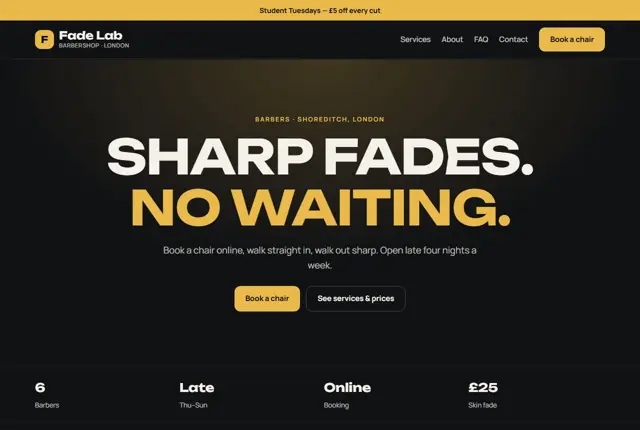
Choose your look
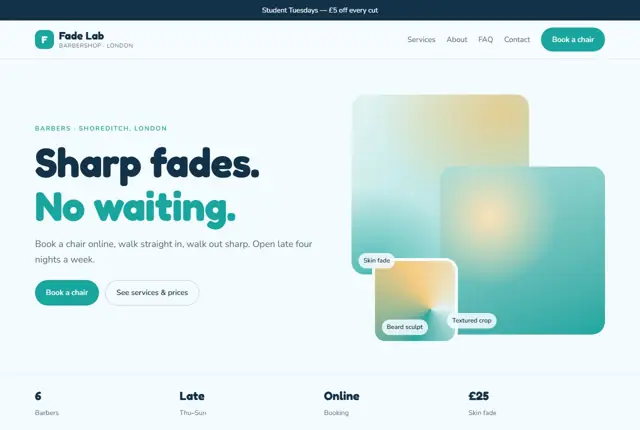
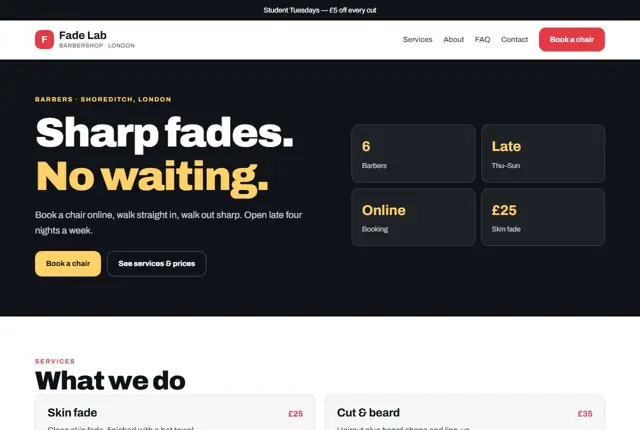
3 designs for your barbershop
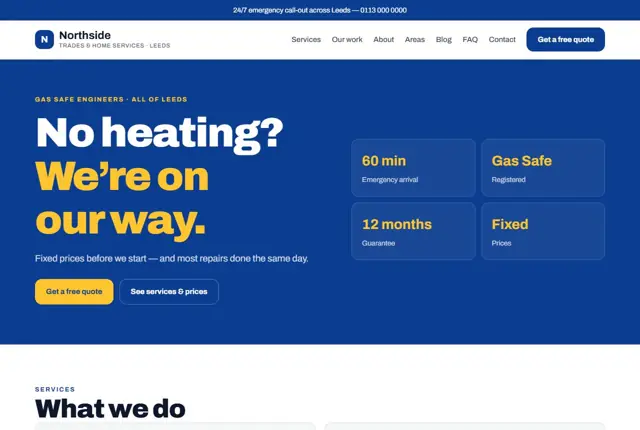
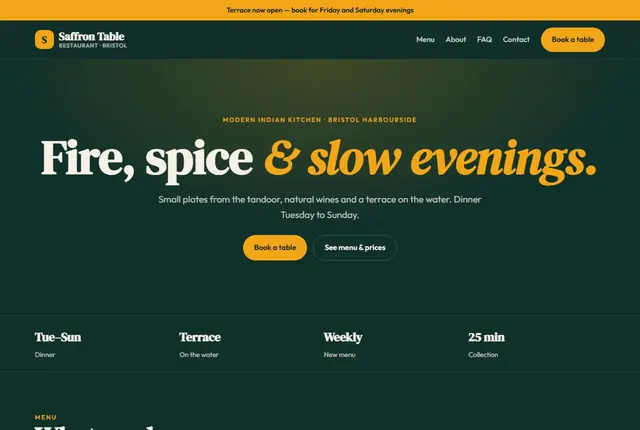
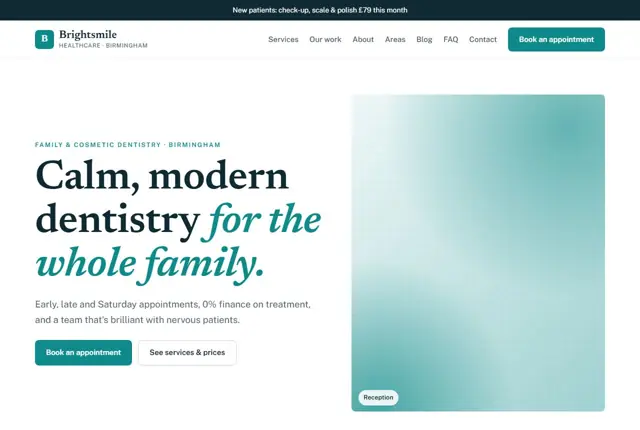
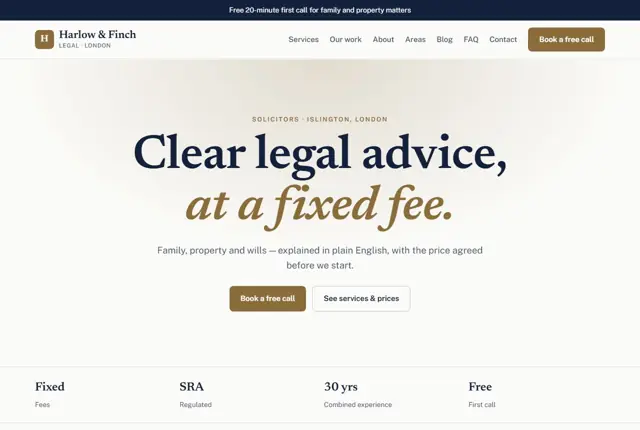
Same pages and words, three different styles. Pick one — or mix parts of them — and we match it to your colours and logo.
What your customers look for
Answer these before they ask
- Prices for each cut
- Opening hours, especially late nights
- Online booking
- Which barber cuts which styles
Pages we build for you
Your barbershop website, page by page
- Home with this week’s offer
- Prices
- Barbers
- Gallery of cuts
- Book and find us
FAQ, Contact and Privacy pages are free on every plan.
Free guide
What a barbershop website should include to keep the chairs full
Pages that matter for a barbershop
A barber site can be small, but each page has a job. The price list is the busiest, so give it its own page with every cut, beard trim and combination listed with a price. Next comes a team page, with a short profile for each barber and the styles they enjoy most.
Add a gallery of recent work and a page for finding you: address, map link, parking or nearest station, and opening hours for each day. Put the booking button in the header of every page so nobody has to scroll to find it.
Keep every page light so it loads quickly on a mobile connection. Most visitors arrive from a phone in the street, often on weak signal, so large uncompressed photographs or heavy video backgrounds do more harm than good. Choose a handful of well-cropped images and let the text and buttons do the work.
- Prices
- Barbers
- Gallery
- Opening hours and location
- Book now
What a customer wants to know in thirty seconds
People often look up a barber while standing outside a shop they cannot get into. They need the closing time, the price of a skin fade versus a scissor cut and whether walk-ins are welcome. If any of these takes more than a couple of taps to find, they try the next result.
Be direct about walk-in policy. If you take bookings only on Saturdays, say so. If you have a quiet slot on weekday mornings, mention it. Include prices for children, students and seniors if you offer them. A barber who is open about prices and queues earns trust before the customer has even sat down.
Put your phone number in as a tap-to-call link as well. Some regulars would rather ring and ask whether a particular barber has a gap at six than navigate an app. Offering both routes means nobody gives up.
How men and parents search for a barber
Searches tend to be short and local: “barber near me open now”, “kids haircut Manchester” or “beard trim Abu Dhabi”. The words open now matter, so keep your hours on every page as plain text, not just inside an image or a social post.
Specific styles also drive searches, such as skin fades, tapers, hot towel shaves, afro hair or textured cuts. If your barbers do them well, give each style a mention on the relevant profile or price line. That wording lets a search engine or an assistant match the person to the right shop.
Parents have their own questions: whether you are patient with young children, whether a booster seat is available and how long a first haircut takes. A short paragraph about children’s cuts, with its own price line, speaks directly to them and often wins a whole family.
Showing your work honestly
Photos sell a barbershop better than any paragraph. Use clear shots of finished cuts from the front, side and back, in daylight if possible, and always get the client’s agreement before you publish a face. A quick caption naming the cut helps both customers and search engines.
Avoid filters that change hair colour or texture. Customers show these pictures to their barber, so the picture needs to be achievable. If you cut a wide range of hair types, make sure the gallery reflects that, because people look for proof that someone has done their kind of hair before.
Finally, tell people what to say in the chair. A line such as “show a photo and ask for a number two on the sides” helps new customers describe what they want and helps your barbers deliver it first time.
Getting found locally as a barber
- Pick “Barber shop” as your primary Google Business Profile category and add “Hair salon” only if you really offer it.
- Set special opening hours for bank holidays and late-night trading, because customers check these days most.
- Add a price list or menu section to your Google profile so the same prices appear in search results.
- Upload new cut photos every few weeks; fresh images keep the profile looking active.
- Ask for a review at the till, with a card showing a QR code that opens the review page directly.
- Link your booking app to your Google profile so a “Book” button appears in search.
- Keep your shop name, address and phone number identical on your site, maps listing, Instagram and any directories.
Mistakes to avoid
- Putting the price list in a photo of a chalkboard, which search engines and screen readers cannot read.
- Showing opening hours on one page only, so someone landing on the gallery cannot tell if you are open tonight.
- Burying the booking link in a social media bio instead of placing it on every page.
- Posting a gallery of only the same fade, which hides the range of work the shop can do.
- Leaving old prices live after a rise, then arguing about it in the chair.
Built in for barbers & hair salons
Features that matter in your industry
Late-night hours highlighted
Booking button linked to your booking app
Student and kids pricing shown clearly
Found by Google — and recommended by AI
Questions like “barber open late on Sunday in Shoreditch” are answered from opening hours and location written as text. This template keeps both on every page.
Every Adyft site also ships with fast loading, structured data for search engines and a clear page for each service.
Questions
About websites for barbers & hair salons
Can we link our booking app?
Yes, every Book button links to your current booking system.
Can barbers have profiles?
Yes, each barber can have a short profile and their style specialities.
Can we change prices ourselves?
Send us a WhatsApp message and we update them, within your monthly changes.
Do I need a website if I already use a booking app?
A booking app handles the appointment, but it does not tell people your story, style or location. A website gives search engines something to read, and sends people to your booking app already convinced.
How many photos should the gallery have?
Twelve to twenty good pictures is plenty to start. Choose different cuts and hair types, then add a few new ones every month as your work evolves.
Can the site show walk-in times separately from booked slots?
Yes. We can add a short line on the home page and booking page that says when walk-ins are welcome and when appointments only apply.
Can I sell gift vouchers or products?
Yes. A voucher can be a simple page with a payment link, and products like pomade or beard oil can be listed with a price and a collect-in-shop note.
What if I have several barbers who each take their own bookings?
Give each barber their own profile with a personal booking link. Customers who follow one barber can then go straight to the person they want.
Do I need to mention hygiene on the site?
It helps. A short note on how you clean tools between clients and how often you disinfect chairs reassures customers, particularly parents booking children and people trying a new shop.
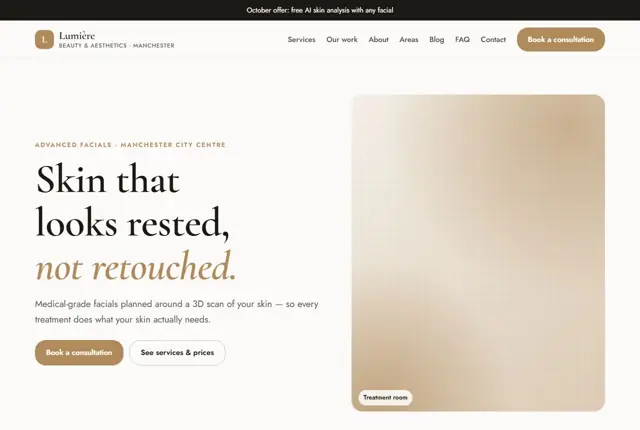
Your barbershop website, live this week.
Pick this design, answer a few questions on WhatsApp, and we build the rest.