Websites / Templates / Restaurants
A restaurant website that looks as good as your food
Diners check three things before choosing where to eat: the menu, the prices and whether there is a table. This template shows tonight’s menu as text (never a blurry PDF), a booking button in the top corner and opening hours on every page.
From $1,499 + $69/month · live in under 7 days · we write every page for you
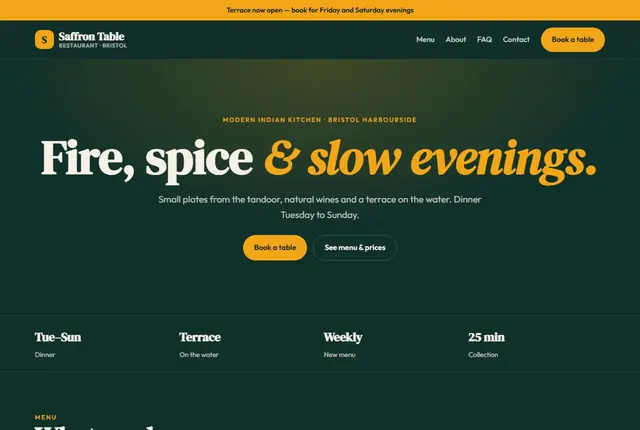
Choose your look
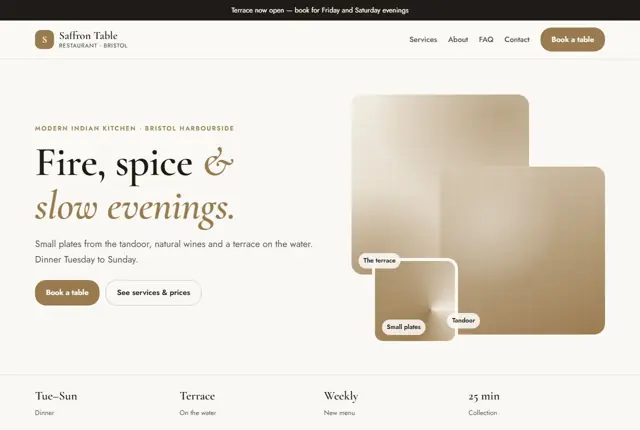
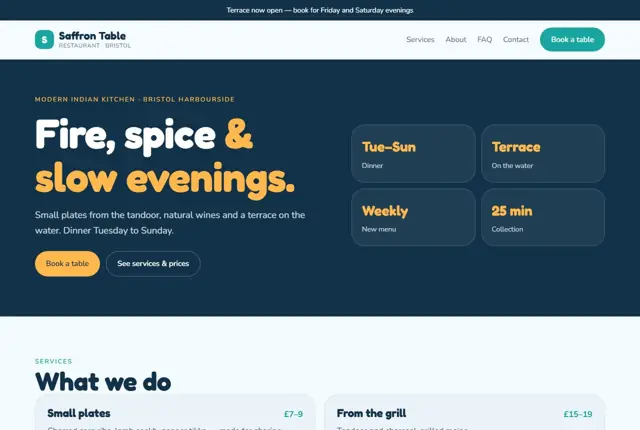
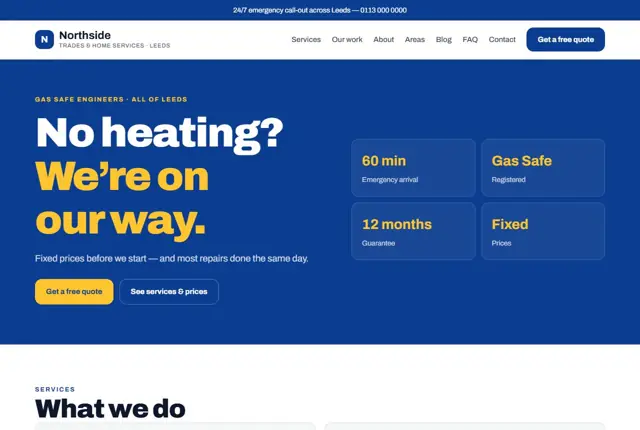
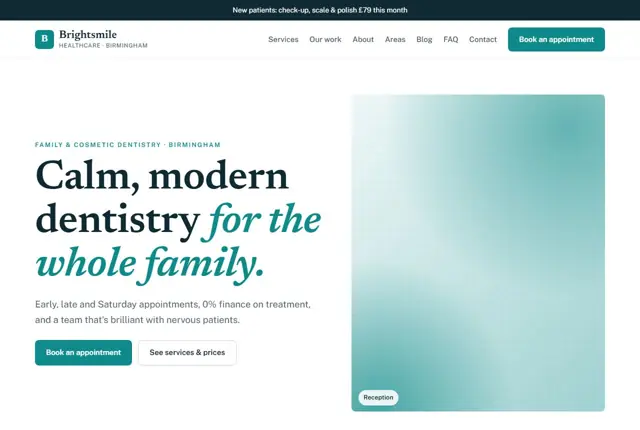
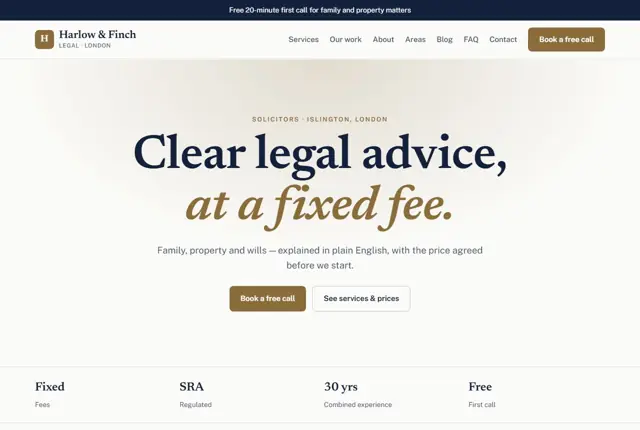
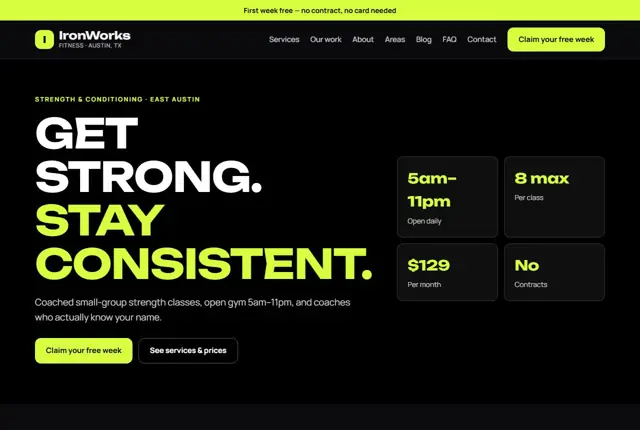
3 designs for your restaurant
Same pages and words, three different styles. Pick one — or mix parts of them — and we match it to your colours and logo.
What your customers look for
Answer these before they ask
- A readable menu with prices and dietary labels
- Opening hours and whether they need to book
- Photos of the room and the food
- Directions, parking and how to order to take away
Pages we build for you
Your restaurant website, page by page
- Home with tonight’s highlights
- Menu with prices and allergens
- Book a table
- Order for collection (with the shop add-on)
- Private dining and groups
- Find us
FAQ, Contact and Privacy pages are free on every plan.
Free guide
How to plan a restaurant website that fills tables
Pages every restaurant site should have
A diner opening your site wants to know what is on offer, whether you are open tonight and how to reserve a seat. Build the core around those questions. The menu page should be text, split into starters, mains, desserts and drinks, with a date or season shown so people know it is current.
Add a booking page, a private dining or events page if you host groups, and a “Find us” page with a map, parking notes and the nearest station or bus stop. An about page with the story of the kitchen and the people running it gives a place its character, and only needs a few paragraphs.
Photograph the food in daylight if you can, and include the staff at work. Diners warm to a place where they can see the people. Compress images so pages load quickly on mobile data, since many people look at menus while out and about.
- Menu
- Book a table
- Private dining
- Gift vouchers
- Our story
- Find us
What diners look for before they choose
Most people decide in under a minute, so the answers must be easy to spot. Opening hours, last orders, price range and cuisine belong in the first screen. Allergens and dietary options should be listed clearly on each dish; in the UK, businesses have to give allergen information, and the same care applies elsewhere.
Photos should show the real room and the real plates. A group booking a birthday wants to see how tables are arranged. Mention whether you take walk-ins, how long a table is held, and whether children and dogs are welcome. Small facts like these prevent awkward phone calls and no-shows.
Make booking effortless. A reservation button should be visible without scrolling, and should say plainly how large a party you can take online. For bigger groups, offer a phone number or WhatsApp, and tell people the deposit policy before they commit.
How hungry people search
Restaurant searches combine cuisine, place and occasion: “Italian restaurant in Cardiff for a birthday”, “brunch with outdoor seating”, “halal steakhouse open late”. Reflect those combinations in the wording of your pages. If you serve brunch, give it its own heading and times, rather than burying it in a general menu.
Assistants are asked things like “where can I eat gluten-free near the station?” A page that states your dietary options and your location in the same paragraph is far likelier to be suggested than one that only shows pictures. Keep the text current when menus change, since stale information is quickly noticed.
Think about the quieter nights too. A page for a midweek offer, a lunch menu or a family Sunday gives people a reason to come when you have empty tables. Name the days and times, and keep the price visible so the offer is easy to repeat to friends.
Menus, specials and seasonal changes
The menu is the page most visitors open, so treat it as a living document. Avoid a scanned PDF, which is slow on a phone and unreadable by search engines. Write each dish as a line of text with a short description and a price.
If your specials change daily, keep a separate “Today” block at the top of the page, and leave the main menu for dishes that stay. For seasonal menus, such as Christmas or Ramadan set menus, create a dedicated page well ahead of the date, because people begin searching weeks early. Remove or mark expired pages afterwards.
If you deliver or offer collection, spell out the radius, minimum order and typical waiting time. Customers who understand the rules order more happily, and your staff spend less time answering the same questions by phone during a busy service.
Getting found locally as a restaurant
- Select your cuisine as the main Google Business Profile category, for example “Italian restaurant”, and add secondary attributes such as outdoor seating.
- Add the menu link and booking link inside your Google profile as well as on your site.
- Update special opening hours for holidays and private events in good time.
- Upload new food and interior photos each month so the profile feels active.
- Invite reviews with a card on the bill or a message after a booking, and answer them all.
- Check your listing on the major review and reservation sites and correct any wrong address or hours.
- Keep the restaurant name, address and phone number identical on every listing.
Mistakes to avoid
- Publishing the menu as a PDF photograph that cannot be read on a small screen.
- Showing last year’s prices or dishes because nobody updates the page.
- Hiding opening hours in an image instead of text.
- Using a booking link that opens a confusing external page with no restaurant branding.
- Leaving out dietary and allergen information, which sends vegetarians and families elsewhere.
Built in for restaurants
Features that matter in your industry
Menu updated from a single WhatsApp photo you send us
Vegan, vegetarian and gluten-free labels search engines can read
Online ordering and payment with the shop add-on
Found by Google — and recommended by AI
People increasingly ask assistants things like “vegan-friendly Indian restaurant with a terrace in Bristol”. A menu written as real text with dietary labels gives the assistant something specific to recommend.
Every Adyft site also ships with fast loading, structured data for search engines and a clear page for each service.
Questions
About websites for restaurants
Can you update the menu every week?
Yes — send us a photo of the new menu on WhatsApp and we update the page, within your monthly changes.
Can people order food online?
Add the online shop to take orders and payments for collection.
Do you put the menu in a PDF?
No. We write it as proper text so it loads fast on phones and appears in search results.
How much does a restaurant website normally cost to run?
The monthly plan is the main running cost — £49 a month on Starter in the UK ($69 in the US, AED 199 in the UAE), which covers hosting, security and menu updates. Online ordering is an add-on, and card payments carry the payment provider’s own fee; we show both before you switch them on.
Can I change prices myself?
Your monthly changes cover price and dish edits. Send us the new details on WhatsApp and we update the page.
Do you handle photos of my dishes?
We can use photos you supply. Natural light and a clean plate go a long way, and we crop and compress them so the pages stay quick.
Can I take table bookings without a third-party tool?
Yes, through the WhatsApp button. If you prefer a calendar, you can connect a booking tool you already use.
What about gift vouchers or set menus for events?
Both can have their own page. We write the terms clearly, such as expiry dates and group sizes.
Will the site still work if my kitchen closes for a week?
Yes. We can add a short banner announcing the closure and the reopening date, then remove it afterwards.
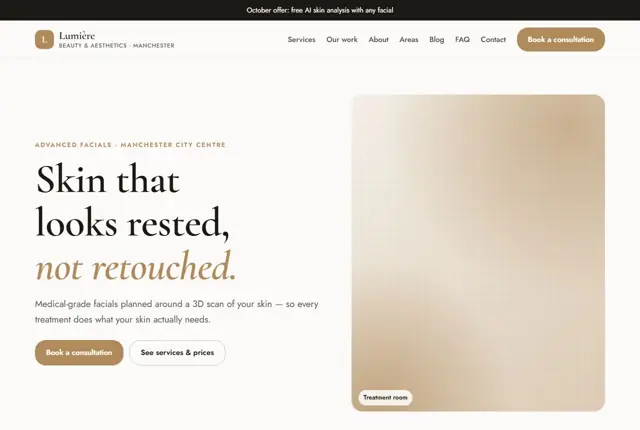
Your restaurant website, live this week.
Pick this design, answer a few questions on WhatsApp, and we build the rest.