Websites / Templates / Dental practices
A dental website that makes nervous patients pick up the phone
Choosing a dentist is often about feeling safe as much as price. This template puts reassurance first — the team, how appointments work, and what each treatment costs — with separate pages for implants, aligners and whitening, the treatments people research longest.
From $1,499 + $69/month · live in under 7 days · we write every page for you
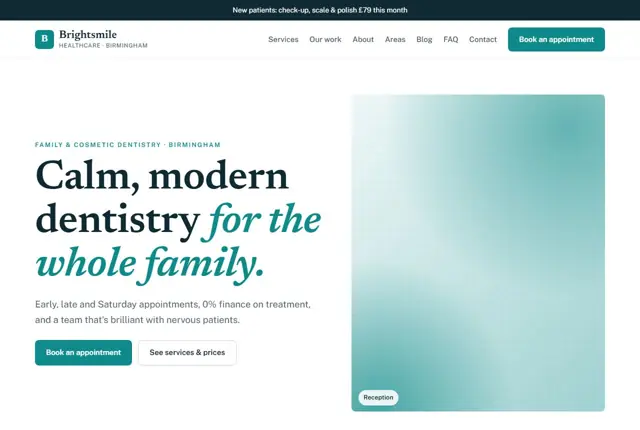
Choose your look
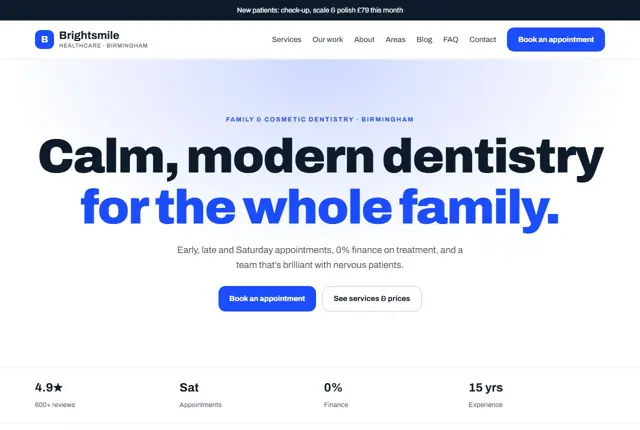
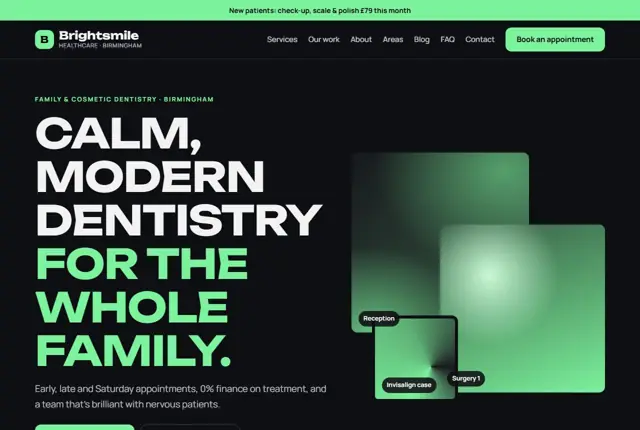
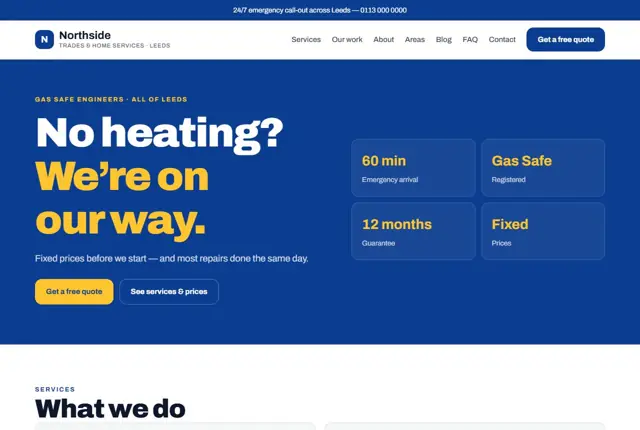
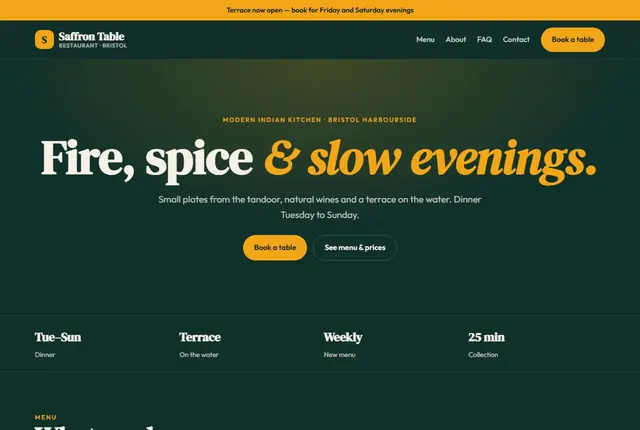
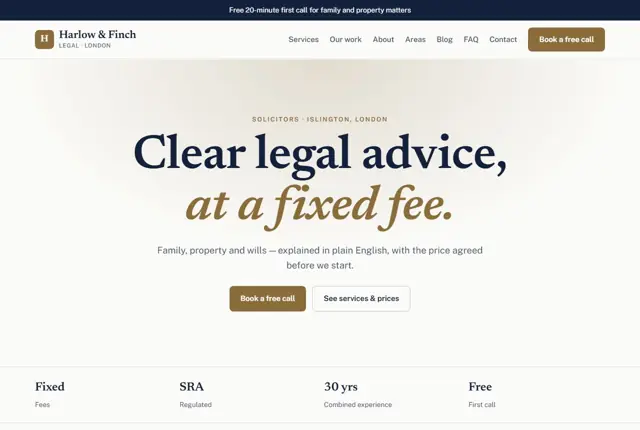
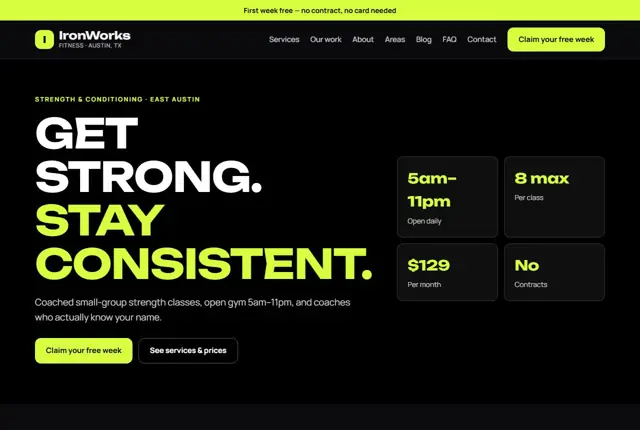
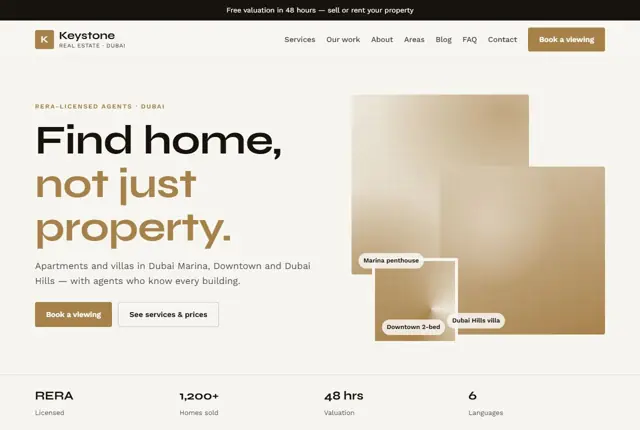
3 designs for your dental practice
Same pages and words, three different styles. Pick one — or mix parts of them — and we match it to your colours and logo.
What your customers look for
Answer these before they ask
- Whether you take new NHS or private patients
- Treatment prices and finance options
- How you look after nervous patients
- Emergency appointment availability
Pages we build for you
Your dental practice website, page by page
- Home with new-patient offer
- Treatments and fees
- Implants, aligners and whitening pages
- Meet the dentists
- Nervous patients
- Emergency appointments
- Contact and opening hours
FAQ, Contact and Privacy pages are free on every plan.
Free guide
How to plan a dental practice website that brings in new patients
The structure of a good dental site
Group treatments in the way patients think: check-ups and hygiene, fillings and repairs, cosmetic work, straightening, replacing missing teeth, and emergencies. Give the higher-value treatments their own pages, since people research them for weeks. A page on tooth replacement, for instance, might compare implants, bridges and dentures in plain terms.
A “Join the practice” page should explain how to register, what the first visit includes and what you will need to bring. Add a team page with each clinician’s registration details and a short, human description. Keep the opening hours and contact details visible in the header on every page.
A sensible home page gives three routes: I need a check-up, I need something fixed, and I want to improve my smile. Each route leads to a short page and a clear button. Patients who know where to go on arrival are far more likely to complete a booking.
- Check-ups and hygiene
- Tooth replacement
- Straightening
- Whitening
- Emergency care
- Fees
- The team
What patients need to feel safe booking
Fear is common. A kind sentence about how you pace appointments says more than a stock photo of a smile. Describe what happens at a first visit, how you manage discomfort and whether sedation is offered.
Show registration plainly. In the UK, dentists must be registered with the General Dental Council, and listing each clinician’s number lets patients verify it. In the US and UAE, name the licensing authority that applies to you. Clear fees reduce anxiety too: show a price list or at least typical ranges, and explain how payment plans work. Be honest about what a check-up does and does not include.
Be open about waiting times for new registrations and for routine appointments. If your list is full, say so and offer a waiting list. Honesty here protects your reputation and prevents the frustration that often leads to a poor public review.
How patients phrase their searches
Patients often search from pain or from a plan. “Toothache dentist open today” is urgent. “Invisible braces cost” is a planned purchase. The first calls for a short emergency page with a direct phone number. The second calls for a longer page with ranges, stages and finance.
Questions to assistants are longer still: “is a dental implant painful and how long does it take?” Give each question its own heading and answer it in a few sentences. Mention the town in the first paragraph of each service page so local intent is clear. Avoid jargon without explanation: write “root canal treatment” and then say what it involves.
Cosmetic and implant pages should show the full journey: consultation, planning, treatment, review. Give realistic timeframes for each stage. People comparing practices want to understand what they are agreeing to and how long they will be in the chair.
Writing for anxious and new patients
A dedicated page for nervous patients can become one of your most visited. Use calm, direct sentences. Explain that patients can raise a hand to pause, that longer appointments are available, and that a short chat before treatment is welcome.
Add practical comfort details: step-free access, parking, a quiet waiting area, music or headphones if offered. Families look for child-friendly information, such as when to bring a toddler for a first visit. This content is rarely written well on dental sites, which makes it a real advantage when you do it properly.
Include a page for children and families, with advice on first visits, brushing, and how often to attend. Parents search for this, and a practice that helps them early often becomes their dentist for decades, which is a lasting source of new patients.
Getting found locally as a dental practice
- Choose “Dentist” as the primary Google Business Profile category, with “Cosmetic dentist” or “Emergency dental service” as additions if they fit.
- List your accepted patient types, such as NHS, private or both, in the profile description.
- Add photos of the reception, the surgery and the team, so a patient knows who will greet them.
- Ask for reviews by email or text after a routine visit, not during a stressful emergency.
- Respond to reviews without sharing any patient detail, in line with confidentiality rules.
- Appear in the national or regional dental directories you qualify for, with matching name, address and phone.
- Write a short page for each neighbourhood that your patients travel from.
Mistakes to avoid
- Using stock photos of perfect smiles and no photos of the real team.
- Failing to say whether new patients are being accepted.
- Hiding fees completely, which pushes price-conscious patients to rivals.
- Putting implants, braces and whitening on one cramped page instead of three.
- Using clinical language that frightens rather than reassures.
Built in for dental practices
Features that matter in your industry
Fee guide written in plain language
A dedicated page for anxious patients
Finance examples next to higher-value treatments
Found by Google — and recommended by AI
Long, careful questions such as “how much do dental implants cost in Birmingham and is finance available” are exactly what AI assistants handle. Treatment pages here answer cost, time and suitability in clear, separate sections.
Every Adyft site also ships with fast loading, structured data for search engines and a clear page for each service.
Questions
About websites for dental practices
Will it show whether we accept NHS patients?
Yes, near the top of the home page and on the fees page, so patients don’t have to call to ask.
Can each treatment have its own page?
Yes — on Growth and Pro, treatments like implants and aligners each get a full page.
Can patients book emergency slots?
We add an emergency section with your same-day process and a direct call button.
Is a dental website allowed to show prices?
Yes, and most patients prefer it. We write fee guides as “from” prices with a note about what affects the final cost.
How do we handle patient information on the contact form?
The form collects only a name, number and reason for contact. We advise against asking for medical details on a web form.
Can we add online booking for check-ups?
You can connect your practice software’s booking link, or use the WhatsApp button for simple requests.
What legal pages do we need?
A privacy notice and cookie notice, plus regulatory details in the footer. We prepare these for your approval.
Can we show before-and-after smile photos?
Yes, with written patient consent. Keep captions factual and follow your regulator’s advertising guidance.
Will moving to a new site affect our current patients?
No. We keep your phone number and address the same, and redirect old page addresses so returning patients find what they need.
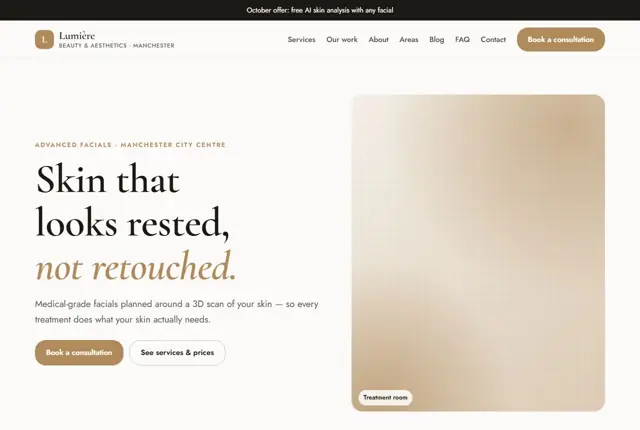
Your dental practice website, live this week.
Pick this design, answer a few questions on WhatsApp, and we build the rest.