Websites / Templates / Car rental companies
A car rental website that turns browsers into bookings
Renters decide which car to book from a phone, usually comparing price, car class and pickup location in under a minute. This template leads with your fleet and prices in plain text, then makes checking availability the obvious next step.
From $1,499 + $69/month · live in under 7 days · we write every page for you
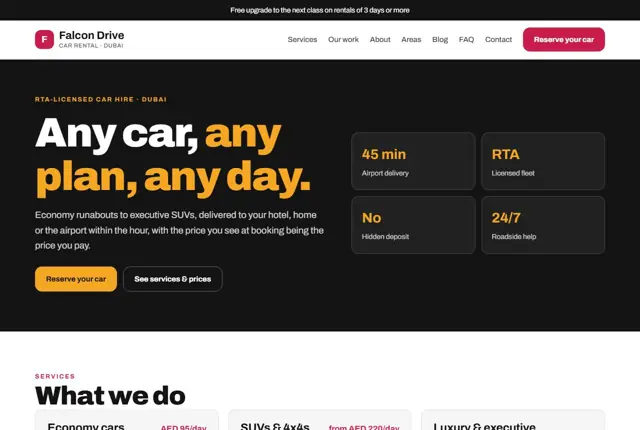
Choose your look
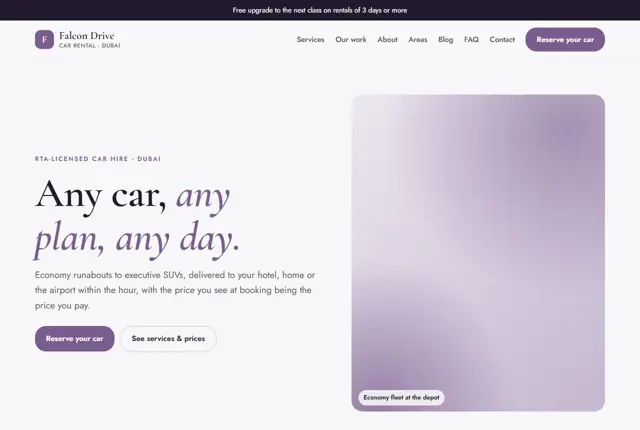
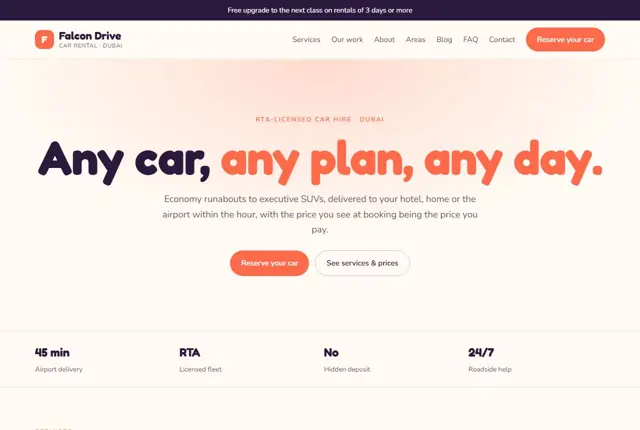
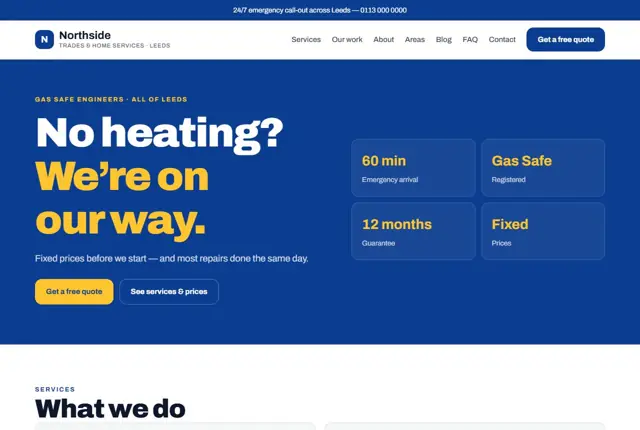
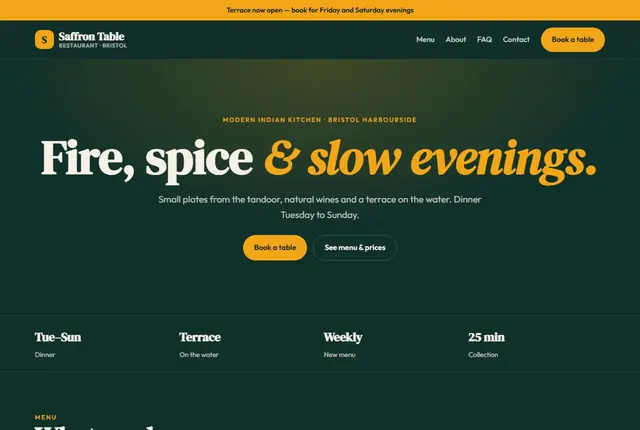
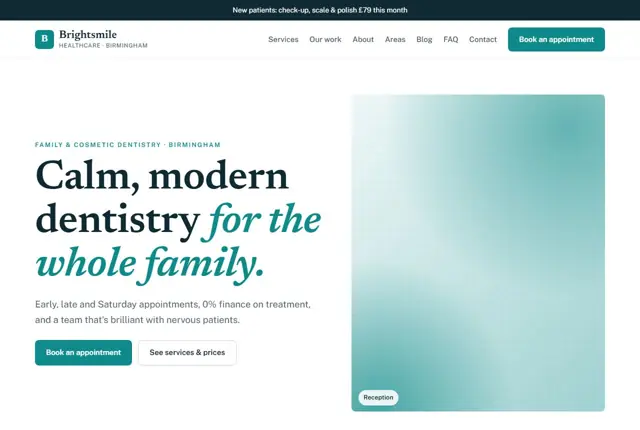
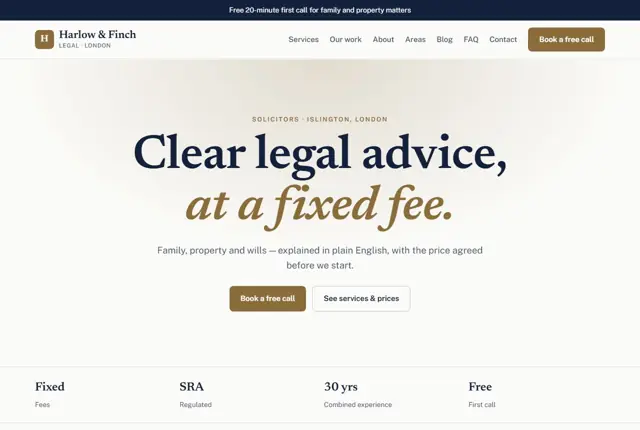
3 designs for your car rental company
Same pages and words, three different styles. Pick one — or mix parts of them — and we match it to your colours and logo.
What your customers look for
Answer these before they ask
- Car classes and daily or monthly prices
- Pickup and delivery options, including the airport
- Deposit, insurance and licence requirements
- Fuel policy and any mileage limits
Pages we build for you
Your car rental company website, page by page
- Home with this month’s offer
- Fleet and prices by class
- Airport & delivery
- Monthly rental
- Areas you cover (Growth plan)
- Book your car
FAQ, Contact and Privacy pages are free on every plan.
Free guide
How to plan a car rental website that turns enquiries into rentals
Pages a car rental company needs
Renters want to move from “which car” to “booked” as quickly as possible. A practical site has a fleet page grouped by class, such as economy, compact, SUV, luxury, people carrier and van, plus pages for airport pickup, delivery, long-term or monthly hire, one-way rentals if offered, and a contact or booking page.
On every fleet entry, show the model or similar, seats, bags, transmission, fuel type and the price per day, week and month. Add the included mileage and what any extras cost, such as child seats, a second driver or satellite navigation. Plain tables beat clever carousels on small screens. Where a model can vary, write “or similar” and name the class, so renters know what to expect. Photographs of your actual cars, taken in daylight from the front and the side, will do more than any brochure image.
- Fleet by class
- Airport and hotel delivery
- Monthly and long-term hire
- Deposit and insurance
- Areas covered
The rental terms customers check first
Most arguments at the counter come from terms the customer did not see earlier. Put them on the site in ordinary language. Cover the minimum age and driving experience, the licence documents accepted, any international permit needed for visitors, and the deposit amount and how it is returned.
Explain insurance cover, the excess a renter pays after damage, and what is not covered, such as tyres or glass. State the fuel policy, mileage limits, cross-border rules and the charge for late returns. Visitors to the UAE often need to know about the licence they may use; those in the UK or USA ask about extra drivers and young driver fees. Set it all out before the booking button.
Matching the way renters search
Renters search with a car type and a place: “SUV rental Dubai Marina”, “cheap car hire Manchester airport”, “monthly car rental near me”, “minivan rental with child seats”. They ask assistants about deposits, young driver rules and whether delivery is available.
Give each class a page headed with its type and your area. Write a page for each airport and neighbourhood you serve, covering how pickup works, where the car is handed over and what time the team is available. Add a short question and answer section to each page, because the same questions arrive daily and searchers want them answered straight away.
Making booking requests easy on a phone
Most car rental decisions are made on a phone, often while travelling. Keep the request form short: pickup place, dates, car class, name and phone. Let people choose WhatsApp as a reply channel if they prefer it, and state how quickly you answer.
Be clear about what happens next. Say whether the booking is confirmed straight away or after you check availability. Explain how payment works and what documents to have ready. Show a total price including taxes and fees where you can, since hidden charges are the quickest way to lose trust. After the request, a confirmation message that repeats the key terms prevents confusion later.
Getting found locally as a car rental company
- Set Car rental agency as the primary Google Business Profile category and add Van rental or Luxury car rental if you offer them.
- List every pickup point, airport desk or delivery zone clearly in the profile and on the website.
- Add photographs of real vehicles from your own fleet, clean and with number plates hidden where appropriate.
- Ask for a review at car return, when the trip is finished and the customer has seen the whole process.
- Create one page per airport, hotel zone or neighbourhood, covering what delivery and collection involve.
- Appear in local tourism, hotel and airport transfer directories that accept rental companies.
- Keep your company name, licence wording, phone and address identical across all listings.
Mistakes to avoid
- Quoting a headline daily price while leaving out delivery fees, deposit rules and excess charges.
- Stock photographs of cars that are not in the fleet, leading to disputes at pickup.
- A single “our cars” page with no classes, no seat counts and no prices.
- Not stating the minimum age or licence requirements, so unsuitable renters waste time.
- Ignoring monthly hire, which many residents and long-stay visitors specifically search for.
Built in for car rental companies
Features that matter in your industry
Fleet pages grouped by car class with daily and weekly prices
A licence and deposit explainer that cuts down booking questions
Area pages for airports and neighbourhoods you deliver to
Found by Google — and recommended by AI
Someone asking an assistant “SUV rental with airport delivery in Dubai Marina” wants a page naming the car class, the area and what is included. Fleet and area pages here are written to answer exactly that.
Every Adyft site also ships with fast loading, structured data for search engines and a clear page for each service.
Questions
About websites for car rental companies
Can we show live availability?
The booking request form collects dates and car class; add the booking add-on for a live calendar.
Can each car class have its own page?
Yes — on Growth and above, each class gets its own page with prices and inclusions.
Can it explain our deposit and insurance?
Yes, a dedicated section explains deposit, insurance and licence requirements in plain language.
Do I need online payment on the site?
Not at the start. Many rental companies take a request first, confirm availability and then collect the deposit by link or in person. If you want payments taken online, tell us and we will plan the page accordingly.
How do I keep the fleet page up to date?
Send us a message when cars are added or sold, or when prices change. We update the fleet pages as part of your monthly changes, so customers never see a car you no longer have.
Can the site take bookings in more than one language?
We can add a second language where your customers need it, such as Arabic and English together. Tell us which pages matter most and we will begin with those.
Should I list prices for every car?
Show prices by class and the typical daily, weekly and monthly rates, with a note that dates and seasons can change them. Exact quotes can follow a request.
What legal pages do I need?
Rental terms and conditions, a privacy policy and a cancellation policy. We help you write them in plain language so renters understand them, and you check them before they go live.
Can I show customer reviews on the site?
Yes, but only genuine ones. Send us real reviews you have received, with each customer’s permission, and we place them near the booking form.
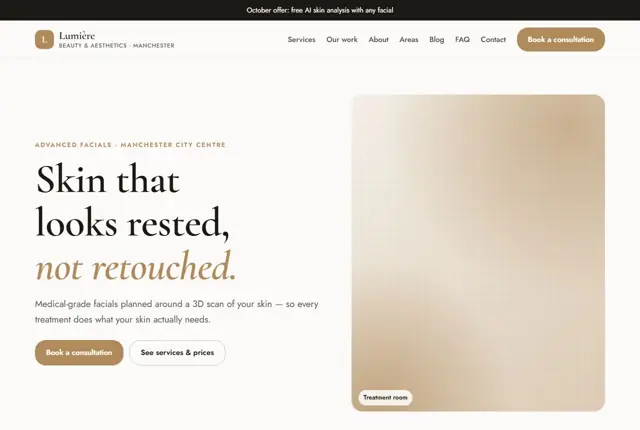
Your car rental company website, live this week.
Pick this design, answer a few questions on WhatsApp, and we build the rest.