Websites / Templates / Charities & non-profits
A charity website that makes giving feel simple and honest
Supporters want to understand exactly who a donation helps before they give. This template explains each programme in plain terms, puts a donation and volunteer sign-up button on every page, and sets out honestly how gifts are used, so trust builds instead of being assumed.
From $1,499 + $69/month · live in under 7 days · we write every page for you
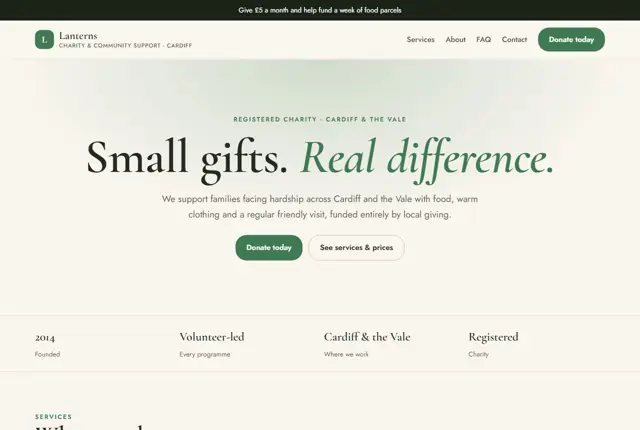
Choose your look
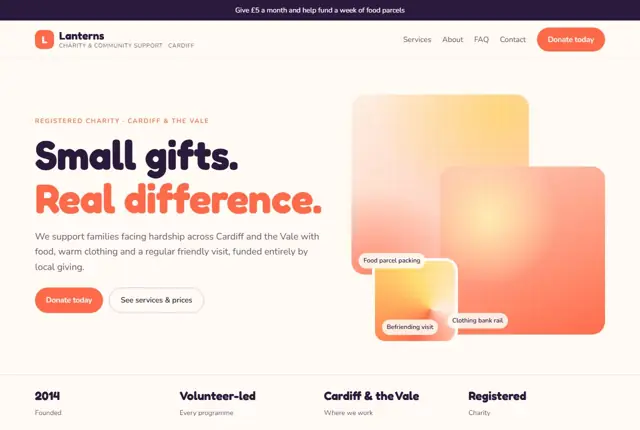
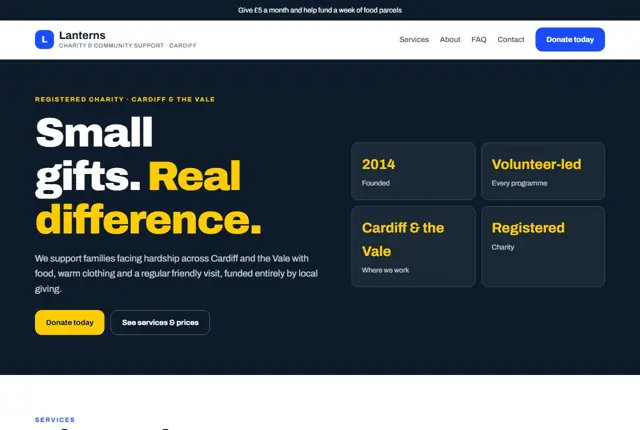
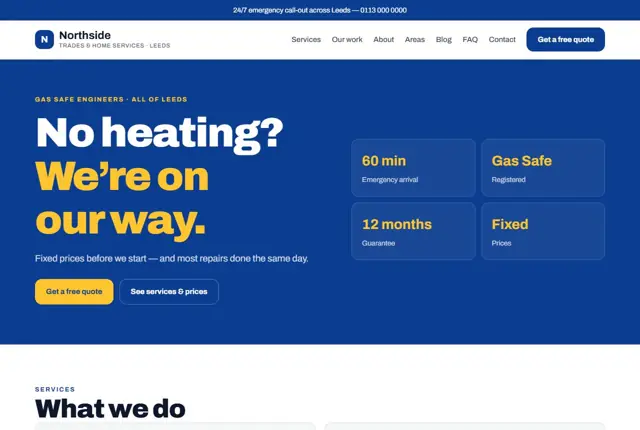
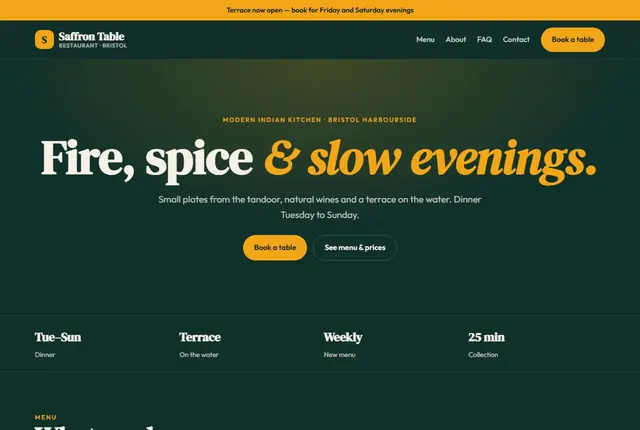
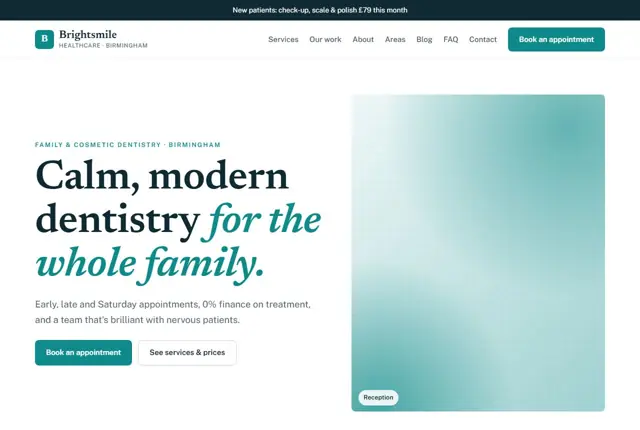
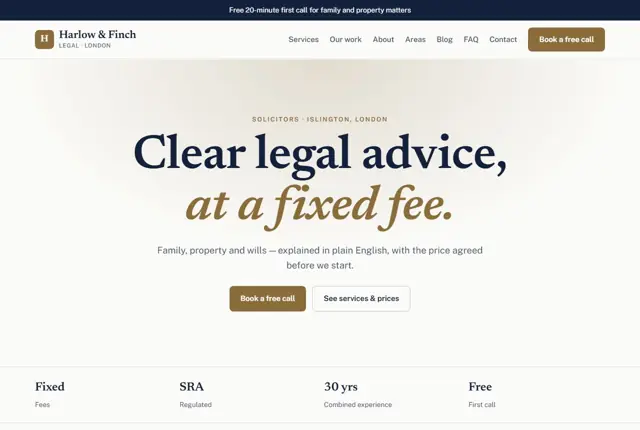
3 designs for your charity
Same pages and words, three different styles. Pick one — or mix parts of them — and we match it to your colours and logo.
What your customers look for
Answer these before they ask
- Who your programmes actually help
- How a donation or volunteer hour gets used
- Whether the organisation is a registered charity
- How to get involved beyond giving money
Pages we build for you
Your charity website, page by page
- Home with a current appeal
- Programmes and ways to help
- Volunteer with us
- About the charity
- Monthly giving
- Stories (Growth plan)
- Contact
FAQ, Contact and Privacy pages are free on every plan.
Free guide
How to plan a charity website that earns donations and volunteers
Pages that do the heavy lifting
A charity site has three audiences: people who might give, people who might help in person, and people who need your service. Each should reach their page within one click from the home page. Use plain labels such as “Donate”, “Volunteer” and “Get help”, not clever campaign names.
Behind those sit your programme pages, an “Our impact” page, an “About us” page with trustees and staff, and a “Where your money goes” page. Add a news or stories page only if someone will update it, since a feed that stopped last spring suggests the charity has too.
Write each page for someone who has never heard of you. Avoid sector jargon such as “capacity building” or “stakeholders”. A sentence like “we cook and deliver hot meals to older people who live alone” does more than a paragraph of strategy.
Earning trust before asking for money
Donors look for proof that the organisation is real and careful. Show your registration details prominently. In England and Wales that is the Charity Commission number, in Scotland the OSCR number, and in the United States the tax-exempt status and employer identification number. Where the rules require a number on your website, follow them.
Next, explain spending in ordinary words. Give examples of what a gift covers, such as a week of meals or an hour of counselling, but only use figures you can back up from your accounts. Link to your latest annual report and accounts so anyone can check.
Be careful with claims about outcomes. Say what you did and for how many people only when your records support it, and give the period covered. If you do not have numbers yet, describe the work honestly instead.
How supporters and beneficiaries search
People often search by cause and place: “food bank donations in Leeds”, “volunteer with animals near Phoenix”, “charity supporting refugees in Sharjah”. Each programme page should name the cause, the area served and the next step in its first paragraph.
Searches from people seeking help are different and more urgent. They type things like “free legal advice for tenants” or “who can I call about debt”. Put eligibility, opening times and a phone number at the top of the service page, in calm and non-judgemental wording, and make sure it loads quickly on a cheap phone.
Anyone looking for help may be stressed or reading on a shared device. Keep the help page simple, avoid pop-ups, and give a way to get in touch that does not need an account or a long form.
Making the donation journey short
Every extra click or form field costs gifts. Offer a few suggested amounts, a one-off and monthly choice, and a clear thank-you message afterwards. If you can claim tax relief, say so in a line near the button. In the UK that means Gift Aid, which needs a tick-box declaration, and in the US a receipt for tax-deductible giving.
Volunteer sign-up deserves the same care. Ask what days they are free, what they want to do, and whether they have any checks in place. Reply within a few days, because enthusiasm fades quickly.
Remember that trustees, funders and journalists will look at the site too. A downloadable annual report, a named contact for press enquiries and a safeguarding policy page answer their questions without extra emails.
Getting found locally as a charity
- Claim your Google Business Profile if you have a public premises, choosing a category that matches your work, such as non-profit organisation or charity.
- Add opening hours, accessibility details and a donation or volunteer link to the profile.
- Register on national volunteering platforms and local volunteer centres, and link back to the matching page on your site.
- Write a page for each area you serve, listing the specific services available there.
- Ask volunteers and service users, where appropriate, to leave honest reviews, and never offer anything in return.
- Share news with local papers and community groups so they link to your site.
- Keep the charity’s name, address and phone number the same across your site, regulator listing and social profiles.
Mistakes to avoid
- Putting the donate button only on the home page, so visitors who land from search on a programme page cannot find it.
- Using vague mission language with no named place, cause or beneficiary.
- Showing a photo of a vulnerable person without clear consent or a considered approach.
- Hiding the registration number in the footer in tiny grey text.
- Using a donation form that sends people to a page with a different name and look, which makes them doubt it is genuine.
Built in for charities & non-profits
Features that matter in your industry
Donation and volunteer buttons on every single page
A plain-language explainer of where gifts go
Volunteer sign-up form that asks for availability, not just an email
Found by Google — and recommended by AI
Someone asking an assistant “local charity near Cardiff I can volunteer with” is looking for a named cause, area and a way to start. Programme pages here state all three clearly, instead of burying them in a general mission statement.
Every Adyft site also ships with fast loading, structured data for search engines and a clear page for each service.
Questions
About websites for charities & non-profits
Can people set up a monthly donation?
Yes, a monthly giving option sits alongside one-off donations on every donation page.
Can we show how referrals work?
Yes, a short section explains who can refer a family and how quickly support starts.
Can volunteers apply directly from the site?
Yes, a sign-up form collects their availability and interests, sent to your volunteer coordinator.
How much does a charity website cost?
Pricing depends on the plan you pick and how many pages you need. Many charities start small and add programme pages later. Starter covers five pages for £999 plus £49 a month (US $1,499 + $69; UAE AED 3,499 + AED 199), with hosting, security and monthly edits included in that fee.
Which payment tool will take donations?
You normally keep a donation platform that you trust and that holds your charity details. We build the page around it and link or embed the form so donors stay on a branded page.
Can you write the content for us?
Yes. We write every page from the facts you give us, such as your aims, programmes and contact details. You review it before it goes live, and we do not state any figure you have not supplied.
Do we need a cookie notice?
Most sites that use analytics or advertising tools need one under UK and EU rules, and many US states have similar laws. We set up a notice that matches the tools your site actually uses.
Can trustees see changes before they go live?
Yes. Send changes by message, and we can share a preview link so trustees or your communications lead can approve it first.
What if we are a small group with no registration yet?
Say so honestly on the site. Describe what you do and who runs it, and do not claim charity status you do not hold. When registration comes through, we add the details.
Your charity website, live this week.
Pick this design, answer a few questions on WhatsApp, and we build the rest.