Websites / Templates / Coworking & flexible workspace
A coworking website that turns a browse into a booked tour
People choosing a workspace want to picture themselves there before they visit. This template shows real photos of desks, offices and meeting rooms, lays out membership prices side by side, and makes booking a tour the obvious next step on every page.
From $1,499 + $69/month · live in under 7 days · we write every page for you
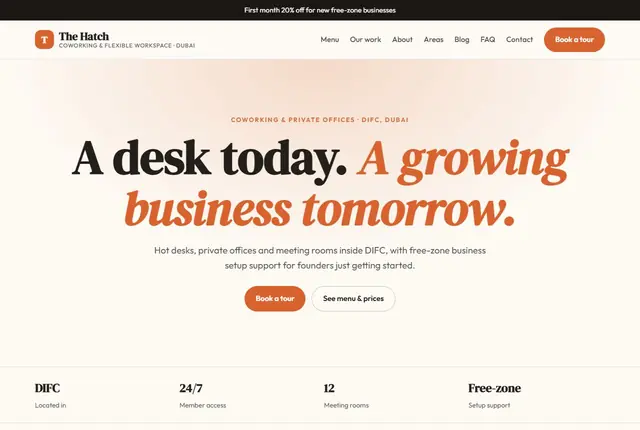
Choose your look
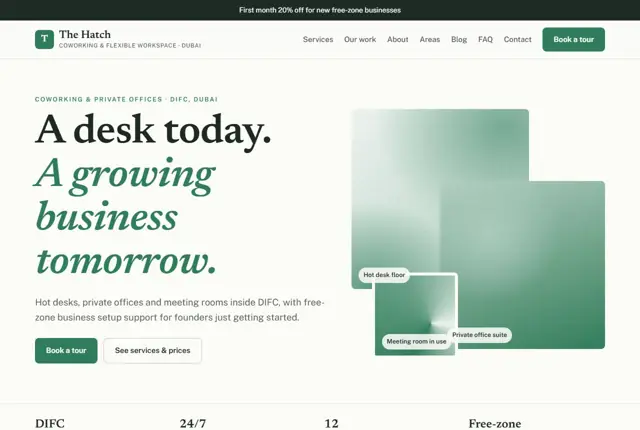
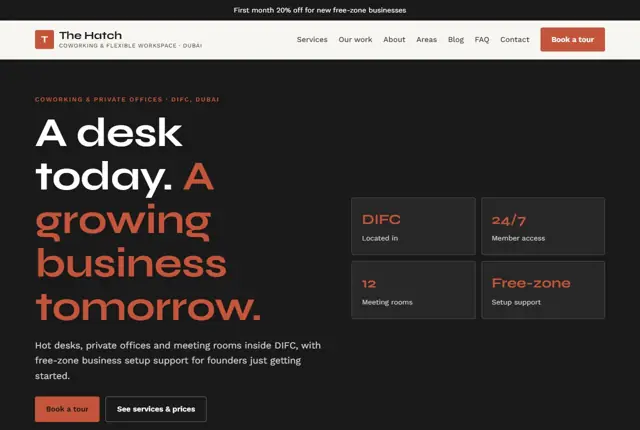
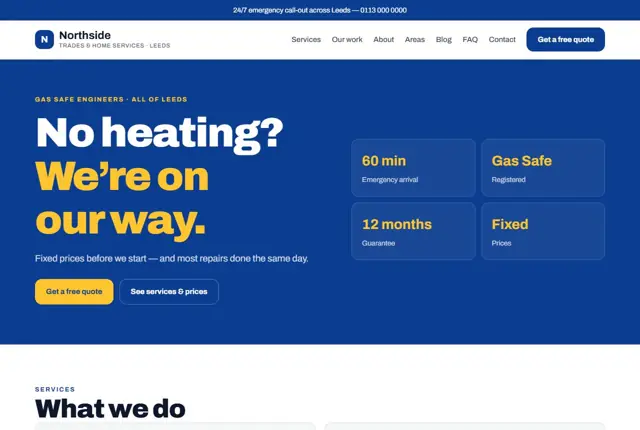
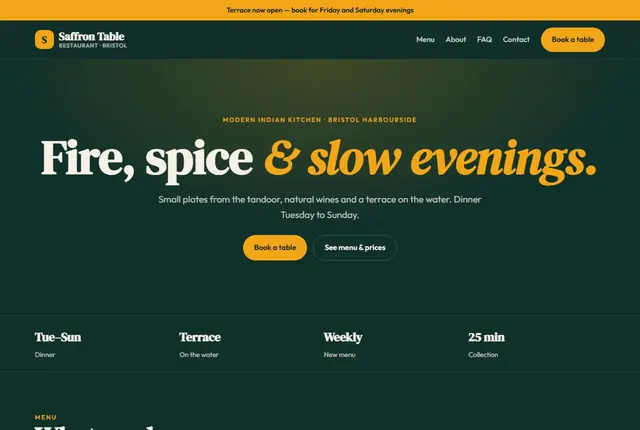
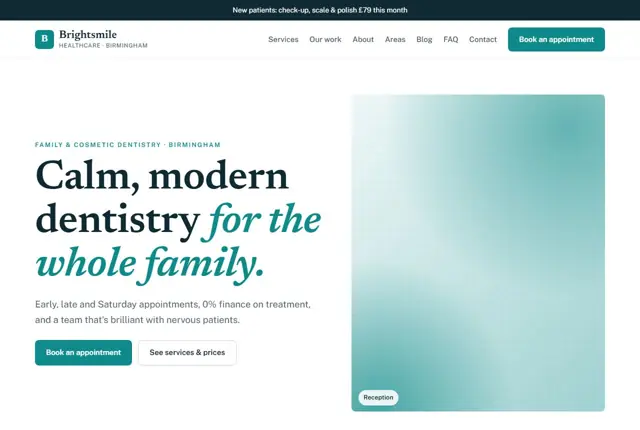
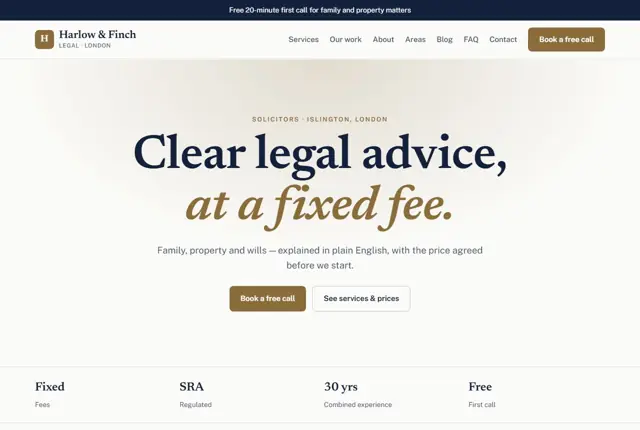
3 designs for your coworking space
Same pages and words, three different styles. Pick one — or mix parts of them — and we match it to your colours and logo.
What your customers look for
Answer these before they ask
- Membership prices and what each one includes
- Whether a private office is available when they need it
- What meeting rooms and extras cost
- What the community and building actually feel like
Pages we build for you
Your coworking space website, page by page
- Home with a tour-booking banner
- Memberships and prices
- Private offices
- Meeting rooms and studios
- Member stories
- Areas we serve
- Book a tour
FAQ, Contact and Privacy pages are free on every plan.
Free guide
How to plan a coworking space website that fills desks and offices
The pages a coworking site needs
Start with a plans page that sets out every way to use the space: day pass, hot desk, fixed desk, private office, virtual office and meeting rooms. Give each one a short block with the monthly or daily price, the notice period and what is included, such as internet, printing, tea and coffee, and access hours.
Add a page per room type. A private-office page should show floor size, desk count, natural light and whether the office can be branded. A meeting-room page needs capacity, screen or whiteboard details, hourly rates and a way to request a slot. Finish with a tour page, because the tour is where most memberships are won.
Keep the wording on these pages concrete. Say “six desks, one door, natural light” rather than “a flexible environment”. A reader scanning on a phone between meetings should grasp the size and price of each option in a few seconds.
What a founder checks before booking a visit
Remote workers and small teams compare cost, flexibility and atmosphere. They want to know how long the contract runs, whether they can leave on a month’s notice, and what happens if the team grows from three people to six. Put those answers in plain sentences next to the prices, not in a downloadable agreement.
They also look for practical proof: opening hours, whether there is 24-hour access, lift and step-free entry, parking or the nearest station, and how many people the building holds. Real photos of a normal working day beat polished empty-room shots, because visitors want to see the noise level and the mix of people.
Think about the person who cannot visit yet. A short walkthrough video, a floor plan and a clear line on how to find the entrance help someone who is relocating or travelling. Do not assume visitors know the building.
- Notice period and deposit
- Business address and mail handling
- Phone booths and quiet zones
- Events and community days
How people search for workspace
Searches combine a place with a need: “hot desk near Manchester Piccadilly”, “private office for four people in Austin” or “coworking with meeting rooms in Business Bay”. A page titled only “Memberships” cannot match those. Name the district, the nearest landmark and the type of space in your headings and first lines.
Assistants are asked longer questions, like which space allows dogs or has late opening. Write a short “Good to know” list on the plans page that answers such questions directly, one fact per line, so your page can be quoted accurately.
Local intent also includes “near me” searches from people already in the area. Mention the streets, stations and car parks around you, since those are the words people use when they ask for something close.
Showing availability without a phone call
Private offices are the highest-value product and also the most time-consuming to sell. Show a simple status on each office, such as “available now”, “from next month” or “join the waiting list”, and update it whenever a contract starts or ends.
A waiting-list form is useful here. It captures someone who wants to move in later, and you can contact them when an office frees up. Ask for team size and ideal start date so the follow-up message is specific rather than generic.
Give existing members a place on the site too. A short page explaining how to book rooms, report a problem or invite a guest shows prospects that the community runs smoothly, and it saves your team repeated questions.
Getting found locally as a coworking space
- Choose “Coworking space” as the primary Google Business Profile category and add secondary ones that match, such as business centre or office space rental service.
- Upload photos of every zone, including the entrance, kitchen and a meeting room, and replace old ones when the layout changes.
- Ask members for a review right after their first month, when the space feels new and the experience is clear.
- Create one page per type of space and per neighbouring district you realistically draw from.
- List the space with local business hubs, chambers of commerce and startup community directories.
- Post upcoming events on your profile so searchers see that the place is active.
- Keep your name, address, phone number and opening hours identical everywhere they appear.
Mistakes to avoid
- Hiding prices behind “contact us”, which sends comparison shoppers to the next space on the list.
- Using stock images of people laughing at laptops instead of the real rooms.
- Having no page for meeting-room hire, so outside visitors never discover the space.
- Leaving a private office marked available months after it was let.
- Offering a tour form that asks for nothing about team size, so every reply starts from zero.
Built in for coworking & flexible workspace
Features that matter in your industry
Membership comparison table for hot desks, dedicated desks and offices
Meeting room booking request with headcount and date
Member spotlight section for community-driven word of mouth
Found by Google — and recommended by AI
A founder asking an assistant “coworking space with meeting rooms in DIFC” wants a page naming the district, the room setup and the price together. This template keeps those facts in the same section, where an assistant can read them in one pass.
Every Adyft site also ships with fast loading, structured data for search engines and a clear page for each service.
Questions
About websites for coworking & flexible workspace
Can people book a tour online?
Yes, a short form collects their preferred day and team size, sent straight to you.
Can we show private office availability?
Yes, the private offices page can note current availability so you’re not fielding every enquiry by phone.
Can members be featured on the site?
Yes, with their permission we add short member spotlights to build trust.
How much does a coworking website cost?
It depends on the plan and the number of pages. A small space can start on a simple plan, and larger operators with many locations usually need the Growth plan or above. As a guide, the Starter plan (5 pages) is £999 to set up and £49 a month in the UK ($1,499 + $69 in the US, AED 3,499 + AED 199 in the UAE), and a multi-site operator on Growth (25 pages) pays £1,999 + £99.
What photos should I supply?
Send photos of the entrance, open area, a private office, a meeting room, the kitchen and any terrace. Take them in daylight with people in some shots. If you have none, we can arrange a short shoot list for your phone.
Can I keep my current domain name?
Yes. You can point your existing domain to the new site, and we guide you through the change. Email on that domain keeps working because only the website address changes.
Can meeting rooms be paid for online?
The site can take a booking request with date, time and headcount. Payments usually stay with whatever booking tool you already run, and we can link to it from the page.
How do I add a new location later?
Tell us the address, photos and plans for the new space and we add a dedicated page set. Each location needs its own address and opening hours so searchers find the right one.
Do I need a privacy notice for the tour form?
Yes. Any form collecting names and email addresses should link to a privacy notice explaining what you do with the data. We add a standard page, and you should have it checked against the rules in your country.
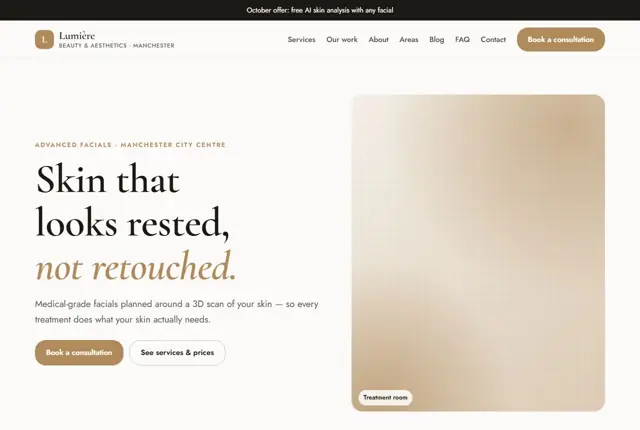
Your coworking space website, live this week.
Pick this design, answer a few questions on WhatsApp, and we build the rest.