Websites / Templates / Florists
A florist website that turns a browse into an order
People choosing a florist decide quickly on style and whether delivery will arrive in time. This template shows real bouquet photography, a same-day delivery cutoff and an ordering button that works from a phone, with a separate path for weddings.
From $1,499 + $69/month · live in under 7 days · we write every page for you
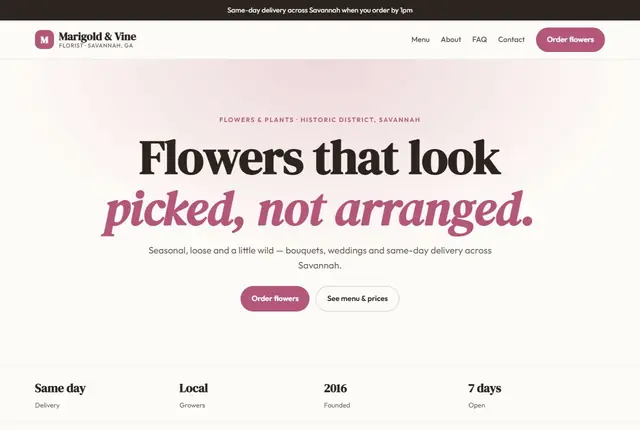
Choose your look
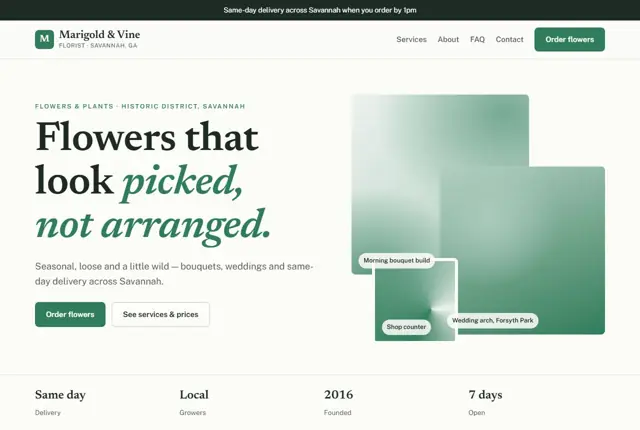
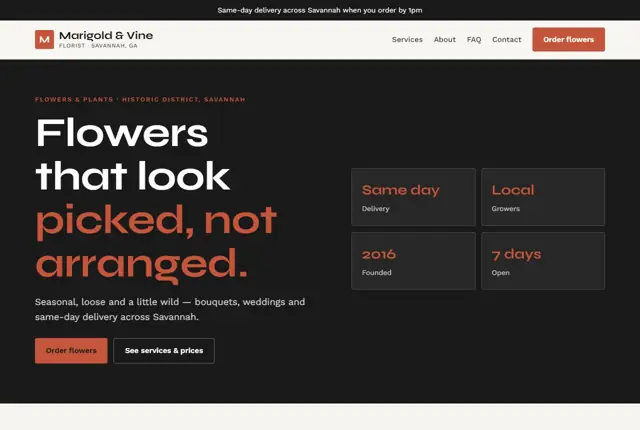
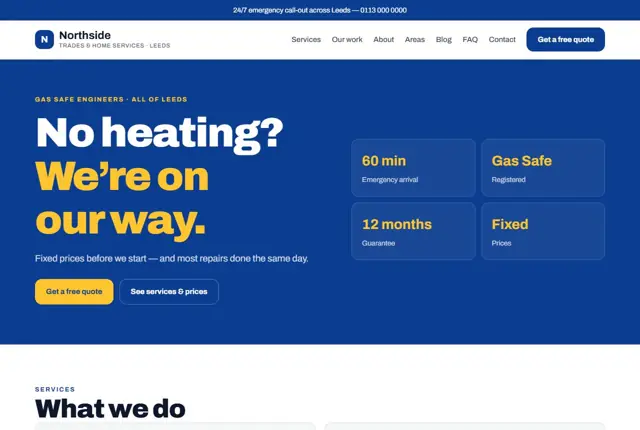
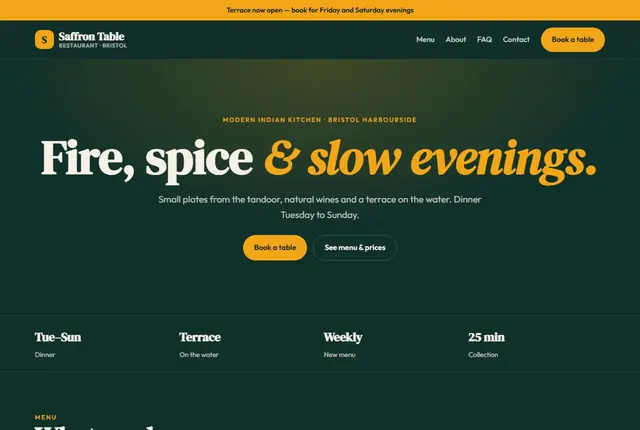
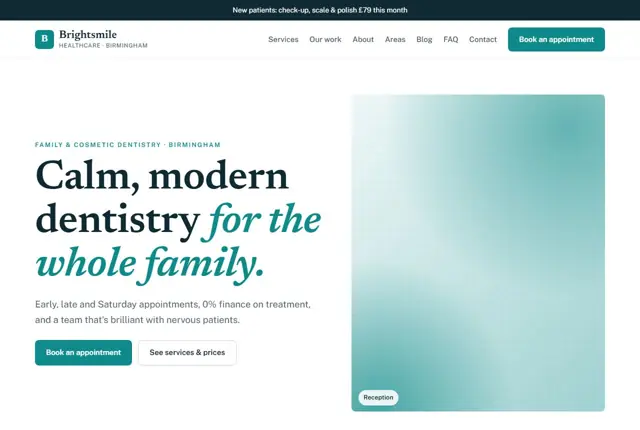
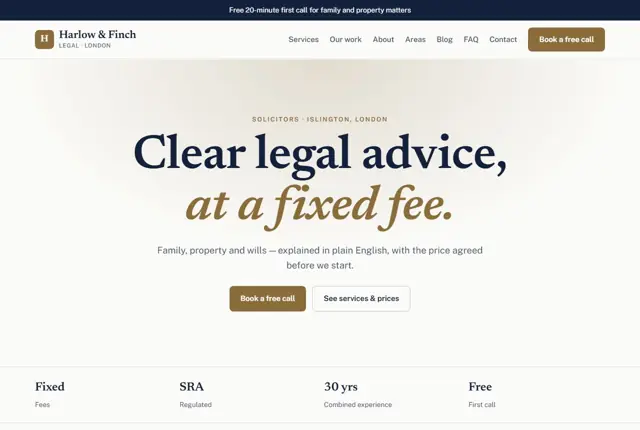
3 designs for your florist
Same pages and words, three different styles. Pick one — or mix parts of them — and we match it to your colours and logo.
What your customers look for
Answer these before they ask
- What today’s bouquets actually look like
- Same-day delivery cutoff and coverage area
- Prices for everyday bouquets and arrangements
- How to enquire about wedding flowers
Pages we build for you
Your florist website, page by page
- Home with today’s flowers
- Shop bouquets and plants
- Weddings and events
- About the shop
- Delivery and areas
- Contact
FAQ, Contact and Privacy pages are free on every plan.
Free guide
Planning a florist website that turns browsers into buyers
What goes on each page of a flower shop site
A florist site works best when browsing is easy. Organise bouquets by occasion, such as birthdays, sympathy, new baby and anniversaries, and by price. Give every product a clear photograph, a name, a short description of what is in it and a price. Customers rarely want to ask what a “seasonal mix” contains.
Add separate sections for weddings, funerals, corporate subscriptions and workshops if you offer them. Each audience asks different questions and deserves its own page. Include an about page that shows the real shop and people, a delivery page and a contact page with opening hours.
Photograph products against one simple background in natural light, so the range looks consistent when displayed in a grid. Show scale by placing a hand or a vase beside the stems. Customers cannot smell or touch the flowers, so the photograph has to carry the whole impression.
- Bouquets by occasion
- Weddings
- Sympathy flowers
- Subscriptions
- Delivery
- Contact
Delivery details customers need before they pay
Flowers are time-sensitive, so delivery information carries the sale. State your order cut-off for same-day delivery, the postcodes or districts you cover and the cost for each zone. Explain what happens if nobody is home: a neighbour, a safe place or a card through the door.
Be honest about substitutions. Flowers vary with the season and the market, so say that you may swap a stem for something of equal value and the same colour. Customers accept this when it is explained and resent it when it is a surprise.
Offer a clear pickup option too. Many customers prefer to collect, particularly for last-minute gifts, and a simple line about collection hours and the shop address turns passers-by into buyers. Include a phone number for questions about timing.
How people search for flowers
Most searches are urgent and local: “same day flower delivery Cardiff”, “funeral flowers near me”, “wedding florist Charleston” or “anniversary bouquet Dubai”. Use these phrases in page headings and write about the places you deliver to. Peak days, such as Valentine’s Day and Mother’s Day, bring a flood of searches, so prepare the pages weeks in advance.
People also ask assistants practical questions, like how long cut flowers last or what to send to someone in hospital. A short care and advice page answers those and brings in visitors who may order later.
Seasonal planning matters more for florists than almost any other trade. Prepare pages for the main gifting dates early, add the order deadlines and remove expired offers promptly. Searchers on those days want certainty, not a page from last year.
Weddings and events as a separate path
A wedding customer wants a consultation, not a basket. Give weddings a page with examples of real arrangements, a description of how the process works and an enquiry form asking for date, venue, colour palette and rough budget. This filters serious enquiries from casual ones.
Say how far ahead couples should contact you, whether you set up at the venue and what a typical package includes. If you work with planners or venues, name them with permission. Photos of full ceremonies, not just single bouquets, build confidence.
Remember the quieter work, too. Corporate customers and hotels often want weekly arrangements for reception desks, and they search for a reliable supplier more than for the cheapest one. A short page on regular contracts, with an invoicing note, can bring steady income all year.
Getting found locally as a florist
- Choose “Florist” as the primary Google Business Profile category and add “Wedding service” only if weddings are a real part of the business.
- Upload new photos each week of current bouquets, so the profile mirrors what you actually sell.
- Set special hours for busy holidays and publish your order deadlines on the profile and the website.
- Ask customers for reviews after delivery, perhaps through a card in the packaging.
- Create a delivery area page that lists the towns and postcodes you cover, with the cost for each.
- Get listed with local wedding directories and venue supplier lists that accept florists.
- Use the same shop name, address and phone number everywhere, including on delivery notes.
Mistakes to avoid
- Showing photos of bouquets that look nothing like what is delivered.
- Hiding delivery charges until the last step of checkout, which causes abandoned orders.
- Leaving last year’s Valentine’s Day banner online in March.
- Giving funerals and weddings the same enquiry form as everyday orders.
- Not stating the cut-off time for same-day orders, leading to disappointed customers.
Built in for florists
Features that matter in your industry
Online ordering and payment with the shop add-on
Delivery cutoff time shown on every order page
Wedding enquiry form separate from everyday orders
Found by Google — and recommended by AI
Someone asking an assistant “florist in Savannah that can deliver flowers today” wants a same-day cutoff time stated plainly. This template puts the delivery deadline and coverage area on the order page itself.
Every Adyft site also ships with fast loading, structured data for search engines and a clear page for each service.
Questions
About websites for florists
Can customers order and pay online?
Yes, with the shop add-on customers choose a bouquet, pay and pick a delivery slot.
Can we show same-day delivery cutoff times?
Yes, the ordering page states the cutoff clearly so customers know what to expect.
Can we add wedding enquiries separately?
Yes, a wedding enquiry form asks for the date and venue, separate from everyday orders.
Should I list every bouquet I make?
List the ones you make regularly and can describe confidently. For one-off designs, add a “make it your own” enquiry option. A smaller, tidy selection sells better than a huge list that is hard to keep current.
How do I handle changing stock through the year?
Update product names and photos each season. We can swap seasonal collections when you message us, and keep a core range of year-round favourites.
Can customers add a gift message?
Yes. The order form can include a message box and a choice of card wording, and your delivery staff receive it with the order.
What about funeral and sympathy orders?
Create a calm, separate page with clear options, prices and a phone number for personal help. Many people prefer to talk to someone in a delicate moment.
Can I offer flower subscriptions?
Yes. Weekly or monthly arrangements for homes and offices can be described on a page with a simple sign-up form and a recurring payment link.
Who owns the photos if a photographer takes them?
Agree usage rights in writing with the photographer. If you take the photos yourself, you own them, and clear phone shots in natural light work well.
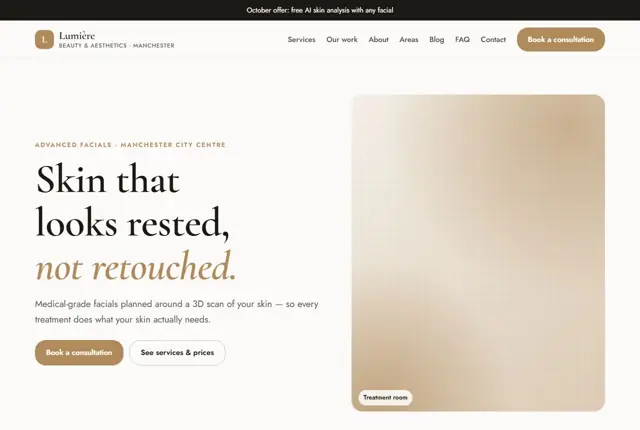
Your florist website, live this week.
Pick this design, answer a few questions on WhatsApp, and we build the rest.