Websites / Templates / Landscapers & garden designers
A landscaping website that proves your gardens survive the heat
Anyone who has watched a garden die by midsummer wants proof before they commit. This template puts irrigation, plant choice and maintenance front and centre, with real villa and courtyard projects to back it up.
From $1,499 + $69/month · live in under 7 days · we write every page for you
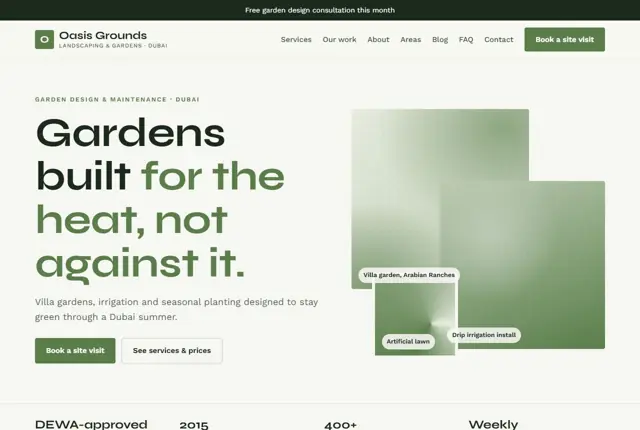
Choose your look
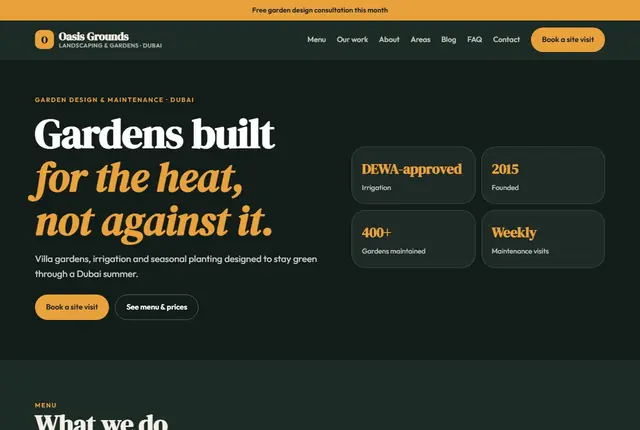
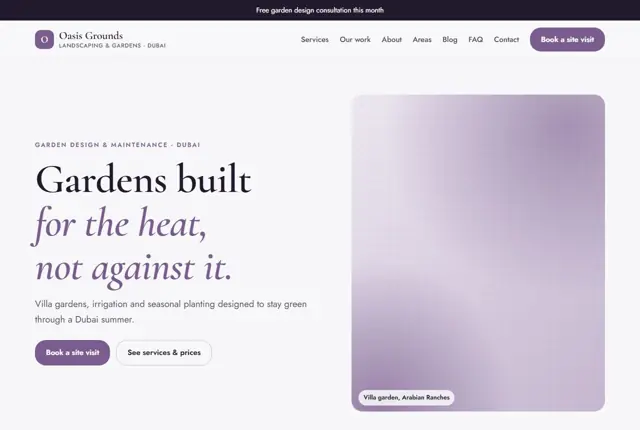
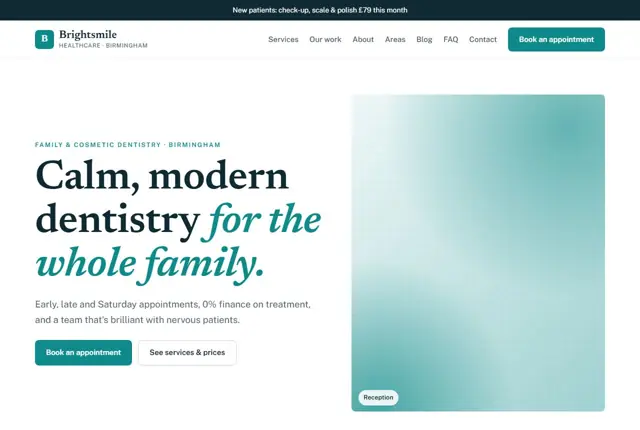
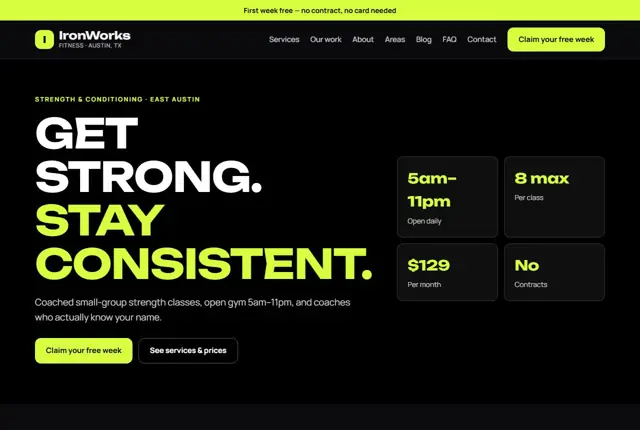
3 designs for your landscaping business
Same pages and words, three different styles. Pick one — or mix parts of them — and we match it to your colours and logo.
What your customers look for
Answer these before they ask
- Whether your plants actually suit the local climate
- How irrigation and watering are handled
- What a design and build will cost
- How often a maintenance visit happens
Pages we build for you
Your landscaping business website, page by page
- Home with a free consultation offer
- Design, irrigation and maintenance services
- Project pages by villa or area (Growth plan)
- Area pages for each community you serve
- Our work
- Book a site visit
FAQ, Contact and Privacy pages are free on every plan.
Free guide
How to plan a landscaping and garden design website that fills your calendar
Which pages a landscaping website needs
Garden customers fall into two groups: those who want a one-off project, such as a new patio or planting scheme, and those who want regular upkeep. Build the site around both. Separate pages for design, construction, planting, lawns, irrigation and maintenance let people click straight to the thing they came for.
Add a portfolio with complete projects instead of loose photographs. Each project page can say where it is, what the brief was, which plants and materials were used, and how long the work took. Finish with an about page, areas served, and a simple site-visit request page. On the about page, introduce the people who will turn up, with a real photograph and a line about their training or years of experience. Owners of gardens are inviting you into a private space, so familiarity counts for a lot.
- Garden design
- Hard landscaping: patios, paths, walls
- Planting and lawns
- Irrigation and lighting
- Maintenance plans
Answering the doubts before a site visit
Most people hesitate over three things: whether the finished garden will look like the picture they have in mind, what it will cost, and how much disruption it brings. Tackle each openly. Show your process in steps, from first visit and sketch to build and aftercare.
Give typical price ranges by type of work, or at least the factors that move the price. Explain how long different projects usually take and how you protect the rest of the property. If you have a qualification, an association membership or specific insurance, mention it. Say who actually does the work, whether your own team or trusted subcontractors, since customers like to know who will be in their garden.
Words people use when searching for garden help
Searches mix trade terms and everyday talk: “garden design near me”, “lawn care”, “patio installer”, “tidy overgrown garden”, “low maintenance front garden”. Some are questions, like what to plant in shade or when to lay turf.
Use those phrases in headings and first paragraphs, with the town beside them. Write short guide pages on problems you solve often, such as drainage, shade, pets or small courtyards. These attract searchers early in their thinking and show your knowledge. When someone asks an assistant for advice, a clearly written page from a local firm is likely to be quoted.
Planning the site around the seasons
Demand in landscaping rises and falls with the weather. Spring brings design enquiries and lawn work; autumn brings clearance, bulb planting and hedge cutting; in hot regions, summer brings irrigation faults and the autumn replanting season brings new projects.
Update the home page offer to match the time of year, and keep a “this month in the garden” section so the site never looks stale. Book design consultations in quieter months by advertising winter planning. Photographs should show the same garden through the seasons where you can, because it proves your planting keeps working after the first photo.
Getting found locally as a landscaper
- Choose Landscaper or Landscape designer as the Google Business Profile category, with Lawn care service and Garden center only where true.
- List the neighbourhoods you work in, since people prefer a firm already active on their street.
- Photograph projects at the end of the job and again a season later, when the planting has settled.
- Request a review after the final walk-around, when the customer is looking at the finished garden.
- Write a page for each town describing soil, climate or typical plot sizes there.
- Join your national landscaping association or garden design society and take the member listing.
- Use the same name, phone and area description on every listing and social profile.
Mistakes to avoid
- Posting only pictures of newly finished gardens, with nothing to show how they look months later.
- Offering no hint of price, so budget-conscious visitors assume it is out of reach.
- Mixing one-off projects and regular maintenance on a single page, which confuses both audiences.
- Using plant names with no note on whether they suit local conditions.
- Forgetting to update seasonal offers, so a page still advertises spring in November.
Built in for landscapers & garden designers
Features that matter in your industry
Climate-matched plant list shown next to every design
Maintenance-visit frequency stated plainly, not hidden in a quote
Area pages written for searches like “garden maintenance in Arabian Ranches”
Found by Google — and recommended by AI
A homeowner asking an assistant “why does my garden keep dying in Dubai” is looking for a plain explanation, not a sales pitch. The climate guide here gives that explanation, then points naturally to irrigation and planting services.
Every Adyft site also ships with fast loading, structured data for search engines and a clear page for each service.
Questions
About websites for landscapers & garden designers
Can it explain why plants fail in hot climates?
Yes, a short guide covers common reasons gardens struggle locally, written to help rather than to sell.
Can each community have its own page?
On Growth and above, yes — every area you serve gets a page describing the gardens you maintain there.
Can it show irrigation as a separate service?
Yes, irrigation gets its own page, since it is usually the deciding factor in whether a garden survives summer.
How many project photos does a landscaper need?
Three to five strong images per project is plenty, covering a before view, the work in progress and the finished garden. Six to eight projects across different types of work make a good start.
Should I show prices for garden design?
A starting fee for design and a typical range for build work helps people self-select. Explain that each garden is unique and the quote follows a visit. A transparent approach tends to bring serious enquiries.
Can I list maintenance plans with set visit frequencies?
Yes, and it is a good idea. State how often you visit, what each visit covers and what is charged extra. Customers like to see exactly what the plan includes.
Do I need a blog or garden advice section?
It is not essential, but a few practical guides can bring in people at the planning stage. We can write them from your own experience, so they sound like you.
What if I work across several small towns?
Give the larger ones their own pages and group the smaller ones under a regional page. Include real details about the area, so each page reads as useful and not copied.
Can customers request a visit online?
Yes. The form asks for the address, the type of project and a rough budget, plus photos of the space if they wish. You then reply by phone or message to arrange a time.



Your landscaping business website, live this week.
Pick this design, answer a few questions on WhatsApp, and we build the rest.