Websites / Templates / Nail salons
A nail salon website that fills the chairs on a Saturday
Most nail appointments are booked from a phone, often from a photo someone wants copied. This template shows prices by service, a gallery of real sets, and a booking link that takes seconds to use.
From $1,499 + $69/month · live in under 7 days · we write every page for you
Choose your look
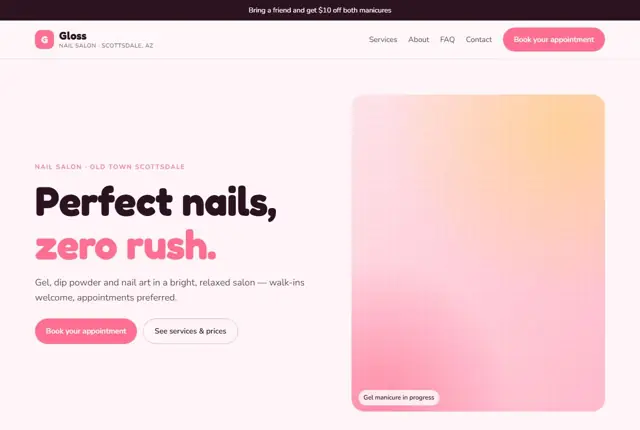
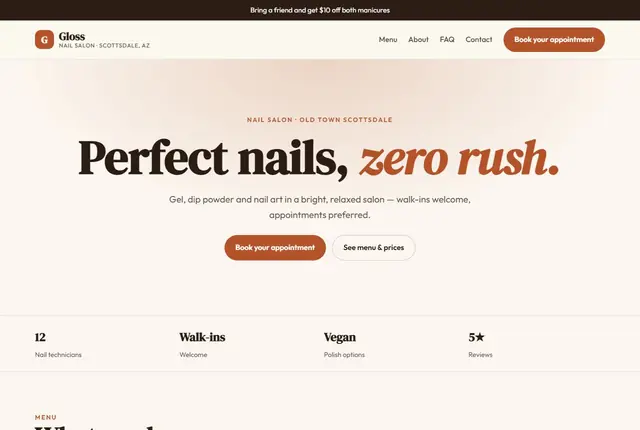
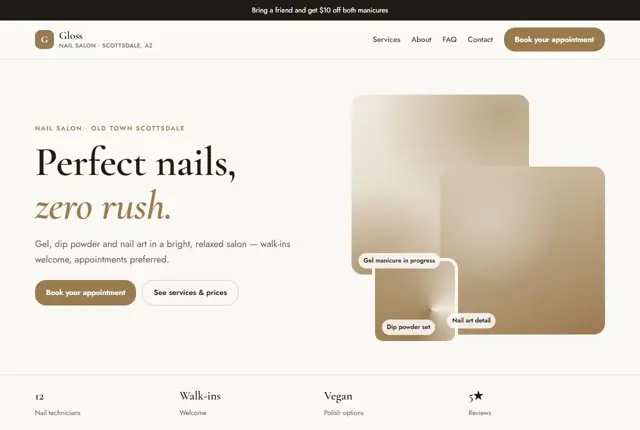
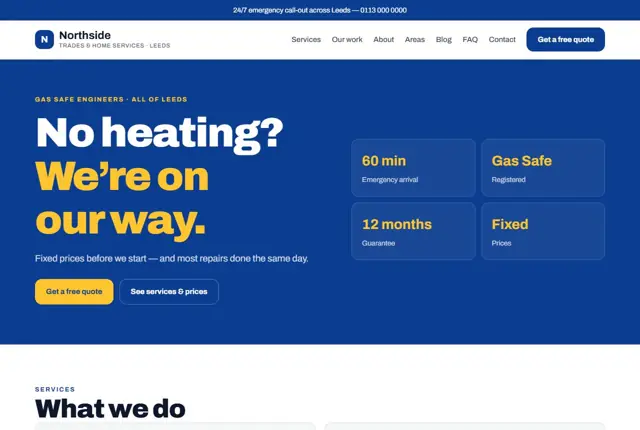
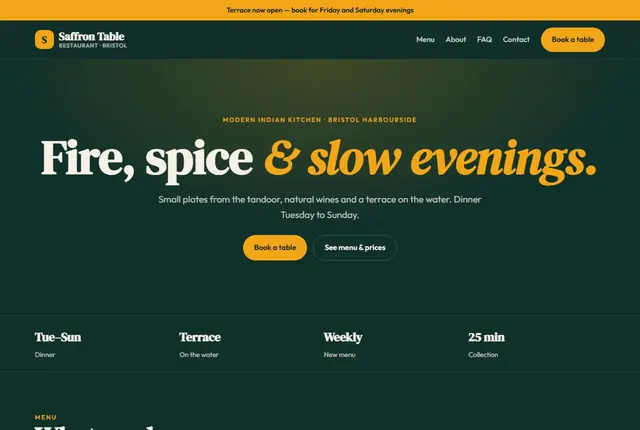
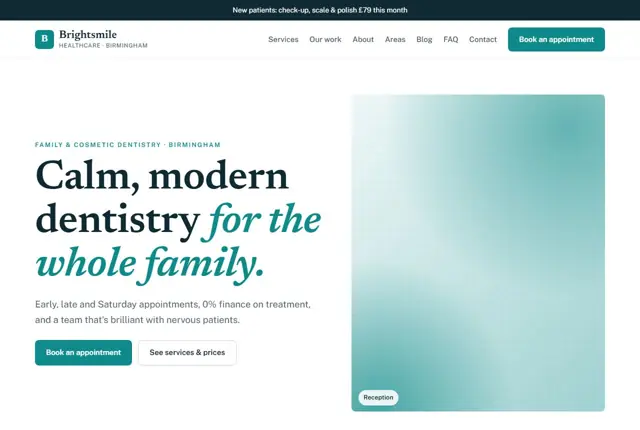
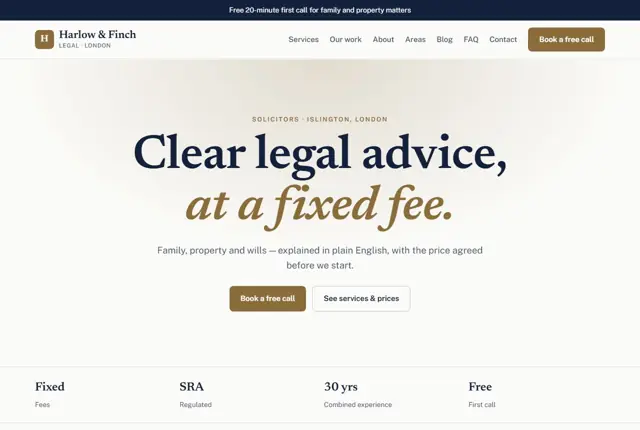
3 designs for your nail salon
Same pages and words, three different styles. Pick one — or mix parts of them — and we match it to your colours and logo.
What your customers look for
Answer these before they ask
- Prices for each service
- Real photos of finished nails, not stock images
- How soon they can get an appointment
- Whether the salon looks clean and well-run
Pages we build for you
Your nail salon website, page by page
- Home with this month’s offer
- Services and prices
- Gallery of real sets
- About the technicians
- Book an appointment
FAQ, Contact and Privacy pages are free on every plan.
Free guide
How to plan a nail salon website that fills appointment books
Pages that suit a nail salon
A nail client usually arrives on the site with a picture saved on her phone and a shortlist of salons. She wants to see what you do, what it costs and when there is a free slot, ideally within a few taps. A sensible set of pages is a home page, a service menu, a gallery, team profiles, a page about hygiene and products, and a booking page.
Break the service menu into groups: manicures, pedicures, gel, dip powder, acrylic, extensions, nail art and removals. Beside each, give the price and how long it takes. Mention add-ons separately, like chrome or French tips, so the final cost is clear before she sits down. A short note on removal is useful as well: say whether taking off an old set is included, charged separately, or free when she rebooks with you. Questions like that decide many bookings.
What makes a client trust a salon she has not visited
Cleanliness is the first thing people judge, and photographs tell the story fast. Show tidy stations, sealed tools, fresh towels and the technicians at work. Write a short paragraph on how you clean and sterilise equipment, and which products you use.
Some regions regulate nail businesses. In the USA, technicians usually hold a state licence, and in the UAE salons operate under municipal approval. In the UK, rules vary by council. Where it applies, mention that your team is licensed or your premises are registered. Add your policies on late arrivals, cancellations and deposits in plain wording so nobody is surprised at the till.
How clients search for nails
People search by service and place: “gel nails near me”, “dip powder Scottsdale”, “acrylic nail extensions Manchester”, “walk-in manicure open Sunday”. Many search by look, too, asking for a style such as chrome, ombre or short square.
Use those terms as headings and caption text. Give each service a short written description rather than relying on a photograph alone, because search tools read words. Name the area in the page headings. Keep your opening hours and walk-in policy near the top, since “open now” and “open late” are common searches. A clear answer helps assistants recommend you for a specific need.
Making the gallery do the selling
Your gallery is the most persuasive page you own, so treat it with care. Group sets by style: natural, French, glitter, seasonal, bridal. Use bright, evenly lit photographs taken on a plain background, with hands relaxed. Always ask the client before posting her hands and tag the technician who did the work.
Update the gallery regularly. Seasonal sets, such as autumn colours or holiday designs, give clients something new to save and share. Add a note under popular pictures saying which service it was and how long it took, so a client can book the right appointment length for the look she wants. If you offer a consultation for complicated art, say so, and invite clients to send a reference photo before the visit.
Getting found locally as a nail salon
- Set Nail salon as the main Google Business Profile category and add Manicurist or Beauty salon if they apply.
- Fill in every service with its price and description inside the profile, not only on your website.
- Post fresh nail photographs weekly, and answer messages from the profile quickly.
- Ask for a review when the client is admiring her finished nails, and offer a link or QR code at the counter.
- Keep your opening hours accurate, including bank holiday and Ramadan changes where relevant.
- List the salon on beauty booking directories used in your town and on local business listings.
- Use one consistent business name, address and phone number everywhere.
Mistakes to avoid
- Posting a single long price menu as an image, which phones cannot read and search tools cannot index.
- Using stock photographs of nails that clients will never actually receive.
- Hiding cancellation and late arrival rules until after the booking is made.
- Having a booking link that opens a page too tiny to read on a phone.
- Letting the gallery go months without new sets, so the salon looks quiet.
Built in for nail salons
Features that matter in your industry
Price list grouped by service, not a single long menu
Gallery built for the photos clients send you to copy
Booking button linked straight to your booking app or WhatsApp
Found by Google — and recommended by AI
Someone asking an assistant “nail salon that does dip powder near Old Town Scottsdale” wants a page naming the exact service and area. This template states both plainly on the services page, not buried in a photo caption.
Every Adyft site also ships with fast loading, structured data for search engines and a clear page for each service.
Questions
About websites for nail salons
Can we add new nail art photos ourselves?
Send us the photos on WhatsApp and we add them to the gallery, within your monthly changes.
Can it show prices by service?
Yes, prices are grouped by service — manicure, gel, dip powder — so clients know the cost before they arrive.
Can clients book online?
Yes, the booking button links to your existing booking app, or to WhatsApp if you book by message.
Does the site need online booking?
Not necessarily. A button that opens your existing booking app or a WhatsApp chat works well, and clients love how fast it is. If you do not use an app yet, ask us and we will suggest a simple route.
How often should I add new photos?
Weekly is ideal, but monthly is enough to begin. Send a handful of your favourite sets, with permission from clients, and we place them under the right style heading.
Can I show different prices for different technicians?
Yes. If a senior artist charges more, give each technician a short profile with her specialities and her price level. Clients then choose with full information.
Should I list every single service?
List the ones people book most, grouped clearly. A rarely requested treatment can be summed up under “other services, ask us”. A shorter menu is easier to read on a phone.
How do I handle gift vouchers?
Mention vouchers on the services page and tell visitors how to buy one, whether in the salon, by message or through your booking app. We can add a simple voucher enquiry form too.
Can the site show my hygiene practices?
Yes, and it is worth doing. A short section describing how tools are cleaned, what is single-use and what is sterilised reassures nervous first-time visitors.
Your nail salon website, live this week.
Pick this design, answer a few questions on WhatsApp, and we build the rest.