Websites / Templates / Nurseries & preschools
A nursery website that turns a tour into an enrolment
Parents choosing a nursery are comparing ratios, routines and registration before they ever call. This template puts room-by-room fees, your Ofsted status and a day-in-the-life description on the first screen, with a tour button that opens WhatsApp.
From $1,499 + $69/month · live in under 7 days · we write every page for you
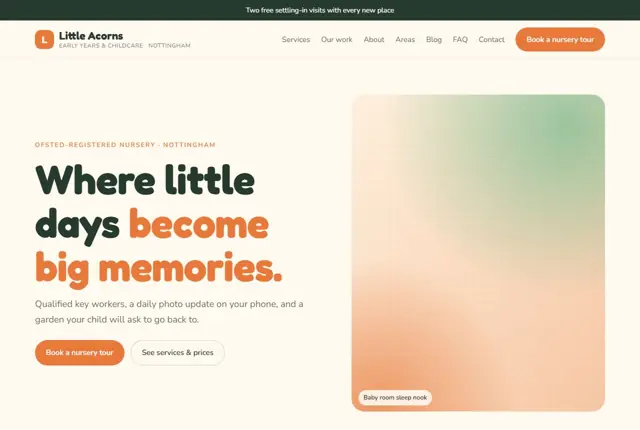
Choose your look
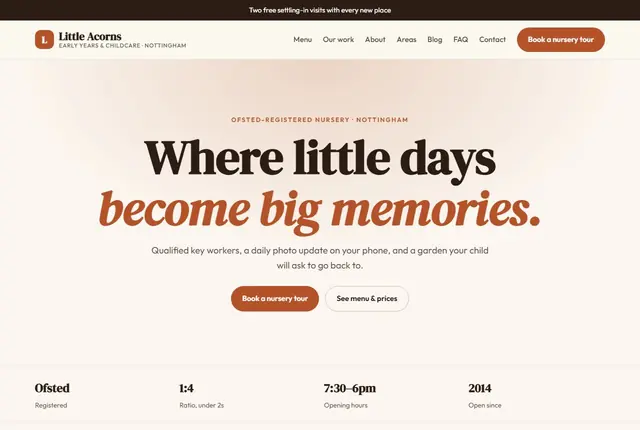
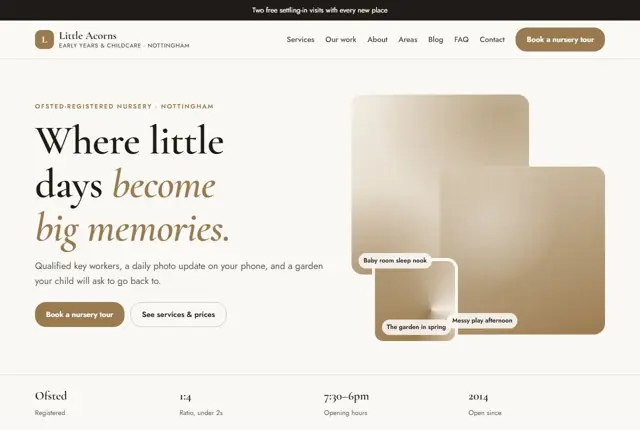
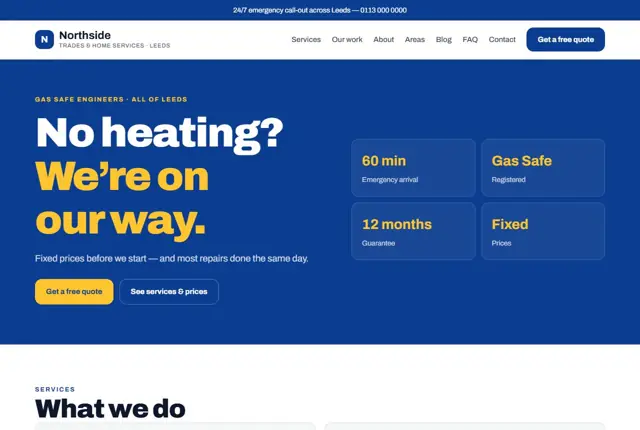
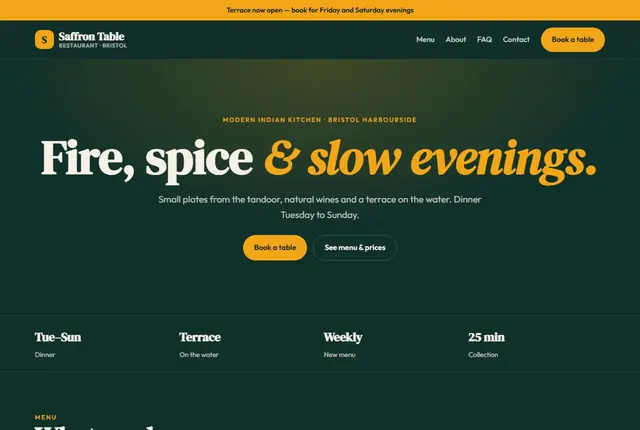
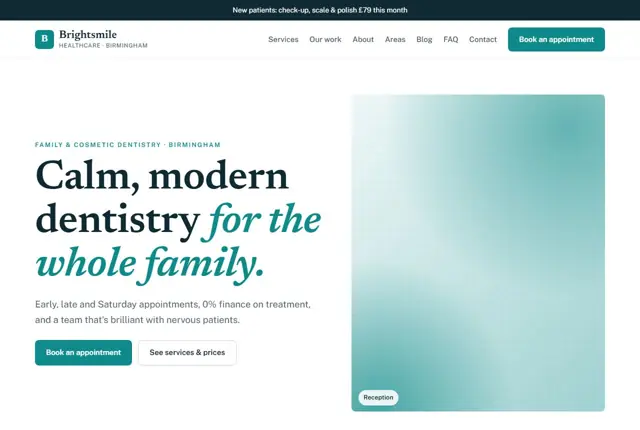
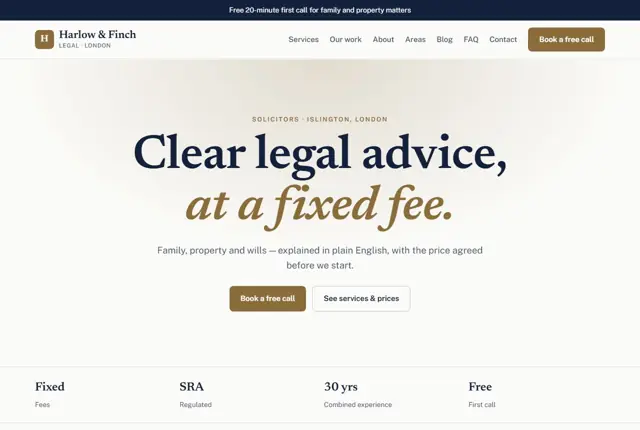
3 designs for your nursery
Same pages and words, three different styles. Pick one — or mix parts of them — and we match it to your colours and logo.
What your customers look for
Answer these before they ask
- Fees and opening hours for each room
- Ofsted registration and how recently you were inspected
- What a typical day actually looks like, room by room
- Whether there is space for their child’s age group
Pages we build for you
Your nursery website, page by page
- Home with your current offer
- Rooms & fees
- A day in each room
- Ofsted & safeguarding
- Meet the team
- Gallery
- Book a tour
FAQ, Contact and Privacy pages are free on every plan.
Free guide
How to plan a nursery website that parents trust enough to visit
The pages that answer a parent’s first questions
Parents arrive with a short list of worries. Give each one a home. A “Rooms and ages” page explains which children go where and the staff-to-child ratio you work to. A “Fees and funding” page lays out session prices, what is included and how government-funded hours are applied.
Then add “A day with us”, an “Our approach” page, a “Meet the team” page with first names and roles, a food and allergy page, and a “Visit us” page. Parents rarely read every page, so end each one with a gentle next step such as “Arrange a visit”.
Keep your language warm but precise. Say “we have a ratio of one adult to three children in the baby room” only if that is the ratio you actually run and it meets the rules where you operate. Accuracy builds more trust than adjectives.
Registration, inspection and safeguarding
Childcare is regulated, so state the facts carefully. In England, nurseries are registered with Ofsted and inspected against published judgements. In Scotland the Care Inspectorate does this, and in Wales Care Inspectorate Wales. In the US, childcare is licensed by each state, and in Dubai and Abu Dhabi nurseries are overseen by the education authorities there.
Show the registration status you hold, link to the official inspection report rather than paraphrasing it, and update the page when a new report is published. Add a safeguarding page naming your designated safeguarding lead and explaining how parents can raise a concern. Do not display any rating you do not currently hold.
Parents also read for tone. A friendly paragraph about how staff greet children each morning, written in the first person, tells them more about the place than a list of policies, so use both.
How parents search for childcare
Searches are local and specific: “nursery near me with places for babies”, “Montessori preschool in Sharjah”, “after-school club with pick-up from school”. Mention the age range, the area and any special feature, such as extended hours or a garden, in headings and opening sentences.
Parents also ask assistants practical questions like when drop-off starts or whether the nursery accepts funded places. Write short question-and-answer lines on the fees page. Keep the wording factual, and avoid saying you are the best or the safest, because you cannot prove it.
Funding rules for childcare change often and differ between countries and regions. Link to the official government guidance, state what your nursery accepts, and avoid repeating eligibility rules that may be out of date next term.
Photographs, privacy and the settling-in process
Photos sell a nursery, but children’s images need careful handling. Get written consent from parents before any child appears on the site, keep a record of it, and be ready to remove an image on request. Many nurseries choose photos of rooms, resources and activities that show hands and backs rather than faces.
Use a page or section to explain settling-in. Describe how many short visits happen first, what a key person does and how you keep parents updated. This reassures anxious parents more than a long list of activities.
Include practical details on the visit page, such as where to park, how long a tour lasts and whether parents may bring the child. People are more likely to book when the first step looks easy and unthreatening.
Getting found locally as a nursery
- Select “Day care center” or “Nursery school” as the primary Google Business Profile category, whichever best matches your service.
- Add exact opening hours, including holidays and any closure weeks.
- Upload photos of the garden, each room and the entrance, avoiding identifiable children unless consent is on file.
- Ask parents of children who have left to review the nursery, since they can speak about the full experience.
- Appear in your local council’s childcare directory, which many parents use to compare settings.
- Create a page for each nearby area or school you collect from.
- Keep the address and phone number the same on your site, social pages and regulator listing.
Mistakes to avoid
- Publishing fees only as a PDF that is out of date and cannot be read on a phone.
- Quoting an inspection grade from an old report after a newer one has been issued.
- Using close-up faces of children without recorded consent.
- Leaving out the age range, so parents cannot tell whether you take babies.
- Making the only contact option a phone line that nobody answers during sessions.
Built in for nurseries & preschools
Features that matter in your industry
A fee table laid out by room, not buried in a PDF
A safeguarding and Ofsted section parents can find in one click
A tour request that collects your child’s age and preferred start date
Found by Google — and recommended by AI
A parent asking an assistant “Ofsted-registered nursery near Nottingham with early drop-off” needs pages that state opening hours and registration plainly. Room pages here answer both, so an assistant can match the nursery to that search.
Every Adyft site also ships with fast loading, structured data for search engines and a clear page for each service.
Questions
About websites for nurseries & preschools
Can the site show our Ofsted rating?
Yes, we add a short section naming your registration status, without inventing or displaying any number we haven’t been given.
Can parents book a tour online?
Yes, a tour request form sends their details and preferred dates straight to your WhatsApp.
Can each room have its own page?
Yes, on Growth and above, baby, toddler and preschool rooms each get a full page with routines and fees.
How much does a nursery website cost?
The cost depends on the plan and the number of room pages you want. A single-room setting usually fits Starter: five pages for £999 up front and £49 monthly (or $1,499 + $69, AED 3,499 + AED 199). A nursery with a page per room and age group tends to choose Growth at £1,999 + £99.
Do you need our floor plans or policies?
Not at the start. We need your fee list, opening hours, age range, and a short description of each room. Policies such as complaints and safeguarding can be added as separate pages once you send them.
Can we show waiting-list information?
Yes. A short section can say whether places are open, which ages have space and how to join a list. Keep it updated, since parents will act on it.
Can we keep our current email address?
Yes. We can connect a new site to your existing domain without disturbing email accounts you already use.
How do parents contact us safely?
The enquiry form collects a parent’s name, the child’s age and a preferred day. It should not ask for medical or sensitive details. Those belong in your registration forms after a place is offered.
Who updates term dates and closures?
Message us the new dates and we publish them. You can include these changes in the monthly updates that come with the plan.
Your nursery website, live this week.
Pick this design, answer a few questions on WhatsApp, and we build the rest.