Websites / Templates / Opticians & eyecare practices
An optician website that gets the exam booked, not just browsed
People choosing an eye exam want to know the price, how soon they can be seen, and whether the frames are worth a visit. This template puts exam pricing, your frame range and a booking button above the fold, with a separate page for children’s exams.
From $1,499 + $69/month · live in under 7 days · we write every page for you
Choose your look
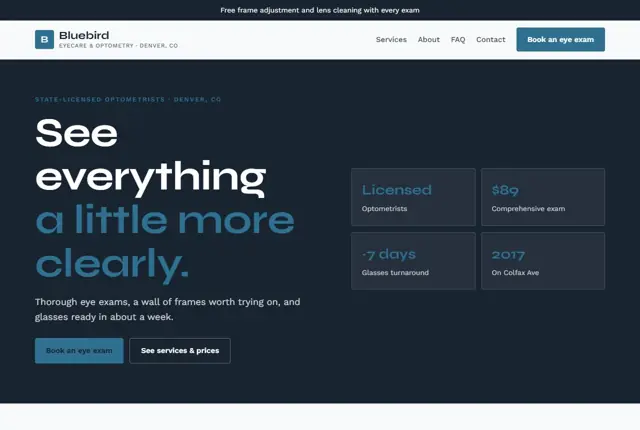
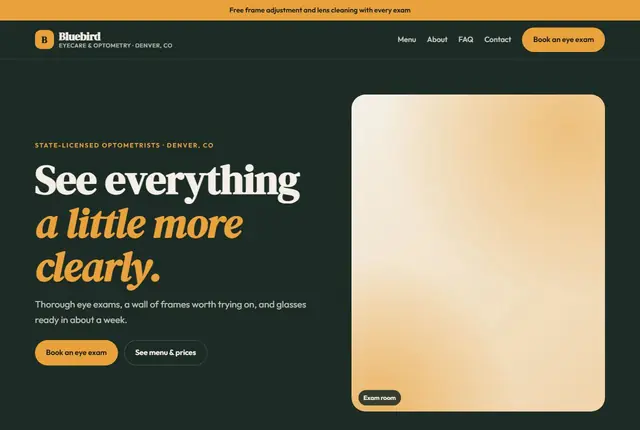
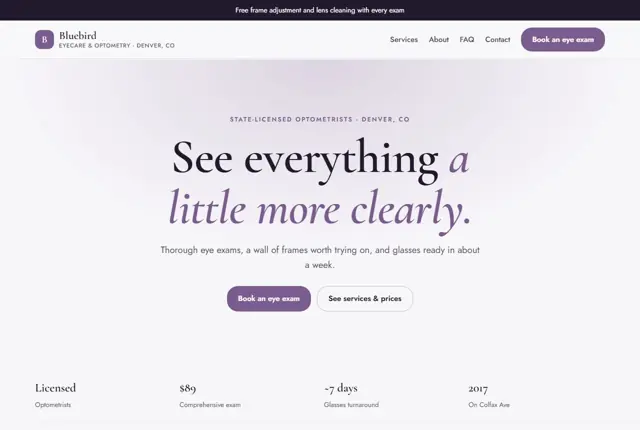
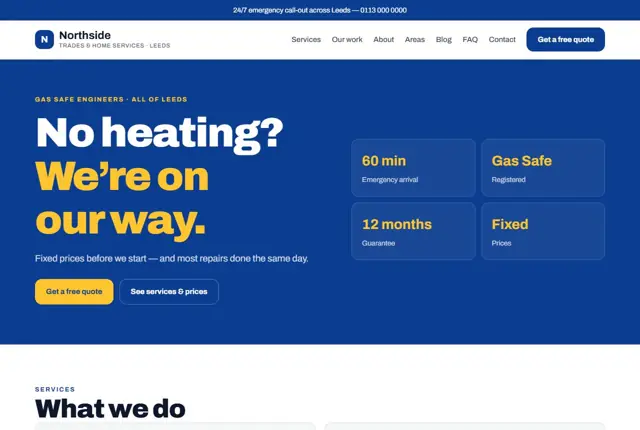
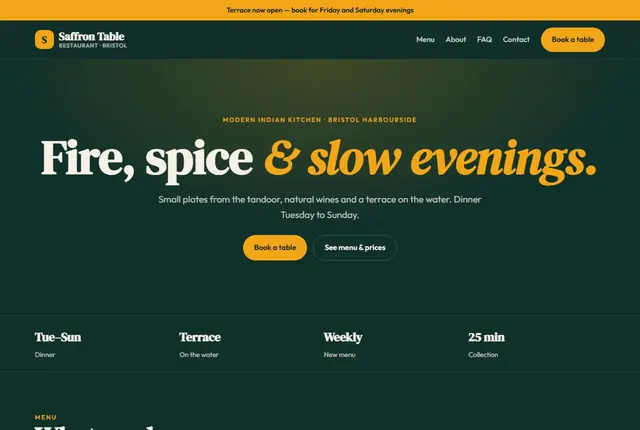
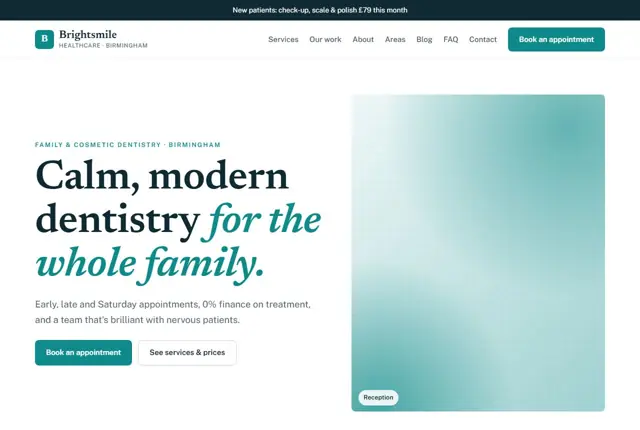
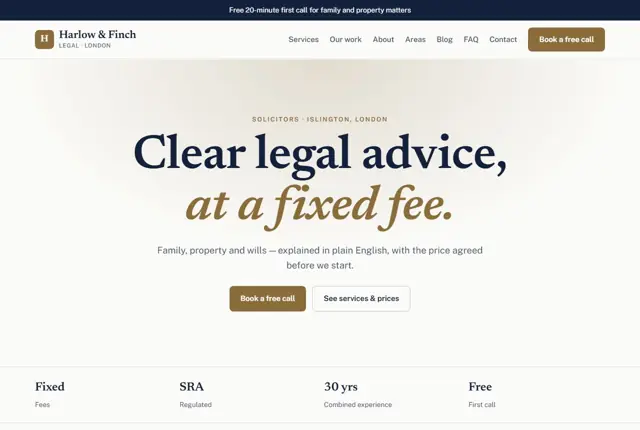
3 designs for your optician
Same pages and words, three different styles. Pick one — or mix parts of them — and we match it to your colours and logo.
What your customers look for
Answer these before they ask
- Exam price and what it includes
- How soon a first appointment is available
- A frame range worth driving for
- Whether children are seen, and from what age
Pages we build for you
Your optician website, page by page
- Home with your current offer
- Eye exams
- Contact lenses
- Frames & lenses
- Children’s eye care
- Book an exam
FAQ, Contact and Privacy pages are free on every plan.
Free guide
How to plan an optician website that fills the appointment book
Pages that match what patients want
Split services so each has its own page. An “Eye tests” page should say how long an appointment takes, what is checked, and what it costs. A “Contact lenses” page covers trials, aftercare and how repeat orders work. A “Glasses and frames” page covers brands, lens options and how long glazing takes.
Add “Children’s eye care”, “Meet the team”, “Visit the practice” and “Book online”. If you offer extras such as dry eye clinics or retinal imaging, give each a short page that explains what the appointment involves without promising results.
Write each service so that a first-time patient understands it. Say what the appointment feels like, how long it takes and whether drops might be used, without promising any particular outcome or diagnosis.
Qualifications, eligibility and prices
Eye care is regulated, so be accurate. In the UK, optometrists and dispensing opticians register with the General Optical Council, and you can state that your clinicians are registered. In the US, optometrists are licensed by their state, and ophthalmologists are medical doctors, so use each term correctly. In the UAE, practitioners are licensed by the local health authority.
Explain who qualifies for a funded test. In the UK, some people are eligible for an NHS-funded sight test depending on age, health and benefits, and the rules vary between nations, so link to the official page. In the US, state which vision insurance plans you accept. Always show private test prices.
Accessibility matters in eye care, because some visitors have poor vision. Use large readable text, strong contrast between text and background, descriptive image text and buttons that are easy to press on a phone.
How people look for an eye test
Typical searches are “eye test near me today”, “optician open Saturday in Reading”, “designer glasses Dubai Mall” and “child eye test Houston”. Build headings from the service plus the place, and mention opening days and walk-in policy close to the top.
People also ask assistants about warning signs, but your site should not diagnose. Instead, say which situations need a prompt appointment and point readers to emergency eye services for sudden changes. Keep that guidance short, and have a clinician check it before it goes live.
Home visits, if you provide them, deserve their own page. Explain who is eligible, how to arrange a visit and whether it is funded. Many searches for these come from relatives booking on behalf of someone else.
Showing frames online without losing the visit
A frame gallery works best as a taster. Photograph each range on a face or a clean background, group by style, and add a line on fit, such as narrow or wide. Avoid listing every frame, since stock changes and stale items disappoint visitors.
Use the gallery to invite a fitting. Add a button beside each range saying “Try these in store”, which opens an enquiry about that brand. This keeps the sale in the practice, where measurements and adjustments matter.
Make the booking step plain. Ask for exam type, a preferred day and a phone number, then confirm in writing. A patient who receives a clear confirmation is less likely to miss the appointment.
Add a short “What to bring” line to the booking page: current glasses, any contact lens details and a list of medicines taken. It saves time in the chair and shows patients you are well organised.
Getting found locally as an optician
- Choose “Optician” or “Optometrist” as the primary Google Business Profile category to match your practice.
- Add services such as eye exams, contact lens fitting and children’s eye tests on the profile.
- Upload photos of the shop front, the testing room and the frame wall.
- Request a review when a patient collects new glasses, as satisfaction is highest at that point.
- Register with your national or local eye care directories so patients can find clinics near them.
- Make a page for each town or area where you draw patients.
- Add booking and “Appointments” links to the profile so patients can reserve a slot directly.
- Mention parking, step-free entry and whether guide dogs are welcome on the visit page, as these details decide whether some people can come at all.
Mistakes to avoid
- Showing a test price without saying how long the appointment lasts or what is included.
- Using the title “ophthalmologist” or “doctor” for staff who do not hold it.
- Selling contact lenses online without explaining that a valid prescription is needed.
- Posting a blurry, single-photo frame wall that tells visitors nothing.
- Hiding insurance information in a footnote.
Built in for opticians & eyecare practices
Features that matter in your industry
An exam page that states price, length and what’s included
A frame gallery organised by style, not a single blurry photo
A booking form that asks for exam type before the phone call
Found by Google — and recommended by AI
Someone asking an assistant “optometrist in Denver that sees kids and takes walk-ins” wants a direct answer, not a phone call. Pages here state age ranges and appointment policy in plain sentences an assistant can quote.
Every Adyft site also ships with fast loading, structured data for search engines and a clear page for each service.
Questions
About websites for opticians & eyecare practices
Can patients book an eye exam online?
Yes, a booking form asks for exam type and preferred day and sends it straight to you.
Can we list the insurance plans we accept?
Yes, a short section lists the plans you take, so patients don’t need to call and ask.
Can the frame gallery be updated by us?
Send us new frame photos on WhatsApp and we’ll have them live on the site within a couple of days.
How much does an optician website cost?
The cost depends on the plan and page count. One practice normally fits Starter, which is £999 once plus £49 per month in the UK ($1,499 + $69 in the US). A group with a page for every branch and service is better on Growth: 25 pages for £1,999 + £99 ($3,499 + $129).
Can patients upload a prescription?
A form can accept a file, but we recommend collecting prescriptions in person or through your practice system, since they hold personal health information.
Can we have a page per branch?
Yes. Each branch has its own address, opening hours, phone number and team, so patients reach the right practice.
Do we need to show a registration number?
Many practices show their professional registration details to build trust. We can add whatever you are comfortable publishing and check your professional body’s advertising rules first.
Can we advertise offers such as second pairs?
Yes, with clear terms. State what is included, any end date and whether it applies with other offers. Rules on promotions differ by country, so keep the wording straightforward.
How do I send new frame photos?
Share them in a message, ideally one range per set. We resize them and add them to the gallery, normally within a few days.
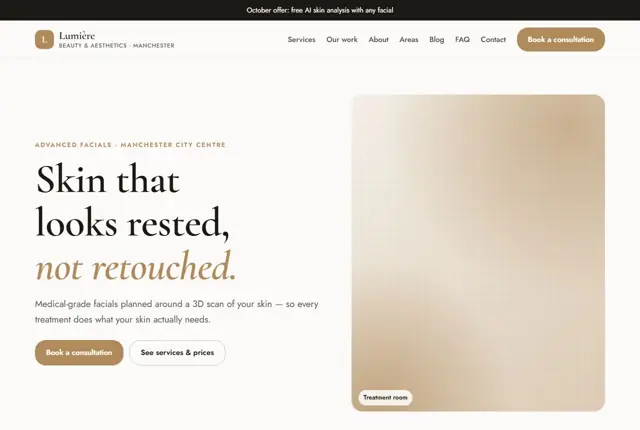
Your optician website, live this week.
Pick this design, answer a few questions on WhatsApp, and we build the rest.