Websites / Templates / Portrait & family photographers
A family photography website that feels as warm as your sessions
Families book a photographer whose pictures look like the kind of afternoon they want to remember. This template opens with real sessions — park walks, newborn mornings, kitchen-table chaos — then shows what a session includes and how to pick a date.
From $1,499 + $69/month · live in under 7 days · we write every page for you
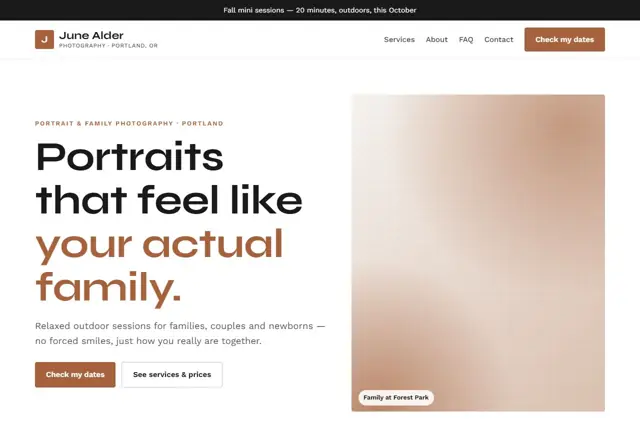
Choose your look
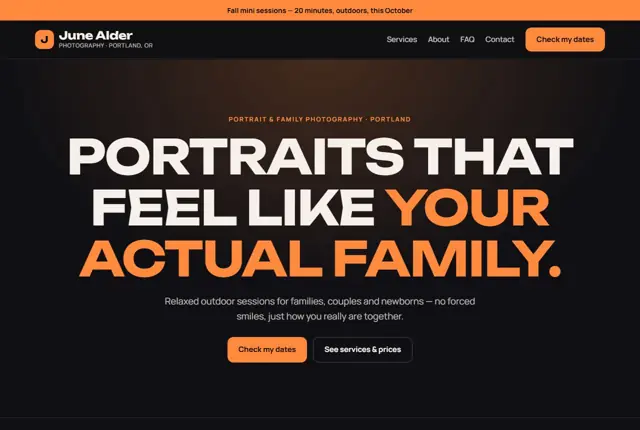
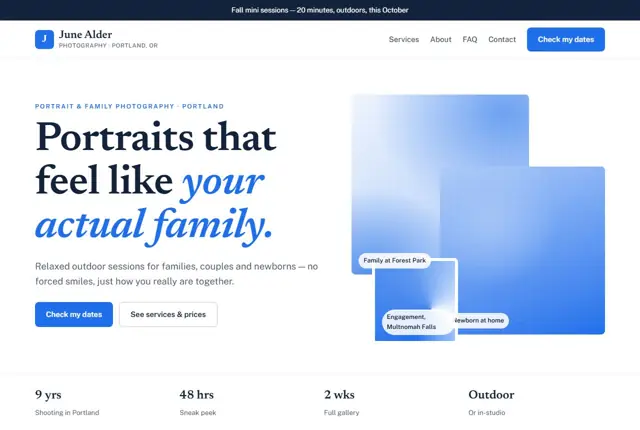
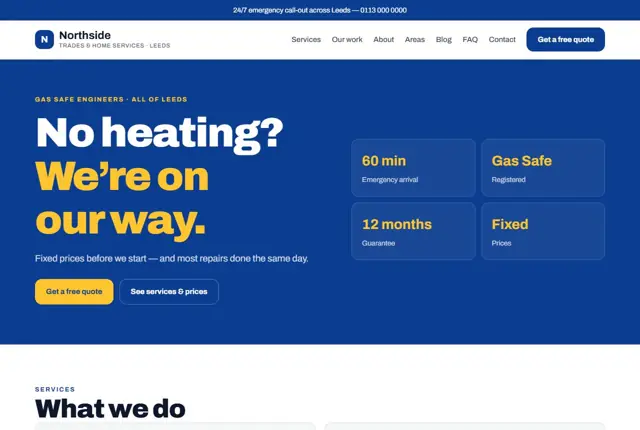
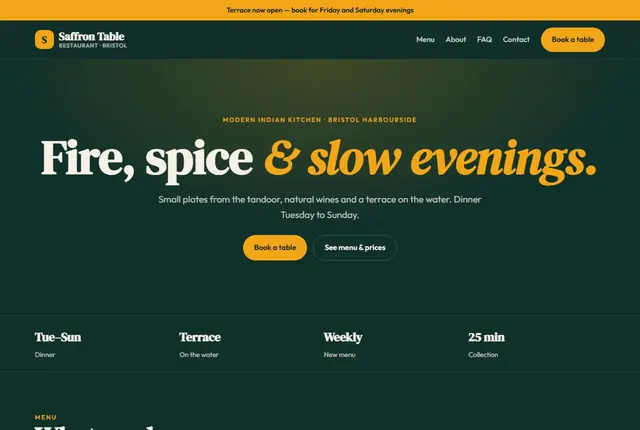
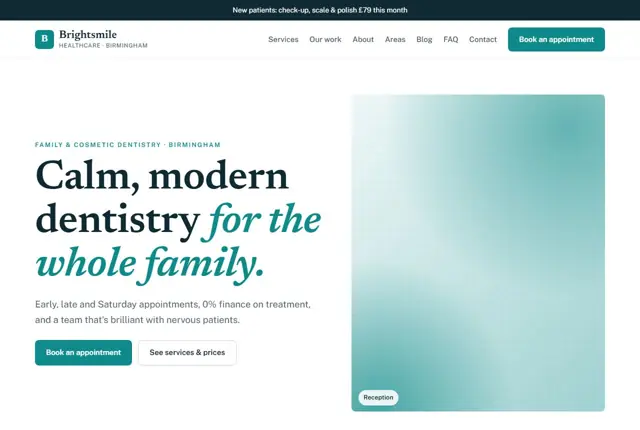
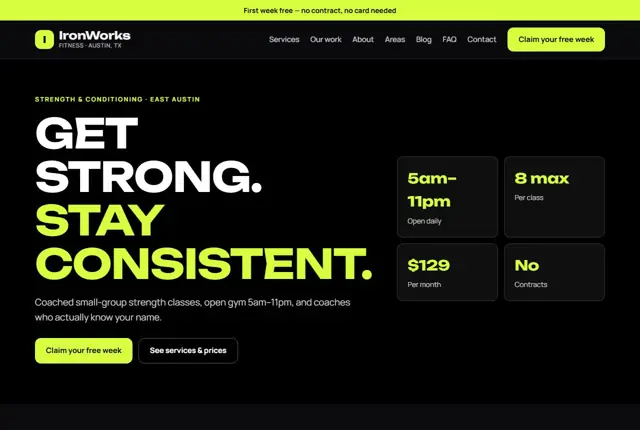
3 designs for your portrait photographer
Same pages and words, three different styles. Pick one — or mix parts of them — and we match it to your colours and logo.
What your customers look for
Answer these before they ask
- A style that feels like their family, not a studio backdrop
- Session length and what is included
- Whether you shoot outdoors, at home or in studio
- How soon they will see their photos
Pages we build for you
Your portrait photographer website, page by page
- Home with your best sessions
- Packages and pricing
- Galleries by session type
- About you
- Check availability
FAQ, Contact and Privacy pages are free on every plan.
Free guide
How to plan a portrait photography website that gets sessions booked
Pages a portrait and family photographer needs
Start with a home page that shows eight to twelve of your strongest frames, not forty. Under them, say in one line who you photograph and where. “Family and newborn sessions in and around Leeds” does more work than a poetic tagline.
Then add a page for each type of session: family, newborn, maternity, couples, headshots, whatever you really offer. Each page holds its own gallery, a short description of how the session runs, and its own price or starting price. A packages page, an about page with a real photo of you, and a contact page with a date request form finish the set.
- Home
- Session types, one page each
- Packages and prices
- About you
- Check availability
What clients want to know before they message you
Most parents are nervous about booking. They worry the children will not cooperate, that the pictures will look stiff, and that the price will grow after the shoot. Answer all three in plain words. Describe how you handle a toddler who refuses to sit still. Say how many edited images arrive and by what date.
Show the full cost. If a session fee and a print or gallery fee are separate, put both on the same page. Explain where you shoot: a park, their home, a studio, or all three. Mention what to wear in a short paragraph or a downloadable guide. Details like these tell a visitor that you have done this many times and it will be calm.
How people search for a photographer
Searches are usually a session type plus a place: “newborn photographer Bristol”, “family photoshoot near me”, “outdoor family portraits Austin”. Many also ask an assistant something more specific, like who shoots at home, or who offers mini sessions in autumn.
Match that language on the page. Put the session type and the town in the page heading and the first paragraph. Name the real locations you use, such as a particular woodland or beach. Write image descriptions that say what the picture shows, so search tools understand it. A page that says “autumn family session at a country park” beats one that says “IMG_2041”.
Showing your work without slowing the site down
Photographs are heavy files, and a slow gallery loses visitors who are browsing on a phone with a weak signal. Export images at the size they will be seen, not at full camera resolution. Load the first screen of pictures straight away and let the rest appear as the visitor scrolls.
Think about consent and privacy too. Always get written permission before putting a child’s photo online, and say so in your booking terms. Offer a private gallery for clients who prefer not to appear publicly. Presenting complete sessions, rather than isolated best shots, helps a visitor picture their own family in the story you tell.
Getting found locally as a portrait photographer
- Set your Google Business Profile category to Portrait photographer or Family photographer, and add Newborn or Wedding categories only if you really offer them.
- Choose whether to show your address. If you work from home, use a service area instead and hide the street.
- Upload new session photos to the profile each month, with permission from the families.
- Ask for a review a few days after the gallery is delivered, when clients are still delighted.
- Create a page for each town you travel to, with the actual places you shoot there.
- List your studio in the professional body or directory for photographers in your country, where one exists.
- Keep your business name, phone number and area identical on your website, social profiles and listings.
Mistakes to avoid
- Hiding prices behind “contact for a quote”. Families often move on to a photographer whose cost is visible.
- A homepage slideshow of fifty uncurated images that takes ages to load on a phone.
- Gallery filenames and descriptions left as camera numbers, so nothing tells search tools what the pictures show.
- Showing only weddings or only studio work when the real aim is to attract family sessions.
- No mention of how long the editing takes, which leaves new clients unsure when they will see their pictures.
Built in for portrait & family photographers
Features that matter in your industry
Date-request form that asks whether they want outdoors, home or studio
Galleries sorted by family, newborn and couples sessions
Fast-loading images sized for phones
Found by Google — and recommended by AI
Parents ask assistants “family photographer in Portland who shoots outdoors”, wanting to know the setting, session length and turnaround. This template answers all three on the packages page in short, specific lines.
Every Adyft site also ships with fast loading, structured data for search engines and a clear page for each service.
Questions
About websites for portrait & family photographers
Can families pick a session date online?
They choose a preferred date and setting on the form, and you confirm the slot that works.
How do new sessions get onto the site?
Share a few favourite frames with us after each shoot and they go into the right gallery as part of your monthly updates.
Will photos load quickly on phones?
Yes, every image is compressed and sized for the screen it is viewed on.
How many photos should the website show?
Fewer than most photographers expect. A curated set of your best sessions, grouped by type, persuades better than hundreds of frames. Each gallery should have enough pictures to tell the story of one session.
Do I need to put children’s photos online?
Only with permission. Ask in your booking form whether parents are happy for pictures to be shown, and keep a note of the answer. Anyone who says no can still receive a private gallery.
Can I sell prints or digital files from the site?
Many photographers prefer to keep ordering in a private client gallery, and link to it from the site. If you want a shop on the page itself, tell us when we begin and we will plan the layout around it.
What should I put on the About page?
A clear photo of you, how you work with nervous families, where you are based, and a few lines on why you photograph people. Keep it friendly and short. Parents want to feel they would enjoy an afternoon with you.
How should I describe my style?
Use plain words a parent would say themselves: relaxed, natural, playful, documentary. Then show it. A short description next to examples works better than a long statement about artistry.
Will my old photos from social media work on the site?
Often, yes, if the originals are available. Social platforms shrink pictures and strip detail, so send us the original files where you can. We resize them for each page.
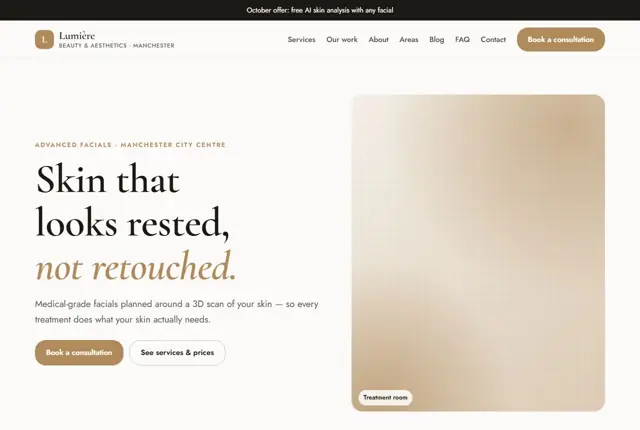

Your portrait photographer website, live this week.
Pick this design, answer a few questions on WhatsApp, and we build the rest.