Websites / Templates / Recruitment & staffing agencies
A recruitment website that gets the brief, not just the enquiry
Employers choosing a recruiter want to know you understand their sector and can move quickly. Candidates want to feel like more than a CV in a pile. This template speaks to both: a vacancy-brief form for employers, and a simple registration path for candidates, with your specialisms stated clearly.
From $1,499 + $69/month · live in under 7 days · we write every page for you
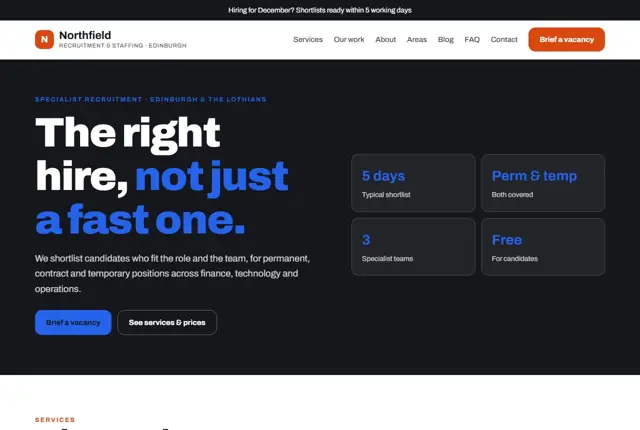
Choose your look
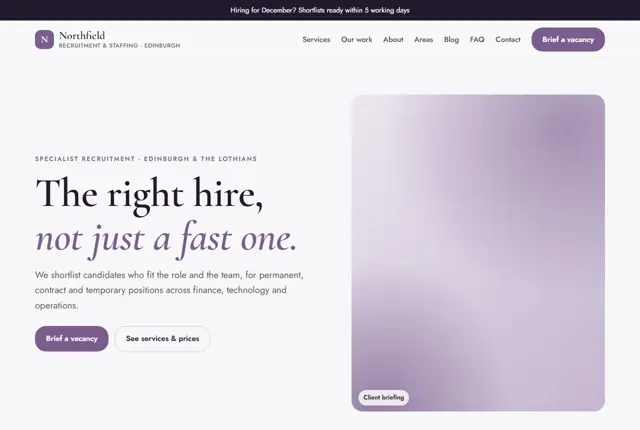
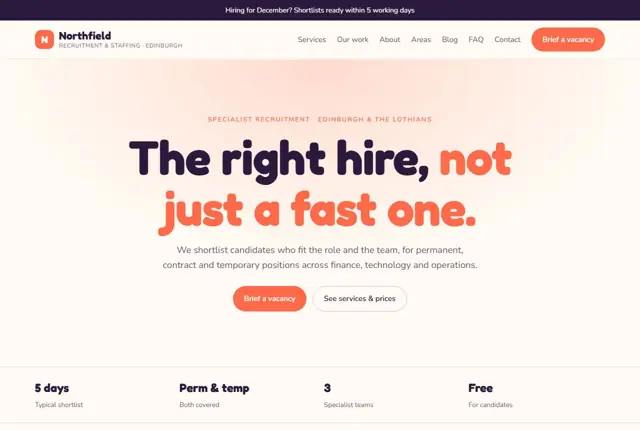
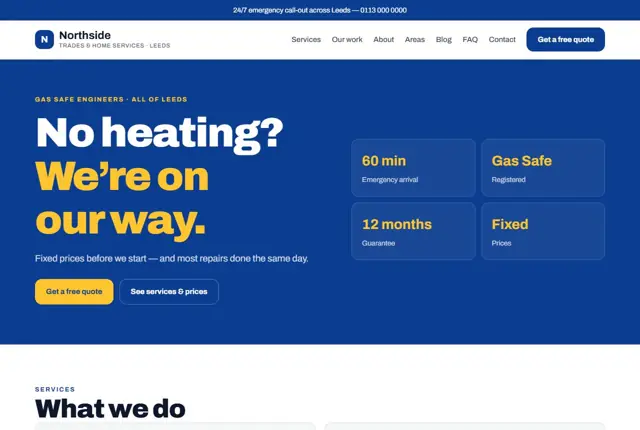
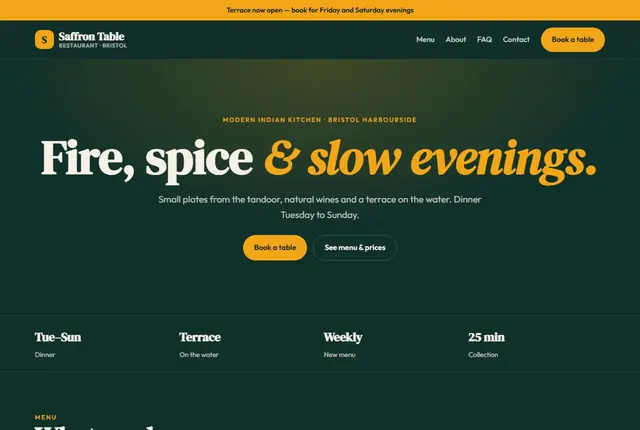
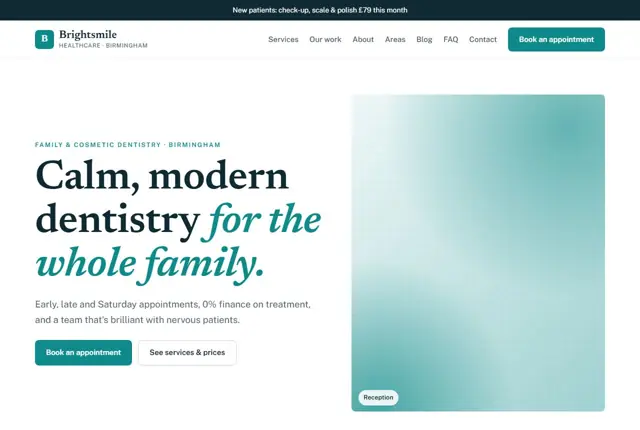
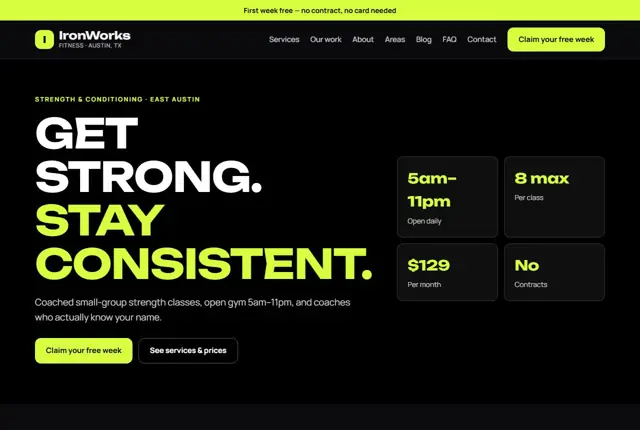
3 designs for your recruitment agency
Same pages and words, three different styles. Pick one — or mix parts of them — and we match it to your colours and logo.
What your customers look for
Answer these before they ask
- Which sectors and roles you specialise in
- How quickly you can deliver a shortlist
- How fees work for permanent and temporary roles
- Whether candidates get real support, not silence
Pages we build for you
Your recruitment agency website, page by page
- Home with a brief-a-vacancy form
- Services for employers
- Candidate registration
- Specialist sectors
- Meet the team
- Current vacancies (Growth plan)
- Contact
FAQ, Contact and Privacy pages are free on every plan.
Free guide
How to plan a recruitment agency website for both employers and candidates
Two audiences, two clear paths
A recruitment site serves people with opposite goals. Employers want to fill a role quickly with the right person. Candidates want a good job and a recruiter who responds. Split the home page into two clear doors, For employers and For candidates, and let each lead to its own section.
The employer side needs a Services page covering permanent, temporary and contract placements, a Sectors page for each specialism, and a Brief a vacancy form. The candidate side needs a Register page, a Jobs page, and a Careers advice page with practical help such as interview tips and salary guides for your sectors. A Meet the team page with each consultant’s sector, photo and direct contact keeps the process personal.
- For employers
- For candidates
- Sector pages
- Current vacancies
- Meet the team
- Contact
What each side checks before trusting you
Hiring managers look for three things: do you know my sector, how fast can you deliver a shortlist, and how do your fees work? Show real specialism by naming the job titles you place and the types of employer you serve. State the typical time to first shortlist only if you can honestly meet it. Explain fee structures in words, such as a percentage of salary for permanent hires, or a margin on hourly pay for temporary workers, without promising numbers you cannot hold.
Candidates want to know that you will call back, that their details are kept private, and that nothing will be shared without permission. In the UK, recruitment agencies work within the Employment Agencies Act and its conduct regulations, and may not charge work-seekers for finding them work. If you operate elsewhere, name the licence your labour authority issues, as some countries require one. Add a privacy notice that matches how you store CVs.
How hiring searches are phrased
Employers search for “accountancy recruitment agency in Edinburgh”, “temporary warehouse staff near me”, “IT contract recruiters in Manchester” or “how to hire a finance manager fast”. Candidates look for “marketing jobs in Leeds”, “part-time admin jobs Dubai” or “recruiters who place nurses”.
Give every specialism its own page with a plain opening: the sector, the roles, the places you work and how you help. Add a section on the market in that area, using your own consultants’ observations rather than invented numbers.
Job pages should carry the title, location, pay and a short description in readable text. Remove filled roles promptly. Dead vacancies frustrate candidates and teach search engines to trust you less.
Compliance and candidate care on the page
Recruitment involves personal data, right-to-work checks and equality rules. A short, human explanation of what you check, and why, reassures both sides. Mention that you verify identity and the right to work as the law requires where you operate, and that you handle data under the local privacy rules.
Be careful with job adverts and testimonials. Avoid wording that suggests a preferred age, gender or nationality, since discrimination rules apply to adverts in many countries. Never invent placed-candidate stories, and publish names and quotes only with written permission. A clear Candidate promise page can set expectations: how soon you reply, how feedback is given and how to ask for data to be deleted.
- Identity and right-to-work checks
- Privacy notice for CVs
- Fair, neutral advert wording
- Feedback after interview
Getting found locally as a recruitment agency
- Use Employment agency or Recruiter as your Google Business Profile category, matching your main service.
- Mark the office address and opening hours, and set a service area for the regions you recruit in.
- Add photos of your team, your office and meeting rooms where candidates are welcome.
- Ask both clients and placed candidates for reviews, with permission, once a placement has settled in.
- Build a page for each city or region where you place people, with local employer types and commuting notes.
- Join your national recruitment trade body if you qualify, and show membership only if it is current.
- Use the same company name, address and number across the site, job boards and directories.
Mistakes to avoid
- Listing every sector under the sun, which signals no real specialism.
- Letting filled vacancies stay live, which wastes candidates’ time and gets applications nobody reads.
- Hiding the fee basis, so employers assume the worst and go to the next agency.
- Using adverts that hint at age or gender preferences, which can breach discrimination law.
- Making candidates upload a CV and answer twenty questions before they can send a first message.
Built in for recruitment & staffing agencies
Features that matter in your industry
Separate paths for employers and candidates from the first click
Sector pages that show real specialism, not a generic list
Vacancy brief form that captures role, timeline and budget
Found by Google — and recommended by AI
A hiring manager asking an assistant “recruiter who can fill a finance role in Edinburgh fast” is looking for a named sector, a location and a timescale. Pages here state all three in plain sentences, so an assistant can match the request confidently.
Every Adyft site also ships with fast loading, structured data for search engines and a clear page for each service.
Questions
About websites for recruitment & staffing agencies
Can candidates apply without registering first?
Yes, a short registration form is enough to get started — full details come later.
Can we show live vacancies?
Yes, a vacancies page is included on Growth and above, updated as roles change.
Can each sector have its own page?
Yes — finance, tech and operations, or whichever sectors you specialise in, each get a page.
Can the site show live jobs?
Yes. A vacancies page can list roles with title, location, pay and an apply button. Jobs are updated by your team or as part of the monthly changes.
Can we link to a job board or applicant system we already use?
Yes, we can link or embed it where possible. The rest of the site is written so employers and candidates still reach you by form or WhatsApp.
How do we collect CVs safely?
Use a form with a clear privacy note and ask only for what you need at the start. Send files to a secure inbox or your own system rather than a shared email thread.
Should I publish my fees?
You do not have to give a number, but explaining how fees work builds trust. Many agencies show the structure and invite an enquiry for the exact rate.
Can one site cover permanent, temporary and contract hiring?
Yes, with a separate section for each. Temporary staffing and permanent search attract different buyers, so they work better as separate pages.
Can I add salary guides?
Yes, if they come from your own placements and you say how recent the data is. Avoid quoting other sources unless you can name them accurately.
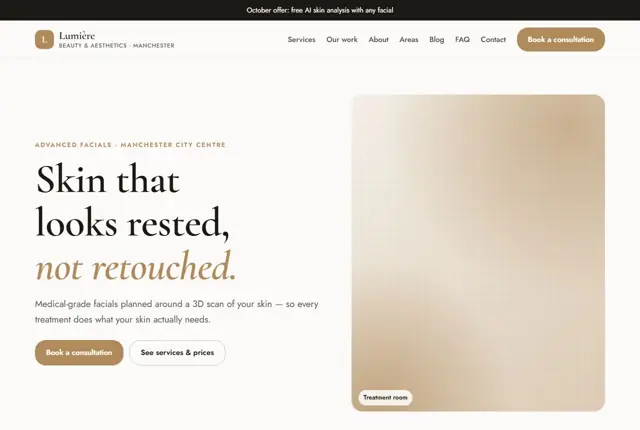

Your recruitment agency website, live this week.
Pick this design, answer a few questions on WhatsApp, and we build the rest.