Websites / Templates / Tutors & learning centers
A tutoring website parents trust with their child’s grades
Parents compare tutors on teaching quality, group size and price — and they want to see progress before committing. This template leads with a free assessment and explains exactly how parents are kept up to date.
From $1,499 + $69/month · live in under 7 days · we write every page for you
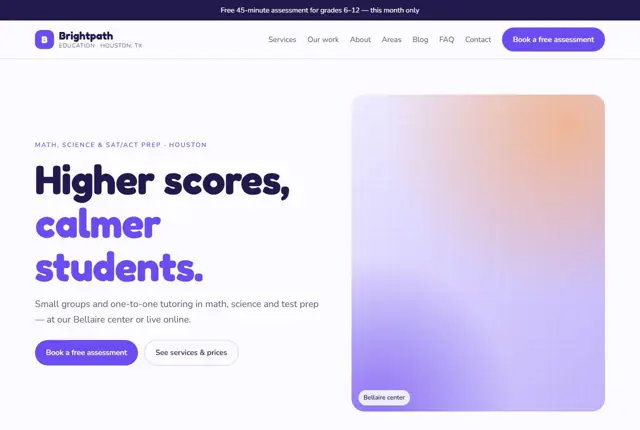
Choose your look
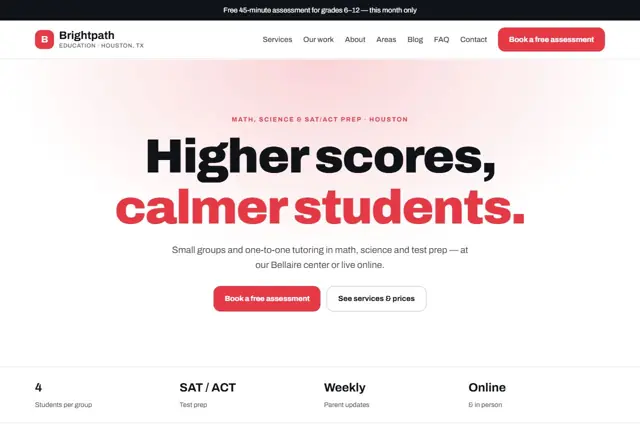
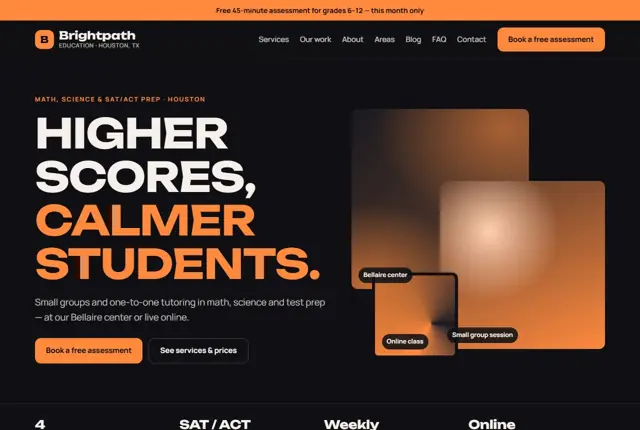
3 designs for your tutoring center
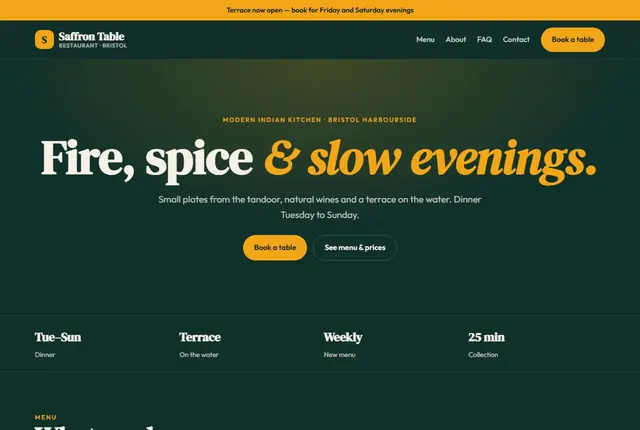
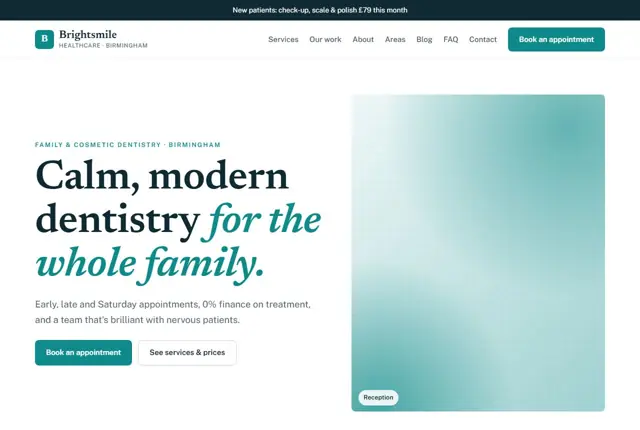
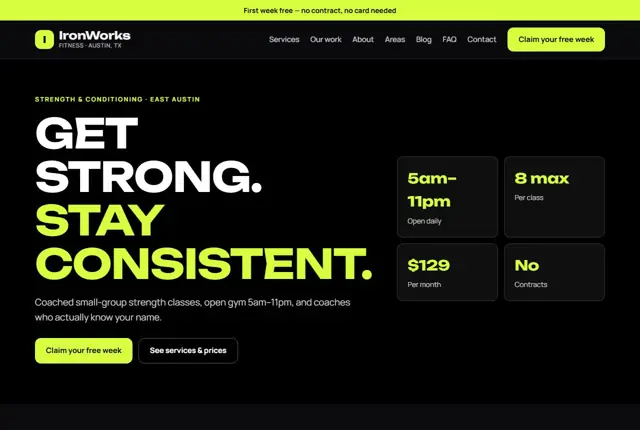
Same pages and words, three different styles. Pick one — or mix parts of them — and we match it to your colours and logo.
What your customers look for
Answer these before they ask
- Subjects, grades and test prep covered
- Group size and tutor experience
- Fees and session times
- How progress is reported to parents
Pages we build for you
Your tutoring center website, page by page
- Home with free assessment offer
- Subjects and courses
- Test prep
- Tutors
- Results
- Book an assessment
FAQ, Contact and Privacy pages are free on every plan.
Free guide
How to plan a tutoring website parents can trust
Pages a tutoring business needs
Separate your offers by subject and level, because a parent looking for GCSE maths help is not reading a page about adult language lessons. Give each course its own page with the age range, exam board or curriculum, session length, group size and price. Add a tutors page with qualifications and teaching experience.
A results or progress page should explain how learning is measured, even when you have no grades to share yet. Finish with a simple enquiry page where the parent states the child’s year group, subject and goal. Keep the first step small: a free call or trial lesson is easier to say yes to than a term’s fee.
Remember that two people read the site: the parent who pays and the student who attends. Teenagers often influence the choice, so write the course pages in a tone a sixteen-year-old would not find patronising, and show them what a lesson looks like with a short description of a typical hour.
- Subjects and levels
- Exam preparation
- Tutors
- How progress is tracked
- Fees
- Book a trial
What parents look for before they book
A parent is trusting you with a child’s confidence as well as their grades. They look for qualified teachers, experience with the exam in question and a safe environment. State whether tutors have enhanced background checks (a DBS check in England and Wales, or the equivalent in your country) and whether sessions are one-to-one or in a group.
Fees should be visible, including any registration cost or materials charge. Explain what happens when a child misses a session, and how parents receive updates. Even one clear paragraph about communication shows that you take the parent’s worry seriously.
Say how you match a tutor to a child. Personality and teaching style matter as much as grades, and parents are reassured to hear that you will swap tutors if the first one is not right. A change-of-tutor promise costs little and removes a big source of hesitation.
How families search for help
Searches mix a subject, a level and a place: “11 plus tutor Birmingham”, “SAT prep near me”, “IGCSE chemistry online tutor Dubai”. Titles and headings should use those words exactly, since they are what a worried parent types after a poor report card.
Parents also ask assistants broader questions, such as how many hours of tuition a child needs before an exam or whether online lessons work as well as face-to-face. Answer these honestly on the course pages. Say that it depends on the child’s starting point, then explain how you assess it.
Timing drives much of the traffic. Searches rise before mock exams, after school reports and when a new school year begins. Publish exam dates, deadline reminders and short revision guides ahead of those periods so your pages are ready when families look.
Making the trial lesson easy
The trial or assessment is where most families decide. Describe what happens in it: a short diagnostic task, a chat with the child, and written feedback for the parent within a day or two. Knowing the process reduces the fear of a sales pitch.
Tell people how to prepare and what to bring. For online sessions, name the platform and say whether the child needs a headset. If you offer exam-season intensive courses, publish dates well ahead of the term, because families plan weeks before the first lesson.
Confirm every booking by message and send a reminder the day before. Include the tutor’s name, the address or link and a phone number for last-minute changes. Small touches like these show that the centre is organised, which is exactly what parents hope to find.
Getting found locally as a tutor or learning centre
- Choose “Tutoring service” or “Educational consultant” as your primary Google Business Profile category, whichever describes you best.
- List each subject and exam as a service on your profile, using the same words as your course pages.
- Add photos of your classroom, resources and entrance with children’s faces left out unless parents have agreed.
- Ask parents for a review after a good progress meeting, and ask students’ families before quoting any result.
- Create separate pages for each suburb or school catchment you serve, mentioning nearby schools by name where relevant.
- List the centre in local parenting directories and school-community pages that accept listings.
- Keep your address, phone and opening hours identical everywhere, including term-time and holiday timetables.
Mistakes to avoid
- Listing every subject on one long page, so a parent searching for 11 plus help cannot tell whether you offer it.
- Hiding fees until after the enquiry, which makes families feel pushed.
- Claiming guaranteed grade improvements, which no honest tutor can promise.
- Using no tutor photos or qualifications, leaving parents unsure who will be in the room.
- Publishing term dates only on social media, where they are hard to find months later.
Built in for tutors & learning centers
Features that matter in your industry
Assessment sign-up straight to WhatsApp or text
Separate pages for each subject and exam
Parent-update process explained
Found by Google — and recommended by AI
Parents ask assistants for “small group SAT prep in Houston with practice tests”. Course pages here state the exam, group size, location and schedule, so assistants can match the request.
Every Adyft site also ships with fast loading, structured data for search engines and a clear page for each service.
Questions
About websites for tutors & learning centers
Can parents book an assessment online?
Yes, the assessment button collects details and sends them to you straight away.
Can we show student results?
Yes, with families’ permission we add a results section.
Can we list online and in-person sessions?
Yes, each course shows whether it runs online, in person, or both.
Should my tutors appear on the website?
Yes, with first name, subjects, qualifications and a short note on teaching style. Parents want to picture who will work with their child, and it makes your centre look established.
Can the site handle both online and in-person lessons?
Yes. Each course page can say where it runs, and you can add a separate page for online learning explaining the platform, equipment and how parents can observe.
How do I use children’s names or photos safely?
Only with a parent’s written consent, and preferably use first names and initials. A brief consent form for results or photos keeps you on the right side of data protection rules.
Can I post term dates and a waiting list?
Yes. A page for term timetables and a short waiting-list form works well. It lets you collect interest for popular slots before they open.
Do I need a privacy policy?
Yes, particularly because you collect information about children. We include a plain-language privacy page, and you should check the wording against the rules in your country.
How do I take payments for regular lessons?
Most tutors use a payment link or a standing order. The website can explain the options and link to your preferred system so parents know how and when to pay.

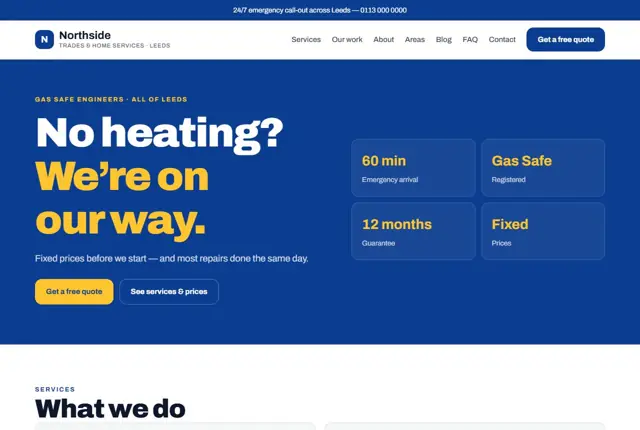

Your tutoring center website, live this week.
Pick this design, answer a few questions on WhatsApp, and we build the rest.