Websites / Templates / Yoga & wellness studios
A yoga studio website as calm as your classes
New students worry about being the least flexible person in the room. This template gently answers that worry, explains each class style, and makes the introductory offer the obvious first step.
From $1,499 + $69/month · live in under 7 days · we write every page for you
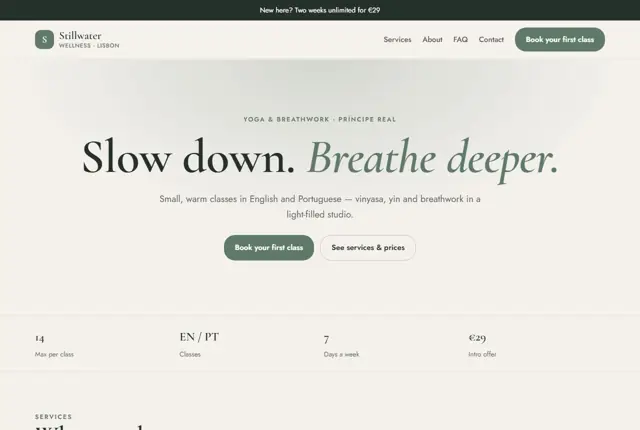
Choose your look
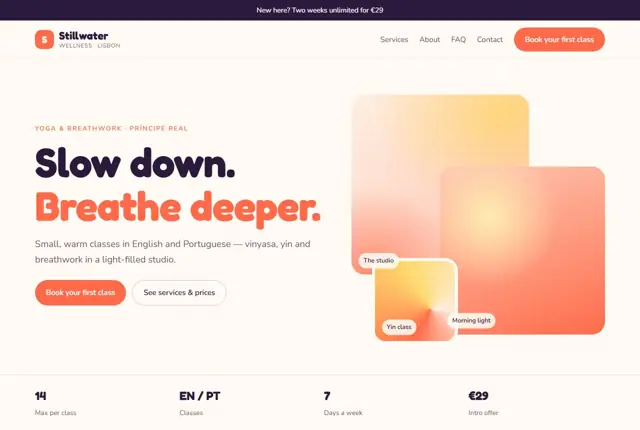
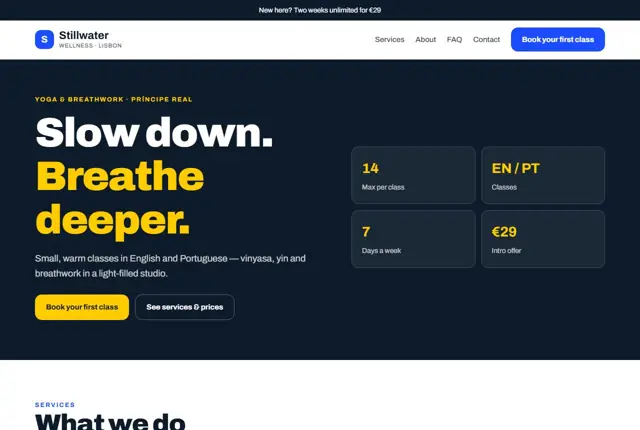
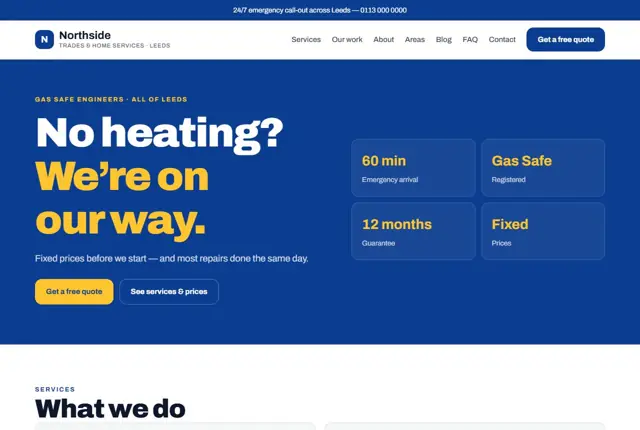
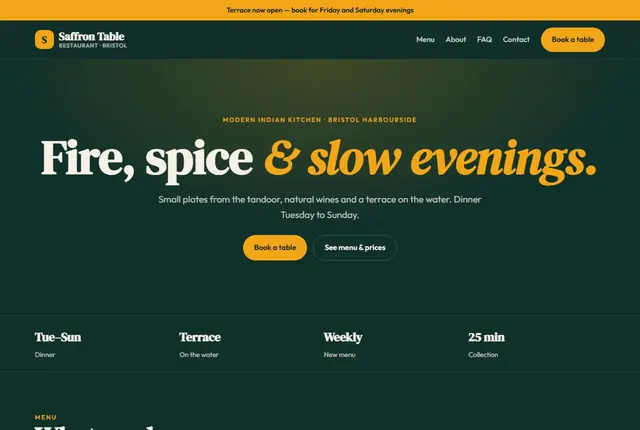
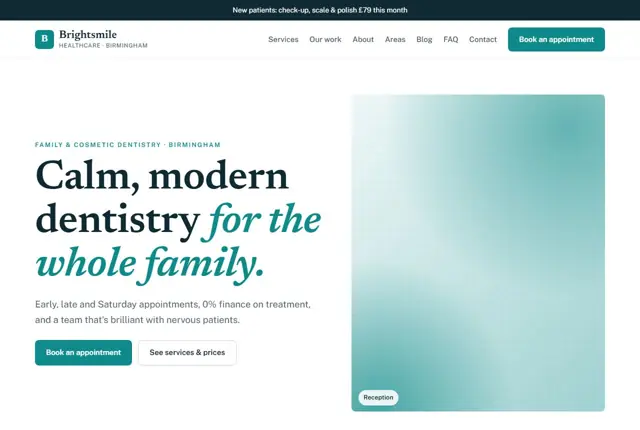
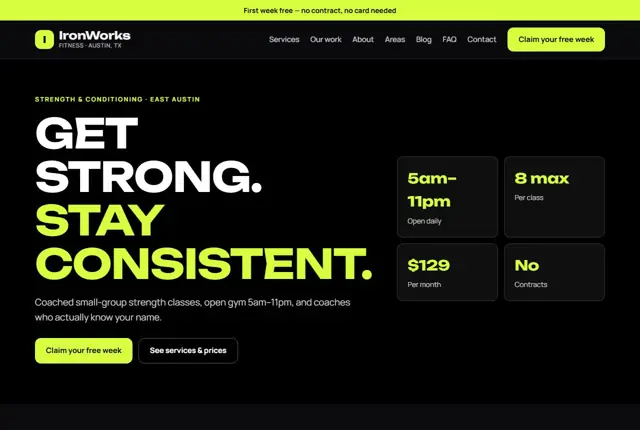
3 designs for your yoga studio
Same pages and words, three different styles. Pick one — or mix parts of them — and we match it to your colours and logo.
What your customers look for
Answer these before they ask
- Which class suits a beginner
- Intro offer and membership prices
- Class times and languages
- What to bring and what to expect
Pages we build for you
Your yoga studio website, page by page
- Home with intro offer
- Classes explained
- Prices and memberships
- Teachers
- Visit the studio
FAQ, Contact and Privacy pages are free on every plan.
Free guide
How to plan a yoga studio website that fills the mat
The pages every yoga studio needs
Keep the language warm and short. A visitor reading on a phone on the bus should be able to understand your offer in one screen. Avoid long philosophy on the home page and save it for your About page, where those who care can read more.
A yoga site has a simple job: turn a curious visitor into someone standing on a mat. Begin with a calm home page that says what kind of yoga you teach, where you are and what a first visit costs. Add a Classes page that explains each style in a few sentences, such as vinyasa, yin, restorative, hatha or prenatal.
Then give people a Timetable, a Pricing page, a Teachers page with a short bio and photo of each person, and a First visit page. That last one is the most important page for new students. It answers what to bring, where to park and how to arrive.
- Classes explained by style and level
- Weekly timetable
- Intro offer, drop-in, packs and memberships
- Teachers
- Your first visit
- Contact and studio location
What a nervous beginner checks
Many people worry they are not flexible enough, will be the only newcomer or will not know what to do. Speak to that fear directly. Label classes as beginner-friendly where they are, say that props such as blocks and straps are provided, and explain how long a class lasts and what happens at the end.
Be specific about practical points: mat hire, changing rooms, showers, lockers, child-friendly times, and whether a class is in English or another language. Be careful with health claims. Describe how a class feels rather than promising to cure back pain or anxiety. If you teach prenatal or therapeutic classes, state the teacher’s training and suggest students check with a doctor first.
How students search for yoga
Seasonal habits matter. January, September and the weeks after a holiday bring many new students, so refresh the home page with a beginner course or intro pass around those times, and say clearly when the next course starts.
Searches are mostly local and tied to a style or a moment: “beginner yoga classes near me”, “prenatal yoga Edinburgh”, “morning yoga Dubai Marina”, “yoga for back pain”. Assistants are asked which studio near someone has a gentle evening class.
Give each style its own short section or page and mention the neighbourhood naturally. Put the times in text, not only in an embedded picture, so they can be read by search engines and phones. Teacher names and qualifications, such as the training school and number of hours, also help answer searches from people who care about experience. Keep language simple and avoid Sanskrit terms without a plain explanation beside them.
Timetables, booking and memberships
Accessibility deserves a line of its own. Say whether the studio is on the ground floor, whether there is a lift, and whether you can adapt poses for injuries or limited mobility. A few honest sentences make a lot of people feel welcome.
The timetable is the busiest page on a studio site, so it must be accurate and easy to read. Show the day, time, style, teacher and level in one row, and link each row to your existing booking system. Mark cancelled or changed classes the same day.
Present prices in a simple order: the intro offer first, then a single class, then packs, then memberships. Explain freezing, cancellation and late-arrival rules in plain words. Mention workshops, retreats and teacher training on their own pages so they do not clutter the weekly view. If you rent the room to other teachers, add a short Hire the studio page.
Getting found locally as a yoga studio
- Choose Yoga studio as the main Google Business Profile category and add Pilates studio or Meditation center only if you offer them.
- Add photos of the room, the entrance, the changing area and a class in progress with permission.
- Ask students for a review after the end of an intro pass, once they have tried a few classes.
- Make sure the timetable on your profile and website match exactly.
- Create pages for the neighbourhoods your students come from, for example people who work nearby.
- List your studio on local wellness and community event listings.
- Use the same studio name, address and phone number on every directory and social account.
Mistakes to avoid
- Hiding the timetable in a screenshot that cannot be zoomed or searched.
- Using only advanced poses in photos, which frightens beginners away.
- Not saying what a first class costs or whether booking is needed.
- Making health claims that the studio cannot support.
- Letting old classes or retired teachers stay on the site for months.
Built in for yoga & wellness studios
Features that matter in your industry
Beginner guide to choosing a class
Intro offer shown on every page
Multi-language class labels
Found by Google — and recommended by AI
Searches like “beginner yoga class in English in Lisbon” are specific. Class pages here state level, language and length in plain text, which assistants can match precisely.
Every Adyft site also ships with fast loading, structured data for search engines and a clear page for each service.
Questions
About websites for yoga & wellness studios
Will our class booking system still work?
Yes, every “Book” button can point to the booking system you already use.
Can classes be marked by language?
Yes, each class description can show its language and level.
Can the site be in two languages?
The Scale plan adds a full second-language version.
Can my existing booking system stay in place?
Yes. Every Book button can link to the system you already use, so students keep their accounts and passes while the website handles the first impression.
How should I present several teachers?
Give each teacher a short bio, a clear photo, their training and the classes they lead. Students often choose a teacher before they choose a style.
Can I list workshops and events separately?
Yes. A separate Events page keeps one-off sessions, retreats and courses away from the weekly timetable and lets you add dates when they are confirmed.
What if we offer online classes too?
We can add a page for live or recorded sessions and link it to your streaming or booking tool. Make clear which classes are in the studio and which are online.
Do I need professional photos?
They help, but clean phone photos in good light work well. A real photo of your room matters more than a stock image of someone on a beach.
Can the site help me promote a launch offer?
Yes. A short banner on the home page can point to a new-student offer or a seasonal challenge, and we change it within your monthly updates.
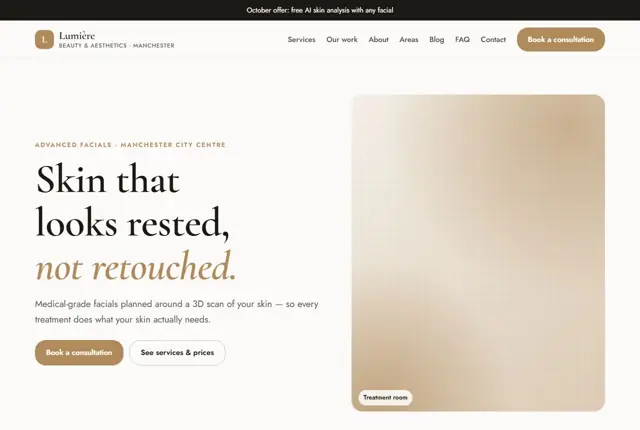

Your yoga studio website, live this week.
Pick this design, answer a few questions on WhatsApp, and we build the rest.