Websites / Templates / Construction companies & general contractors
A construction company website that wins the site walk-through
Someone planning an addition, a remodel or a fit-out is about to hand over a large budget, so they look for proof that you finish what you start. This template puts your licence, your written-scope process and a site walk-through button on the first screen, then backs them up with project pages and a named project manager.
From $349 + $24/month · live in under 7 days · we write every page for you
7 pages, not one — a real multi-page website, listed below.
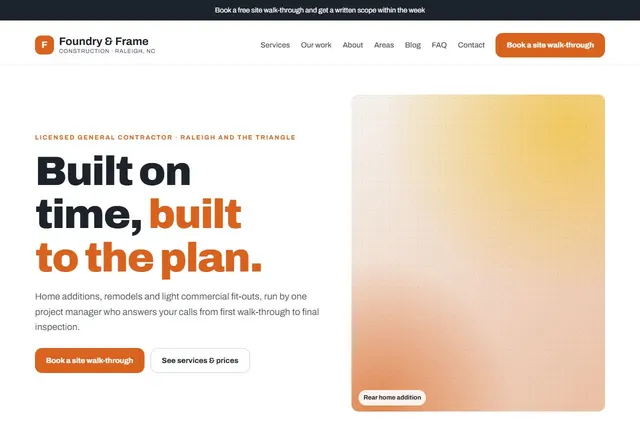
Choose your look
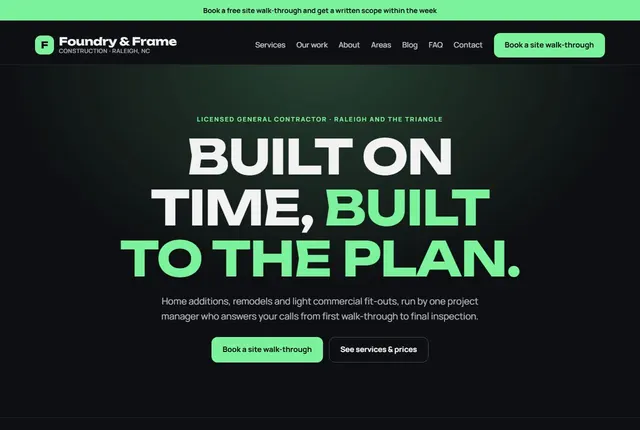
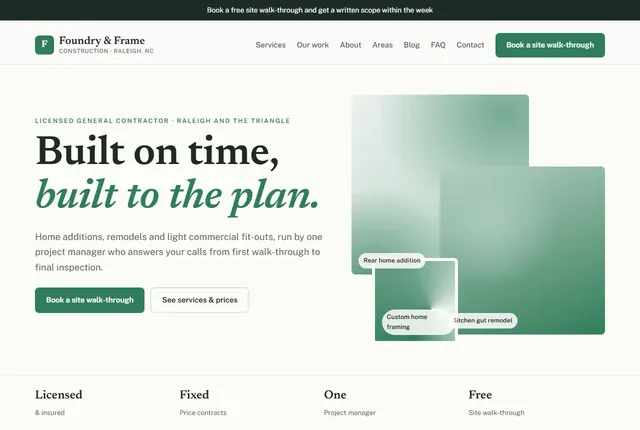
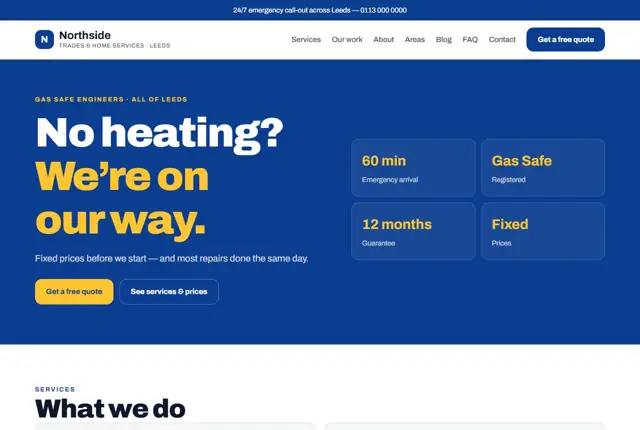
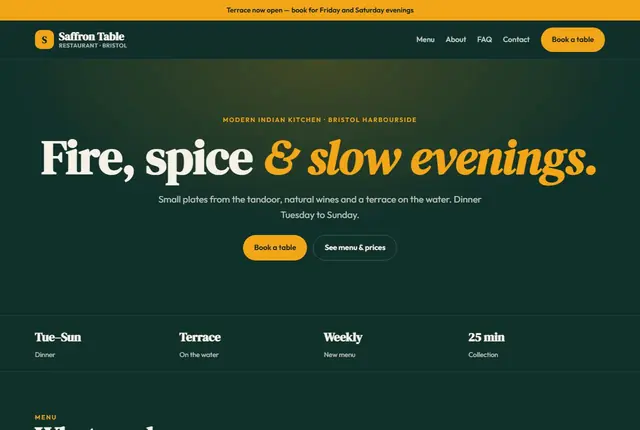
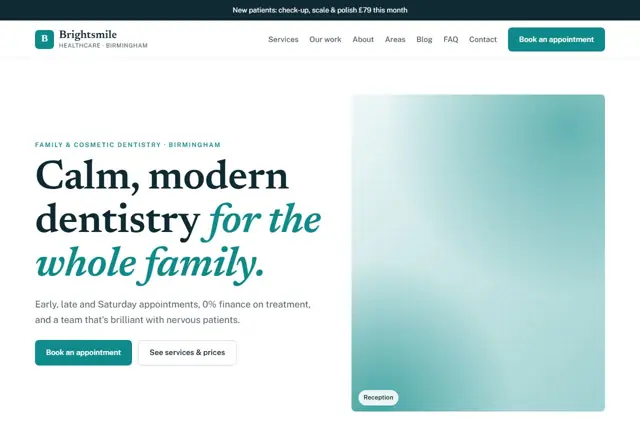
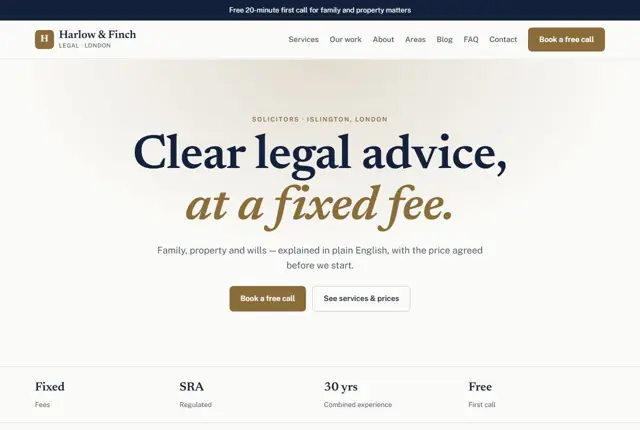
3 designs for your construction company
Same pages and words, three different styles. Pick one — or mix parts of them — and we match it to your colours and logo.
What your customers look for
Answer these before they ask
- Whether you are licensed and insured
- How you price a job: fixed price or open-ended
- Who they will deal with from day one to handover
- Examples of finished projects close to their own
Pages we build for you
Your construction company website, page by page
- Home with a walk-through booking button
- Services: additions, remodels, new builds, fit-outs
- One page per service (Growth plan)
- Project gallery
- Area pages for each town you build in
- Process, permits and FAQ
- Contact
Privacy, Terms, Thank-you, 404 and Blog list pages are free on every plan.
Free guide
How to plan a construction company website that brings in the right projects
Pages a construction company website should have
Construction clients are rarely in a hurry to click around. They are comparing a short list of builders and want to see quickly what you build, where you build it and how a job is run. A clear set of pages covers it: home, one page per kind of work you want more of, completed projects, the towns you work in, how a project runs from first visit to handover, and a page for booking a site walk-through.
Give each service its own page rather than one long list. A page about home additions can describe permits, structure and finishing; a page about commercial fit-outs can talk about programmes and opening dates. Name the type of client each page suits, so a visitor knows within seconds that they are in the right place.
What clients check before they trust a builder
Most owners have heard at least one story about a build that ran over budget or stalled. Answer that worry directly. State your licence class and number where your state requires one, your insurance, and who the client will deal with day to day. A named project manager and a weekly update are specific promises that a nervous client can hold you to.
Explain how you price. If you work to a written scope and a fixed price, say so, and explain how a change is agreed before the work happens. If some work is priced by stage or by measurement, describe how. Clients are far more comfortable with a straight explanation than with a page that avoids the subject of money.
Matching the way people search for builders
Searches usually combine the type of work with a place: “home addition contractor Cary”, “kitchen remodel Raleigh”, “commercial fit-out contractor near me”. People also put questions to assistants, such as how to check a contractor’s licence or what a written scope should contain.
Write each service page and each area page to answer one of these searches directly. Use the real town in headings, describe the housing or building types you commonly work on there, and show a finished project from the area when you have one. Avoid copying the same paragraph across towns with the name swapped.
Projects, permits and the paper trail
The most persuasive content on a builder’s site is a completed project written up properly: the brief, the constraints, the solution and the result. Describe what the client asked for, what made the site difficult, which trades were involved and how long the job took, in words, with a handful of good photographs.
Permits and inspections deserve a short page of their own. Explain who prepares the applications, who books each inspection and what the client needs to supply. Clients who understand the paper trail tend to feel calmer through the whole job, and the page answers the questions you would otherwise field by phone.
Getting found locally as a construction company
- Choose General contractor as the primary Google Business Profile category and add the specific services you offer, such as Home builder or Remodeler, if they match your work.
- Set a realistic service area by town, based on how far you will travel for a project crew.
- Add project photographs to your profile, with the town named and the owner’s permission.
- Ask for a review at handover, when the client has just seen the finished result.
- Build a page for each town you work in, naming the neighbourhoods and the building types you know.
- Join your local builders’ or contractors’ association and use its member directory listing.
- Keep your business name, address, phone number and licence wording identical everywhere it appears.
Mistakes to avoid
- Showing a gallery of photographs with no description of the work, the town or the budget range.
- Leaving out licence and insurance details, which cautious clients look for first.
- Listing every service on one page, so none of them can rank for its own search.
- Staying silent about pricing and process, which makes the first call feel like a gamble.
- Using stock photographs of other builders’ sites in place of your own finished projects.
Built in for construction companies & general contractors
Features that matter in your industry
A “how a project runs” section: scope, price, permits, weekly updates
Licence and insurance details placed beside the booking button
Project pages with the type of work, the town and what was done
Found by Google — and recommended by AI
A homeowner asking an assistant “who builds home additions in Cary, NC with a fixed price” wants a page that names the service, the town and how pricing works. Service and area pages here are written that way, so an assistant has specific facts to quote.
Every Adyft site also ships with fast loading, structured data for search engines and a clear page for each service.
Questions
About websites for construction companies & general contractors
Can the site show how a project runs?
Yes. We write a short process section covering the walk-through, written scope, permits, weekly updates and final inspection, using the steps you actually follow.
Can each service and town have its own page?
On Growth and above, yes. Each service and each area you cover gets its own page, matched to the way people search for it.
Can we show finished projects?
Yes. Send us photos of completed jobs and we add them to a gallery, each labelled with the type of work and the town, with the owner’s permission.
How many projects should I show on the site?
Six to ten finished projects across different kinds of work is plenty. Show each with the town, the type of work and a short description of what was done. A few well-explained jobs persuade more than a long wall of unlabelled photographs.
Should the site show prices?
If your work is priced by scope, explain how the price is built and what changes it, such as size, structure, materials and access. Say that you quote after a site visit. Clients respect this honesty and it filters out enquiries that do not suit you.
Can the website help us win commercial work?
Yes. A separate page for fit-outs and light commercial work, written for shop, office and clinic owners, speaks to a different buyer than a home-remodel page does. You can describe programmes, phasing and handover documents there.
Do we need a blog?
Not required, but short practical articles help. A piece on what a written scope should include, or how permits work in your town, answers real searches and shows how you think. We can add a few and you can add more over time.
What if our best work is under confidentiality?
Describe the type of project and the setting without naming the client, and show photographs only where the owner has agreed. Plenty of builders show work this way without losing credibility.
Can clients request a walk-through from their phone?
Yes. The booking button opens a short form that asks for the type of work, the address and a good time, and sends the details to you straight away. You can also add a WhatsApp or call button beside it.
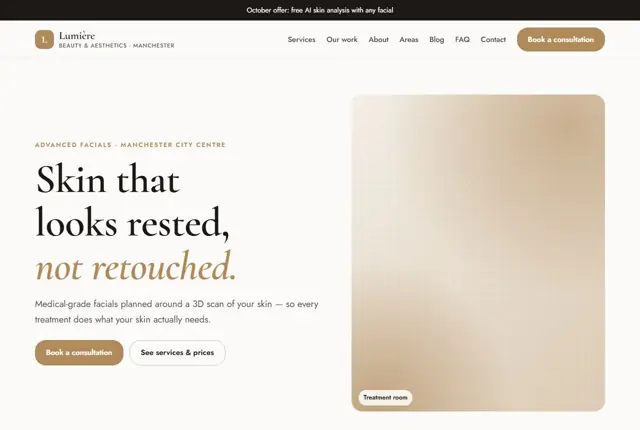
Your construction company website, live this week.
Pick this design, answer a few questions on WhatsApp, and we build the rest.