Websites / Templates / IT services & managed support
An IT support website that proves you’ll actually answer the phone
Business owners choosing an IT provider want proof that someone will pick up when a server goes down, not just a list of services. This template puts response times, support hours and plain-English pricing on the first screen, with separate pages for the services clients research longest, like cybersecurity and cloud migration.
From $1,499 + $69/month · live in under 7 days · we write every page for you
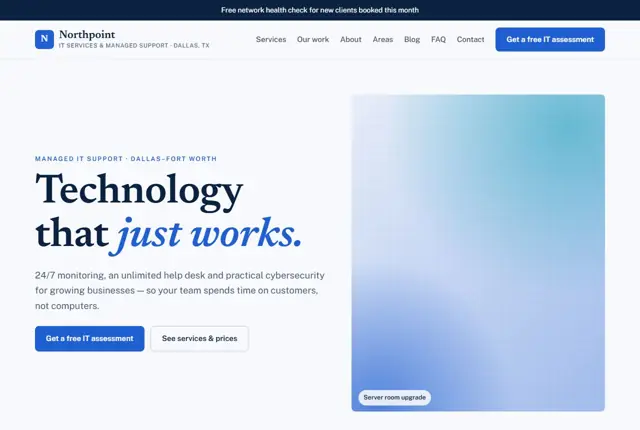
Choose your look
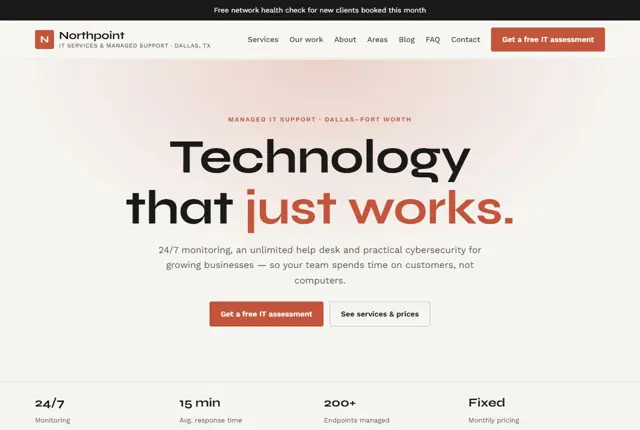
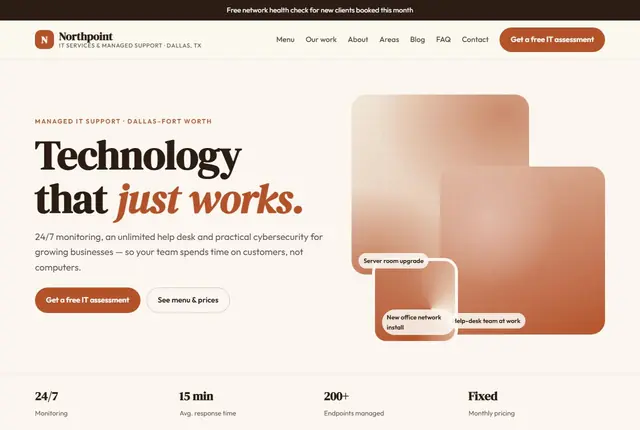
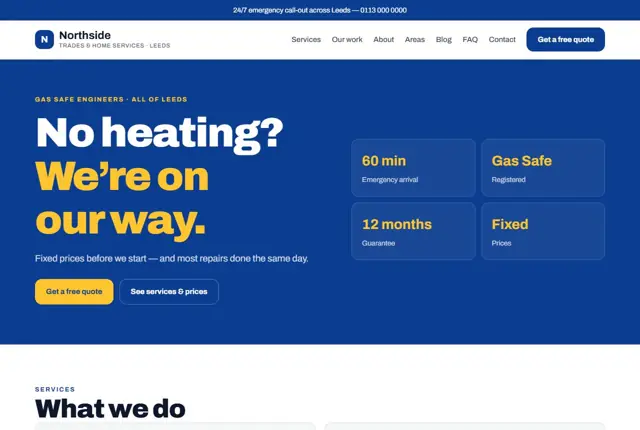
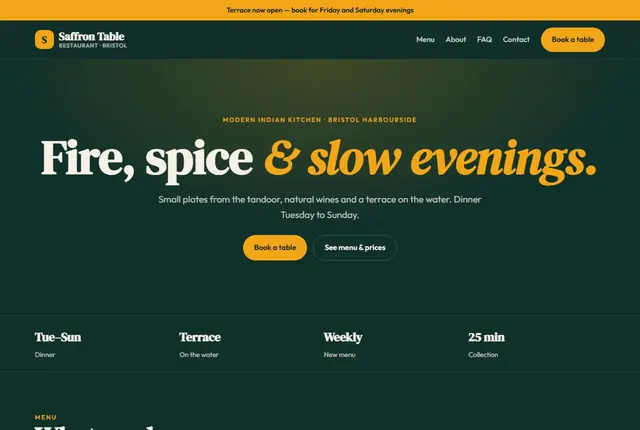
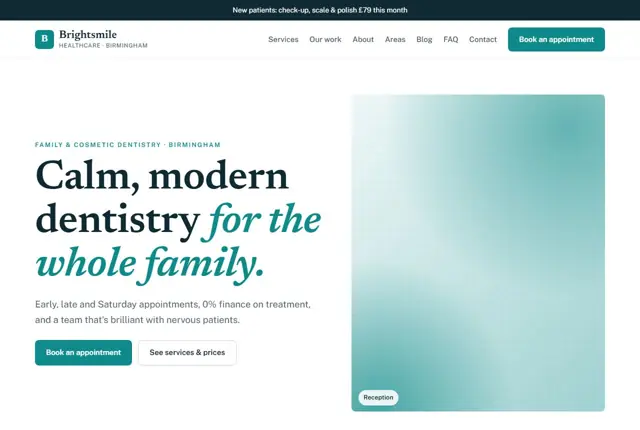
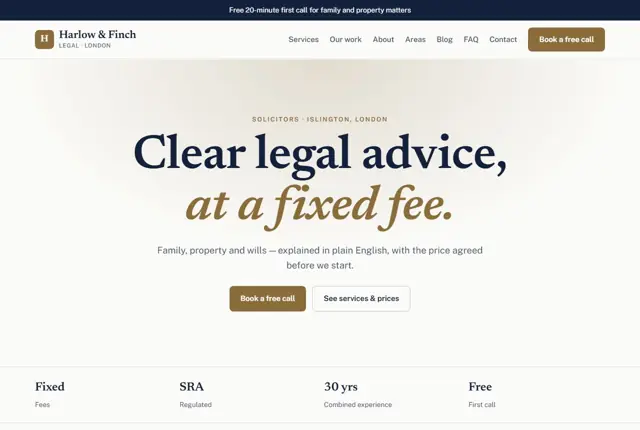
3 designs for your IT support company
Same pages and words, three different styles. Pick one — or mix parts of them — and we match it to your colours and logo.
What your customers look for
Answer these before they ask
- How fast you respond when something breaks
- Whether support is unlimited or charged by the hour
- What is actually included in a monthly plan
- Proof you can be trusted with sensitive data
Pages we build for you
Your IT support company website, page by page
- Home with a response-time promise
- Services and monthly plans
- Cybersecurity, cloud and backup pages (Growth plan)
- About the team
- Areas covered
- Case notes
- Get an IT assessment
FAQ, Contact and Privacy pages are free on every plan.
Free guide
How to plan an IT support website that wins managed service clients
Pages a managed IT provider should publish
A small business shopping for IT help does not read a long list of technologies. It wants to know if you can fix its problem and keep it fixed. Organise the site around outcomes. A Managed IT support page explains what is covered each month. Separate pages for Cybersecurity, Cloud and email, Backup and recovery, and New office setup let specialists find their topic.
Add a Pricing page, even if it only shows a starting price per user per month. An About page with the engineers’ names and photos humanises a faceless service. An Industries page for sectors like law firms, dental practices or accountants shows you understand their software and rules. The IT assessment page is the final step and asks for number of staff, devices and urgency.
- Managed support
- Cybersecurity
- Cloud and email
- Backup and recovery
- Pricing
- IT assessment
What an owner needs to hear before signing
Owners are anxious about downtime, data loss and being locked into a contract. Answer each in writing. State your support hours, how a user raises a problem, the target time to first response, and what happens out of hours. Only promise a response time you reliably meet.
Explain what a monthly plan covers and what is billed on top: new starter setup, projects, hardware, call-outs. Describe contract length and how to leave, including handing over passwords and documentation.
Security proof must be real. In the UK, Cyber Essentials is a government-backed certification run through the National Cyber Security Centre’s scheme; ISO 27001 and SOC 2 are international standards. Mention one only if your company holds it, and give the year it was awarded. If you do not, describe the concrete steps you take instead, such as multi-factor authentication and tested backups.
How IT buyers search
Searches are urgent and local: “IT support near me”, “managed IT services for small business in Dallas”, “our server is down”, “IT company for 20 staff in Dubai”. Others are research: “how much does managed IT cost per user” or “do we need cyber insurance”.
Give urgency its own treatment. A visible phone number and an emergency route on every page serve the person in crisis. For researchers, write plain-language answers about prices, contracts, onboarding and what the first thirty days look like.
Use the words customers use, not vendor jargon. “Email keeps going to spam” is a better heading than “Mail flow optimisation”. Put the town or region in headings only where you genuinely send engineers, and say which services you do remotely.
Making security and onboarding understandable
Insurers and clients now ask small companies about passwords, backups, updates and staff training. A Cybersecurity page that lists these topics in plain language helps an owner fill in a questionnaire, and it positions you as a guide rather than a salesperson.
Describe onboarding as a short timeline: a review of devices and accounts, a written findings summary, fixes in order of risk, then regular reporting. Say what the client needs to do and what you handle. Case notes written as a problem, an action and a result, without exaggerated claims or named clients unless permitted, show competence without trading on invented numbers.
- Multi-factor sign-in
- Tested backups
- Patching schedule
- Staff awareness training
- Leaver and joiner process
Getting found locally as an IT support company
- Use IT services or Computer support and services as your Google Business Profile category, matching how you present yourself.
- List the towns your engineers actually reach on-site, and say which services are remote only.
- Add photos of your team, your office and your branded van, so clients know who is coming.
- Ask satisfied clients for a review after a project is completed or a tricky incident is resolved.
- Create pages for the business parks or districts where many of your clients work.
- Register with business directories, chambers of commerce and any vendor partner directories you qualify for.
- Keep the company name, address and phone number the same on every platform.
Mistakes to avoid
- Using a page of acronyms and product logos that a practice manager cannot read.
- Claiming a certification or partner level the company does not hold.
- Saying “24/7 support” when the real arrangement is business hours with an on-call option.
- Hiding the phone number behind a ticket form during an emergency.
- Publishing no price at all, so owners assume you cost more than the others.
Built in for it services & managed support
Features that matter in your industry
Plan comparison table so clients see exactly what is included
A dedicated cybersecurity page for the questions insurers now ask
Assessment request form that captures device count and urgency
Found by Google — and recommended by AI
An owner asking an AI assistant “who can fix our office network today” wants a provider that states response time and coverage area plainly. Each page here answers both near the top, in sentences an assistant can quote directly.
Every Adyft site also ships with fast loading, structured data for search engines and a clear page for each service.
Questions
About websites for it services & managed support
Can you show our response-time guarantee?
Yes, it sits on the home page and on every service page, next to the relevant plan.
Can managed support, cybersecurity and cloud each get a separate page?
Growth and Pro plans give cybersecurity, cloud migration and backup their own full pages.
Can we list the areas we cover?
Yes, an areas page names every town your engineers reach on-site.
Should an IT company website show prices?
A starting price per user, with a note on what is included, filters out poor fits and saves sales calls. You can add “from” wording and a link to request an exact quote.
Can the site have a support portal login?
We can add a link to your existing ticket system or remote support tool. We do not build the ticketing software itself.
How do we describe our security without giving away too much?
Write about the practices and standards you follow, not the product names, configurations or client details that an attacker could use.
Can I list the industries I specialise in?
Yes. A page per sector, such as legal or healthcare, helps show experience and lets you mention sector software and compliance rules you know.
What if I only serve clients remotely?
Say so plainly. Many buyers prefer remote support, and a clear statement of what is done remotely and when you visit avoids confusion.
Can we add a news section for security alerts?
Yes, but only if you will keep it current. A short, accurate post about a real scam or update is helpful, while an abandoned news page looks careless.
Your IT support company website, live this week.
Pick this design, answer a few questions on WhatsApp, and we build the rest.